Users
The administrator is created during setup; you create reseller and customer accounts on the Users page. What an account can do is decided by the permission group it belongs to.
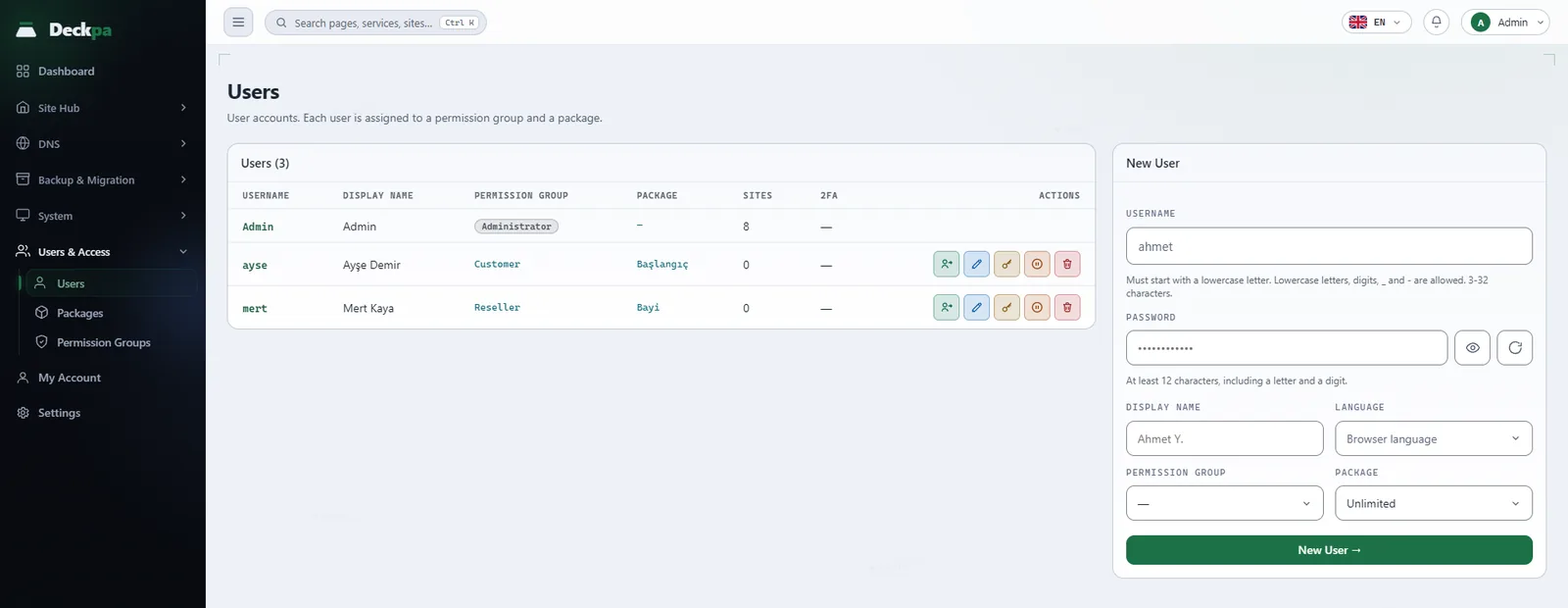
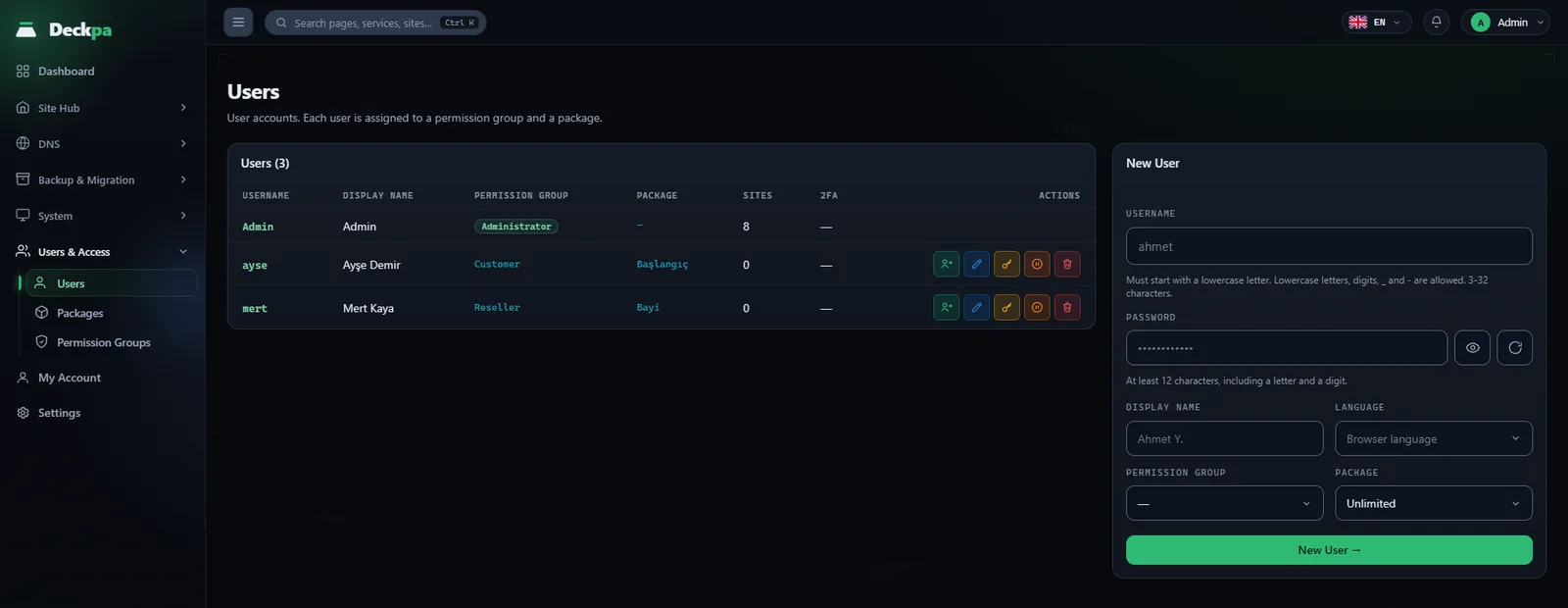
Administrator, reseller and customer
The panel has three kinds of account. What an account can do is decided by the permission group it belongs to, not by a role label.
- Administrator — the first account, created during setup. It does not belong to a permission group and can use every screen in the panel. The screens in the System menu (Services, Health Check, Processes, Virus Scan, Network & Access, Containers, Logs, Update, License) are open to the administrator only and cannot be granted to any group. A second administrator account cannot be created from the panel.
- Reseller — an account in the built-in Reseller group. It sees and manages the customers it created: adds, edits, resets passwords, suspends and deletes them. It can create, delete and suspend sites. It can only view packages and assign them to its customers; it cannot create packages or manage permission groups.
- Customer — an account in the built-in Customer group. It manages the files, databases, FTP accounts, backups and scheduled tasks of the sites assigned to it. It can add and delete subdomains, but it cannot create, delete or suspend sites. An administrator or reseller does that.
The Users page has no role column. In the Permission Group column, the administrator account shows an Administrator badge and every other account shows the name of its group.
Creating a user
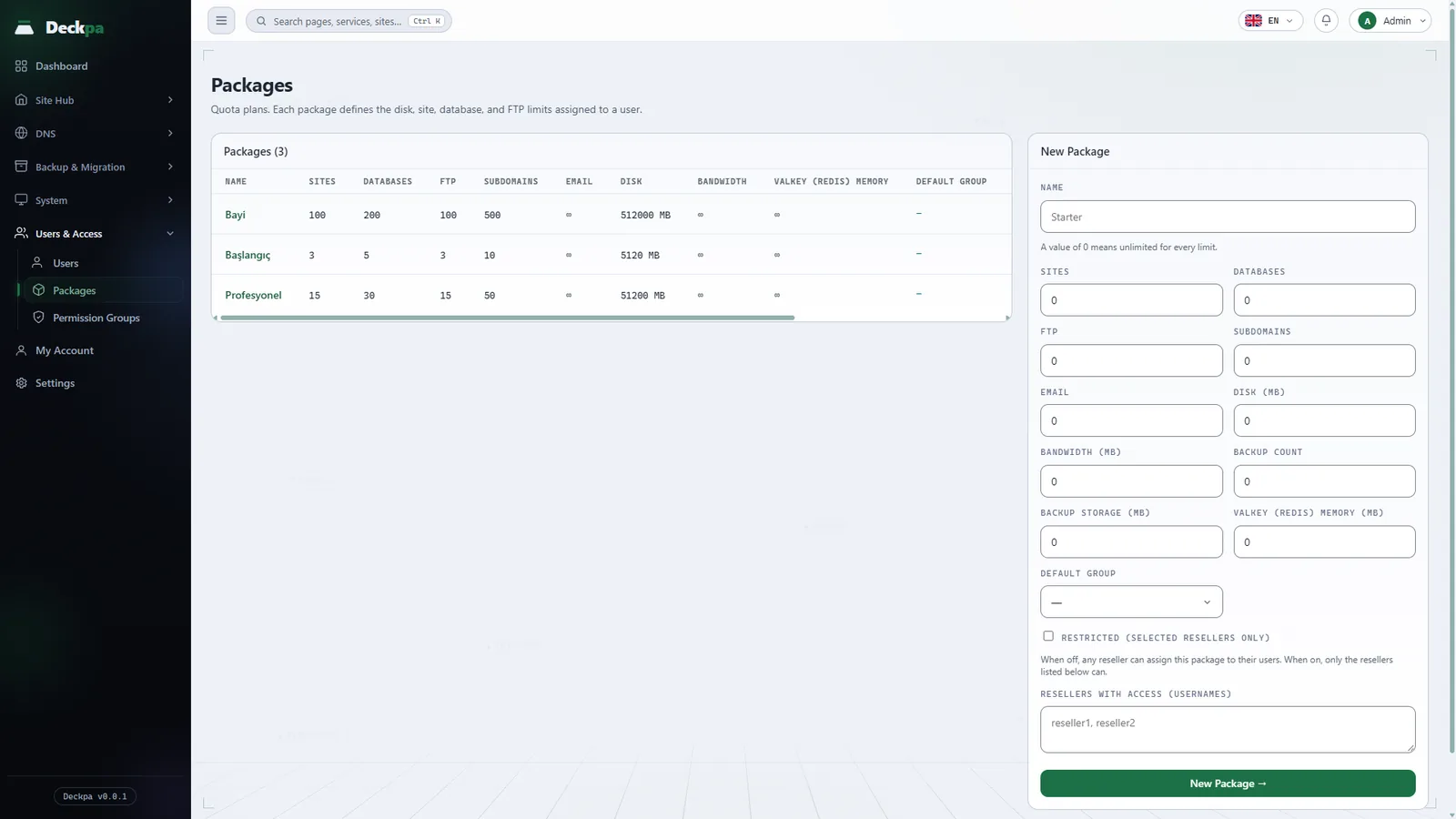
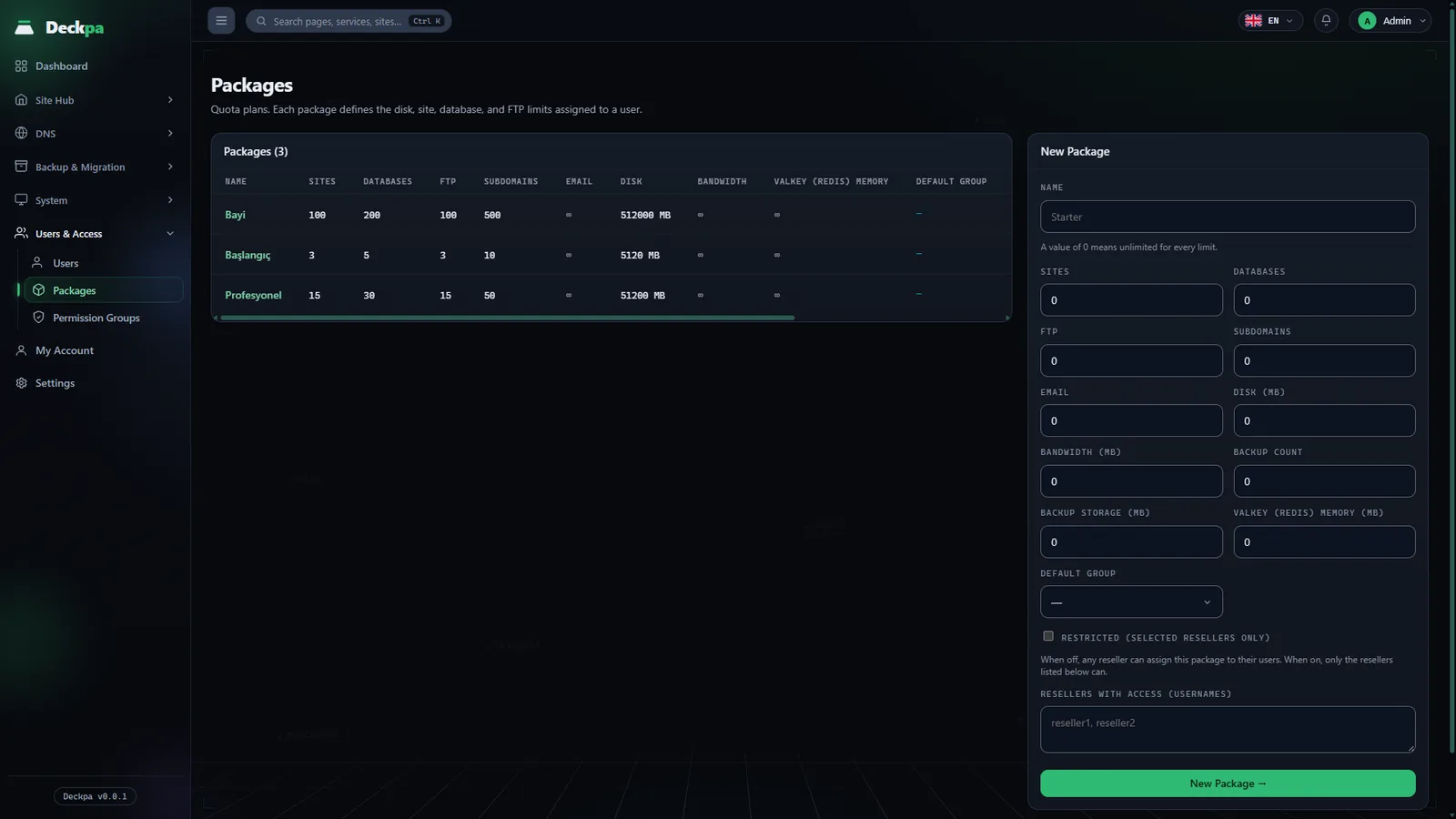
On Users & Access → Users, fill in the New User form:
- Username — must start with a lowercase letter; lowercase letters, digits,
_and-are allowed; 3 to 32 characters. The edit window has no username field. - Password — at least 12 characters, including a letter and a digit (details: My Account and account security).
- Display Name and Language — for language you can pick Browser language, Türkçe or English.
- Permission Group and Package — the group sets what the user may do and the package sets the quotas. If you leave the group empty and pick a package, the user is placed in the package's Default Group. This default applies only when the user is created; changing the package later does not change the user's group.
When a reseller creates a user, the account belongs to that reseller and only that reseller sees it. The reseller sees only the groups and packages it is allowed to assign: groups that grant more than the reseller's own permissions, and groups that grant Users or Permission Groups, do not appear in the list. This means a reseller cannot create another reseller at its own level.
Editing, suspending and deleting
Each user row has these actions (which ones you see depends on your permissions):
- Edit — changes the display name, language, permission group and package. When you change the package, the new package's disk quota is applied to the user's sites. This runs in the background, and the change is saved even if applying the quota fails.
- Password — sets a new password. All of the user's open sessions are closed.
- Suspend and Unsuspend — a suspended user can still sign in, but the panel is read-only, and any attempt to change something shows "Your account is suspended — the panel is read-only." All of the user's sites and subdomains are suspended too (visitors get a 503 response, and scheduled tasks and FTP stop). A site you suspended by hand earlier does not reopen on its own when the user's suspension is lifted. The administrator account cannot be suspended.
- Delete — a user who owns sites cannot be deleted; delete the sites or transfer them first. A reseller who still has customers cannot be deleted either. You cannot delete your own account or the last administrator.
- Move customers (administrator only) — assigns all of a reseller's customers to the target you choose. The target can be Administrator (directly) or another reseller who is not suspended and can manage users. The customers' sites, packages and data do not change. Do this before you delete a reseller.
Signing in as a customer
To see a user's panel the way they see it while giving support, use the Open their panel icon on the user's row. An administrator can open the panel of anyone who is not an administrator; a reseller can open only its own customers' panels.
- The session lasts 20 minutes. During that time a bar at the top of every page shows "You are viewing the panel as … Your actions are recorded under …", a Time left counter and a Return to my account button.
- Every action is written to the audit record under the name of the person who signed in, not the customer's name.
- While signed in as a customer you cannot switch to another user; return to your own account first.
- If the user is suspended, you can open their panel but cannot make changes.
The administrator manages three switches on the Settings → Sign in as a customer card: For administrators, For resellers and Ask for password. If the settings were never saved, administrator and reseller access are on and no password is asked. When Ask for password is on, the person signing in types their own password. Turning a switch off also ends the open sessions for that group.
The customer sees who opened their account, and when, in the Support sessions section of their own My Account page, and can close an open session immediately.
Common situations
- "Invalid username" — the username does not start with a lowercase letter, contains an uppercase letter or a space, or is outside 3-32 characters.
- A reseller does not see a group or package in the list — a reseller sees only groups that do not exceed its own permissions. If a package is Restricted, only the resellers on its access list can assign it (see Permission groups and packages).
- "You have reached your plan's site limit" — the limit comes from the package. Enlarge the user's package or create the site under another user's account.
- The Users menu is missing — the menu is shown only to accounts that have the View permission for Users.
- A customer lost their two-factor code — the panel has no button that resets another user's two-factor authentication; the administrator does it on the server (see My Account and account security). The 2FA column in the user list shows which accounts have it turned on.