Manage your server from one panel.
Deckpa installs on your own server. Your sites, databases, and backups stay with you, and you manage all of it from one interface.
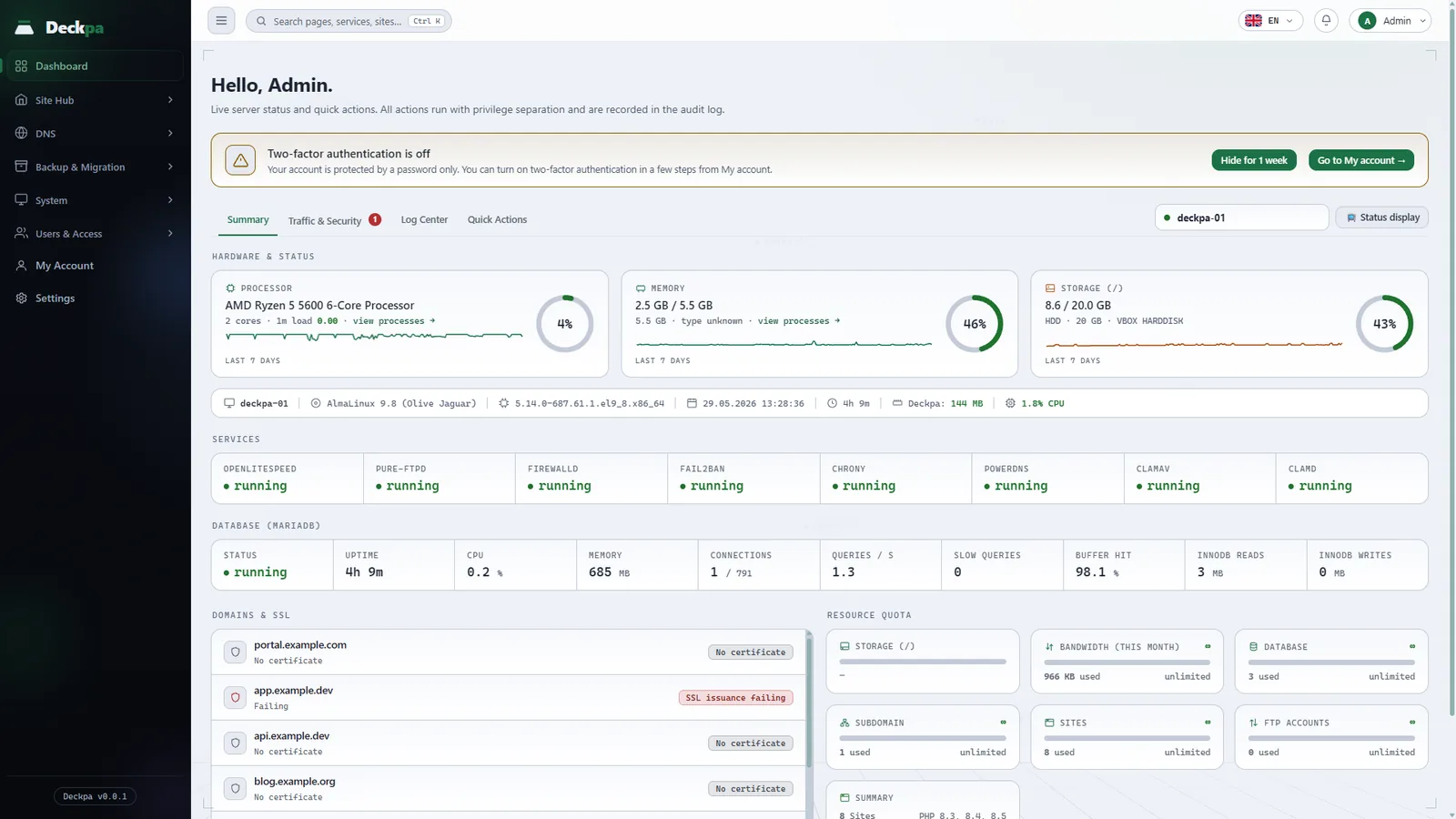
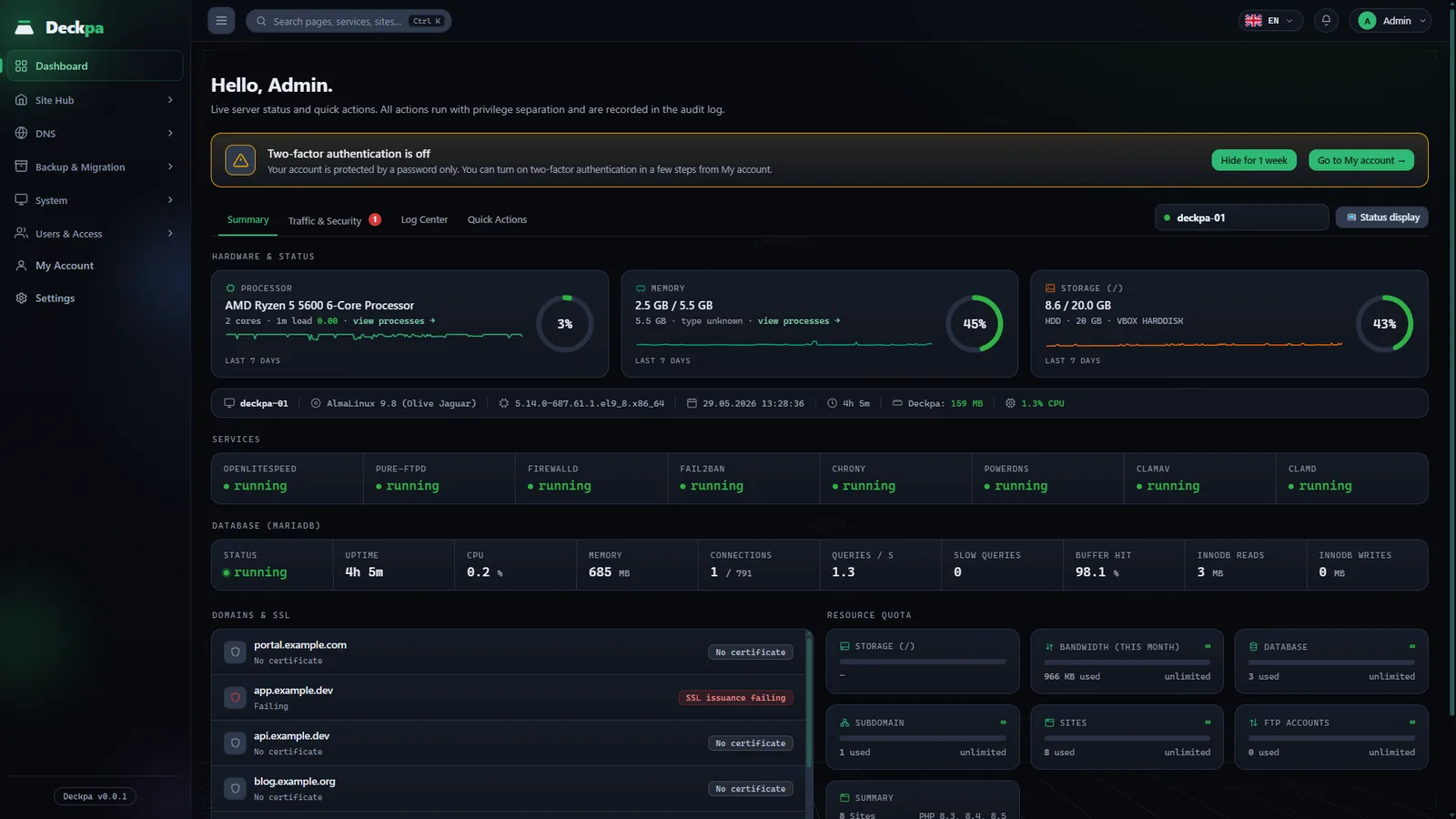
Install with one command
Run this command on a clean AlmaLinux server; the install script does the rest.
bash <(curl -fsSL https://get.deckpa.dev/install)
Deckpa is in private beta.
Six reasons to choose Deckpa
Each one is backed by the panel's code or by a measurement.
Your bill does not grow with your sites
Start with the free package. For more sites, $9 a month per server; sites are unlimited and your server's capacity is the only limit.
Your sites keep running if the license lapses
The panel does not lock. Only creating new sites, databases, FTP accounts, and users stops; you keep managing existing sites.
You see problems before your customers do
48 checks and 17 alert rules come with the panel. A full disk, a stopped service, or an expiring SSL certificate is reported to you through Telegram or a webhook.
The panel never holds root
The panel runs as an unprivileged user. Tasks that need root go through a fixed command list, and the ones that make changes are written to the audit log.
Runs comfortably on a small server
On a test server the panel used about 115 MB of memory and the system service about 45 MB. Most of the memory is left for your sites.
Updates are never installed unverified
Every update is verified with an Ed25519 signature and SHA256. If verification fails, nothing is installed.
Every daily task, one screen
Browse the panel's eight main screens and see what you can do in each.
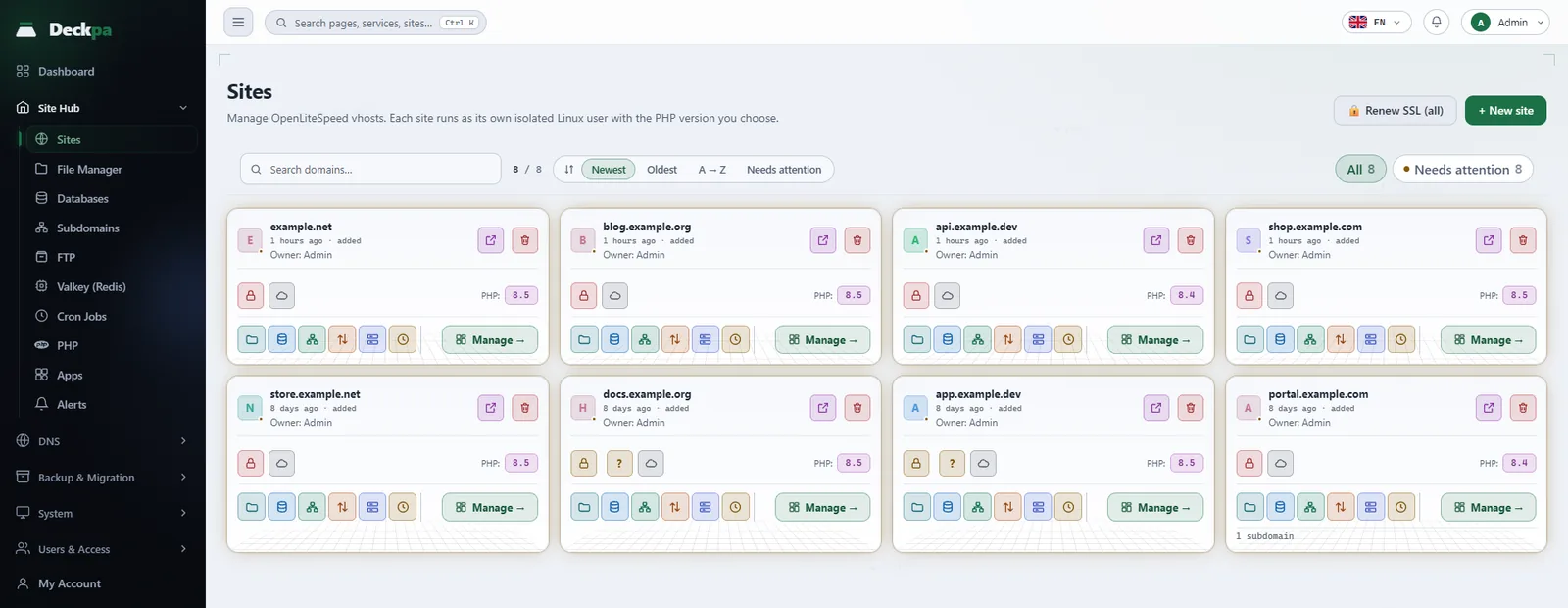
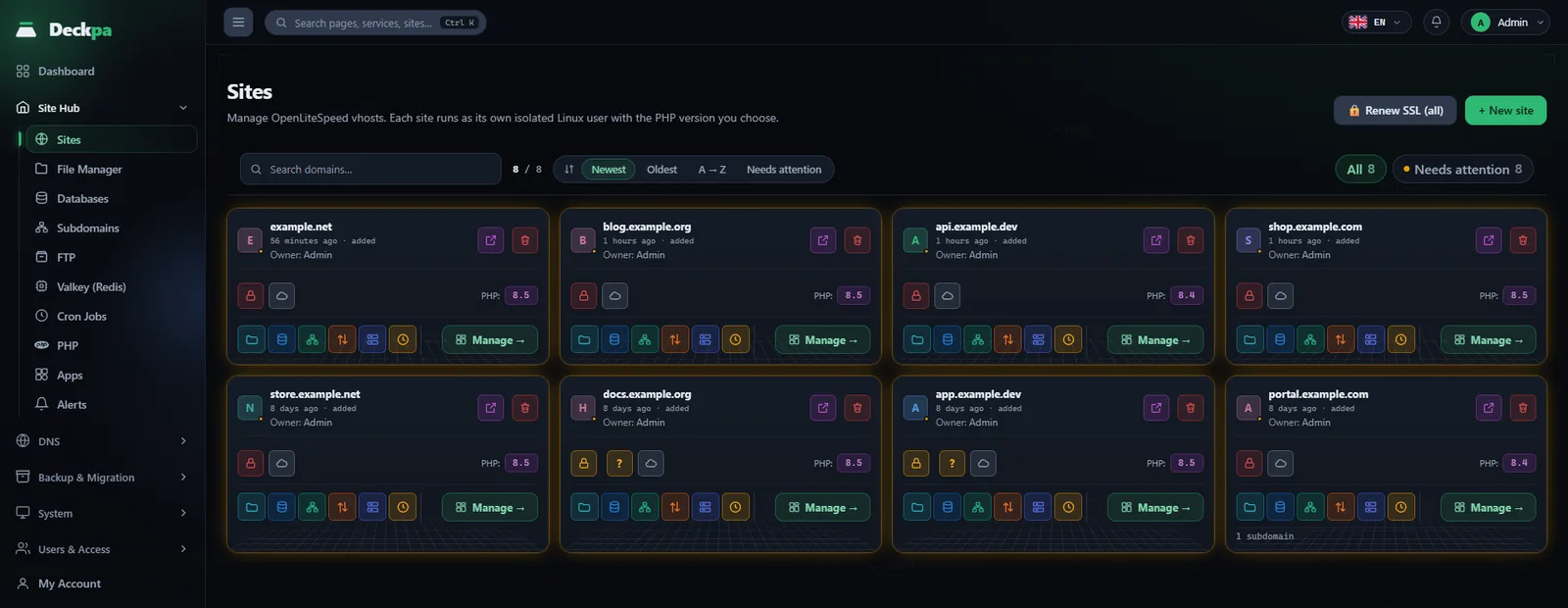
Every site runs as its own user
Create a site, pick its PHP version, issue SSL, and manage it all in one place.
- One Linux user per siteOne site cannot read another site's files.
- PHP version per site8.3, 8.4, and 8.5 come installed.
- SuspendStop a site without deleting it.
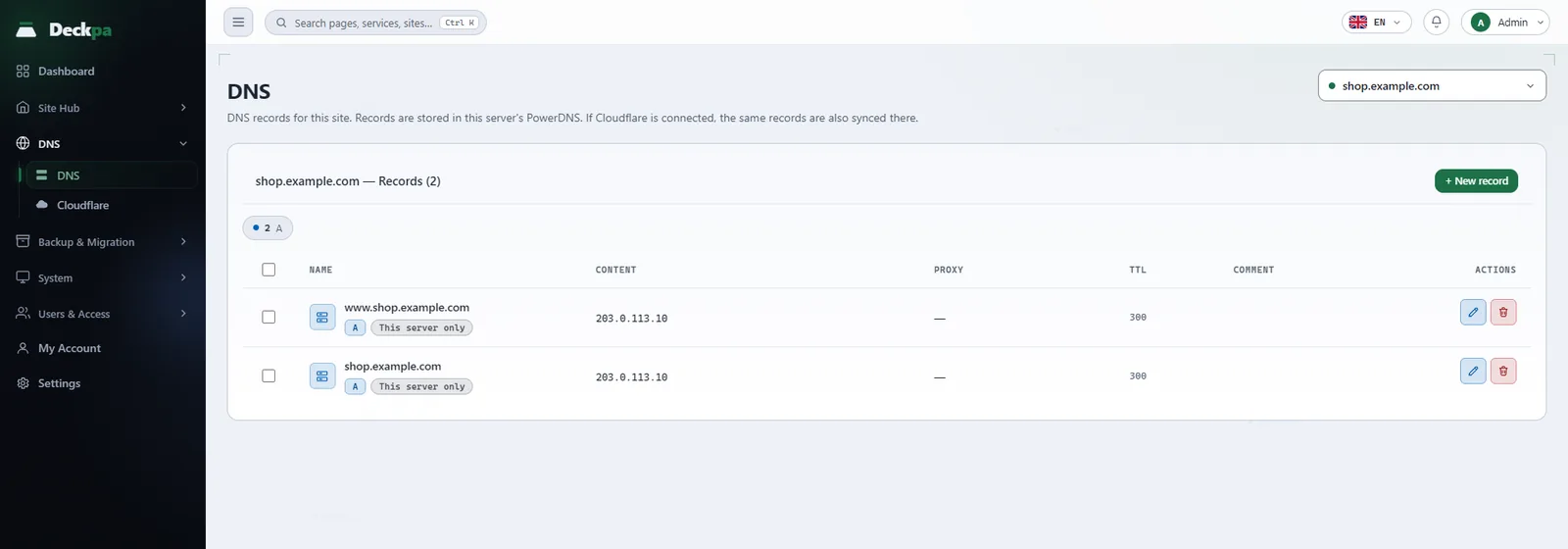
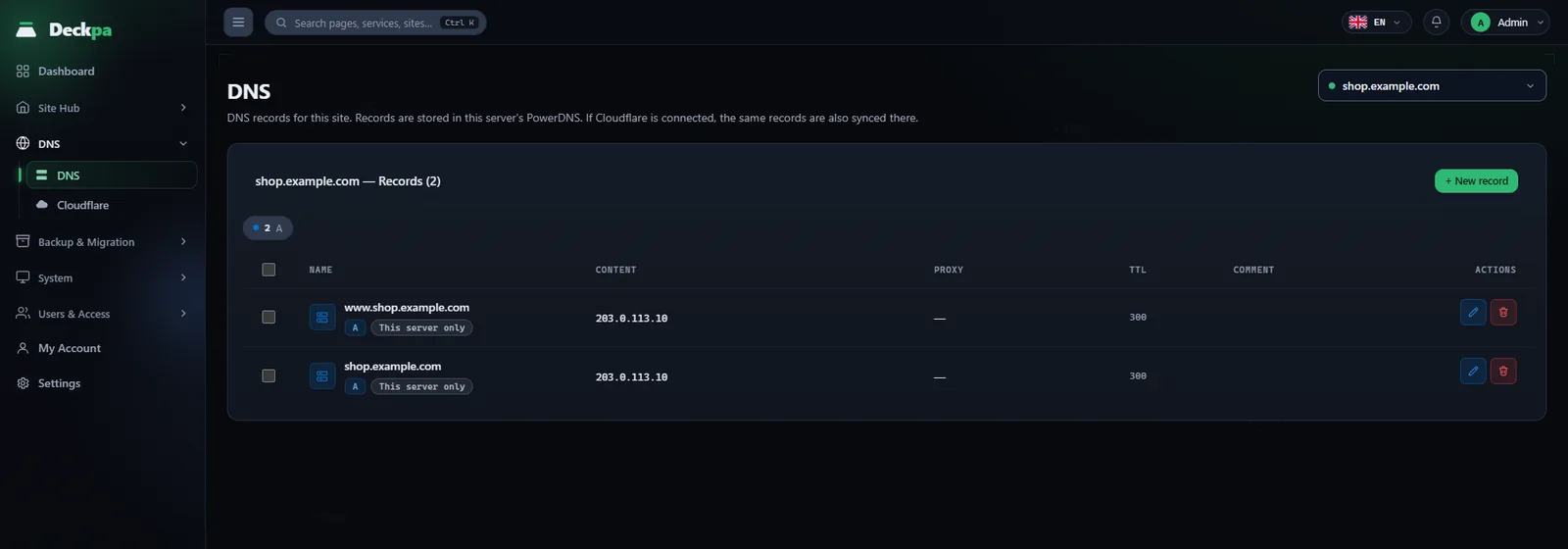
DNS records in the panel
Add, edit, and delete your domain's records. Records are written to the PowerDNS on your server first.
- Eight record typesA, MX, TXT, CNAME, and more.
- You set the TTLSeparately for each record.
- Stays in sync with CloudflareIf connected, it updates there in the background.
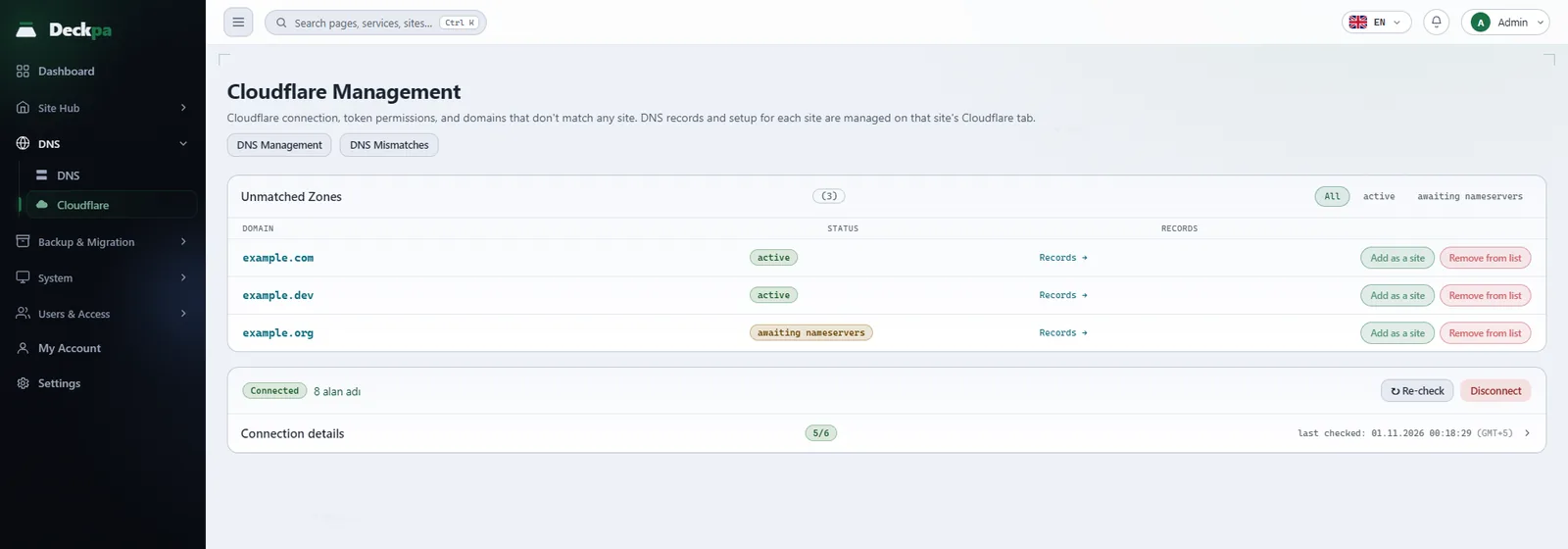
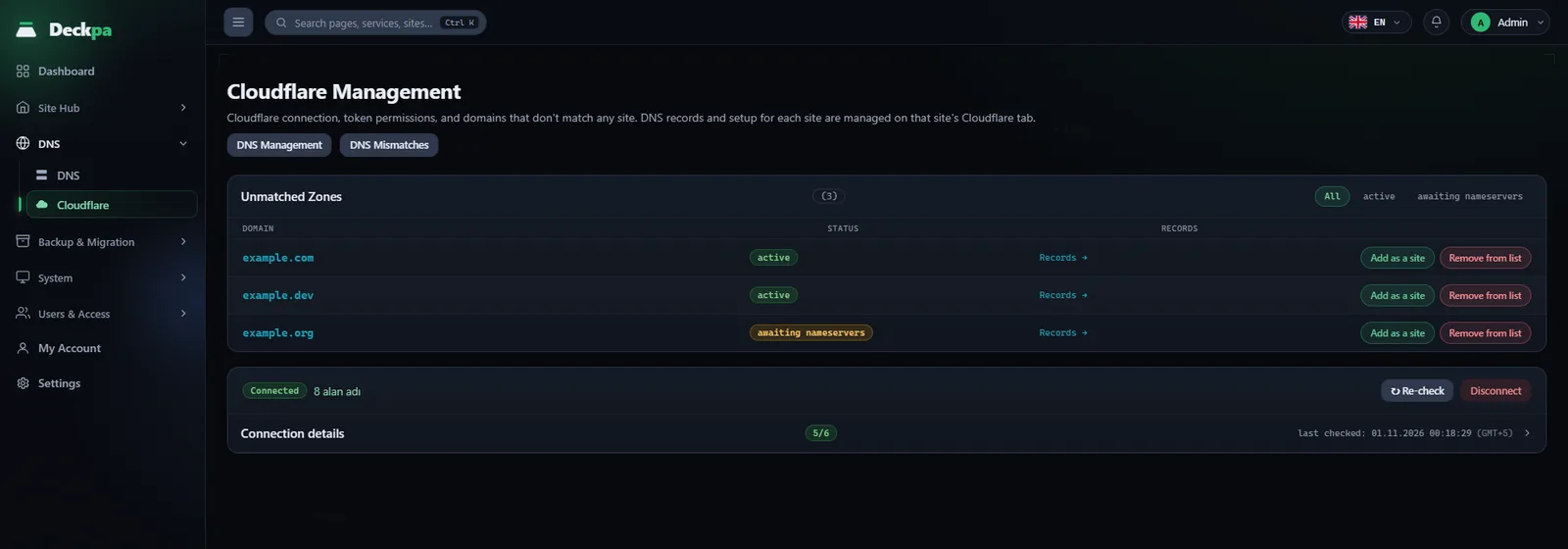
Manage Cloudflare from the panel
See zones and records, change proxy status, and add access rules from the panel.
- IP, ASN, and country rulesReady-made policies protect wp-login and xmlrpc.
- Cache purgePer site, in one click.
- Traffic analyticsA summary of the last 30 days.
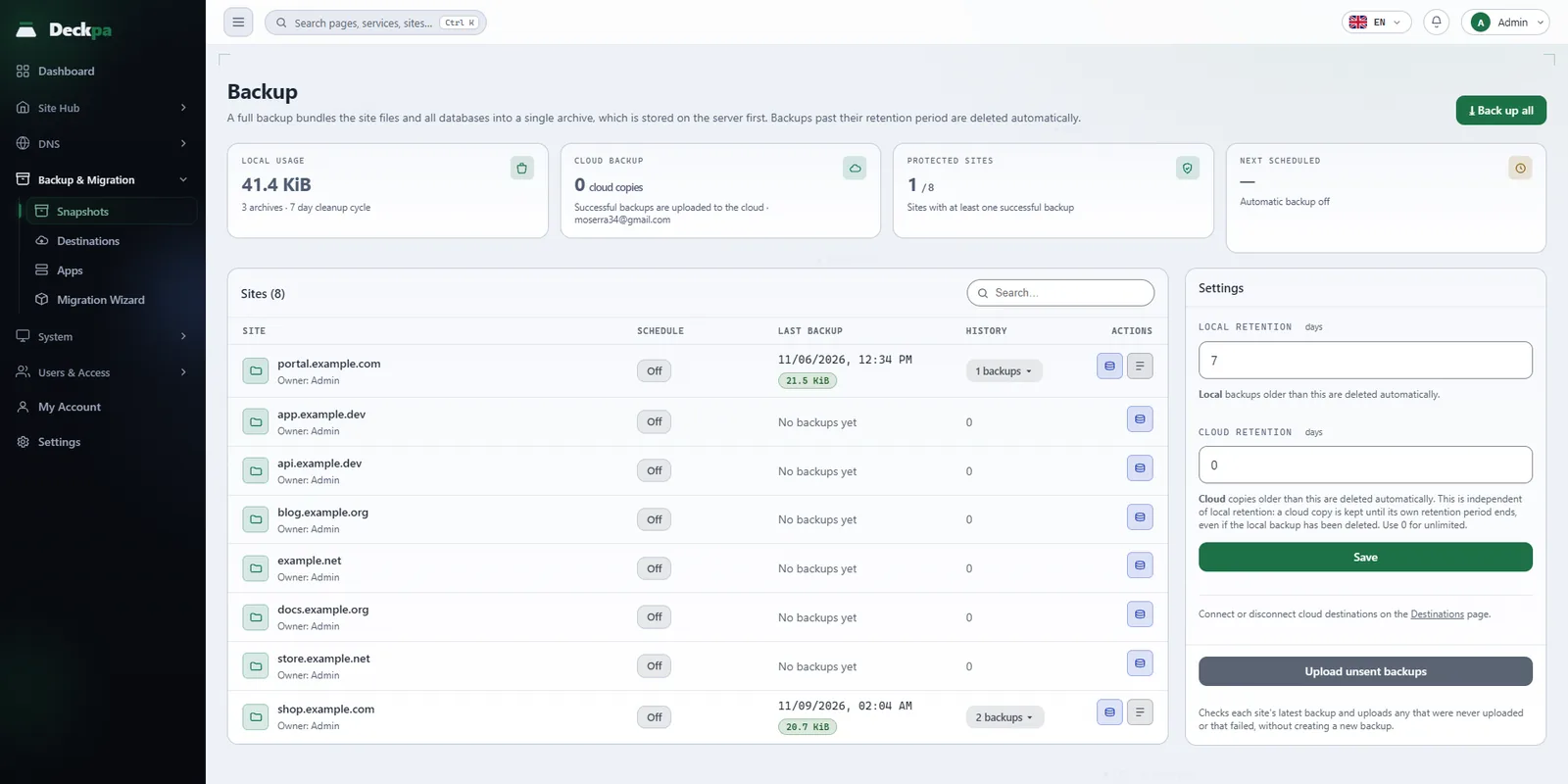
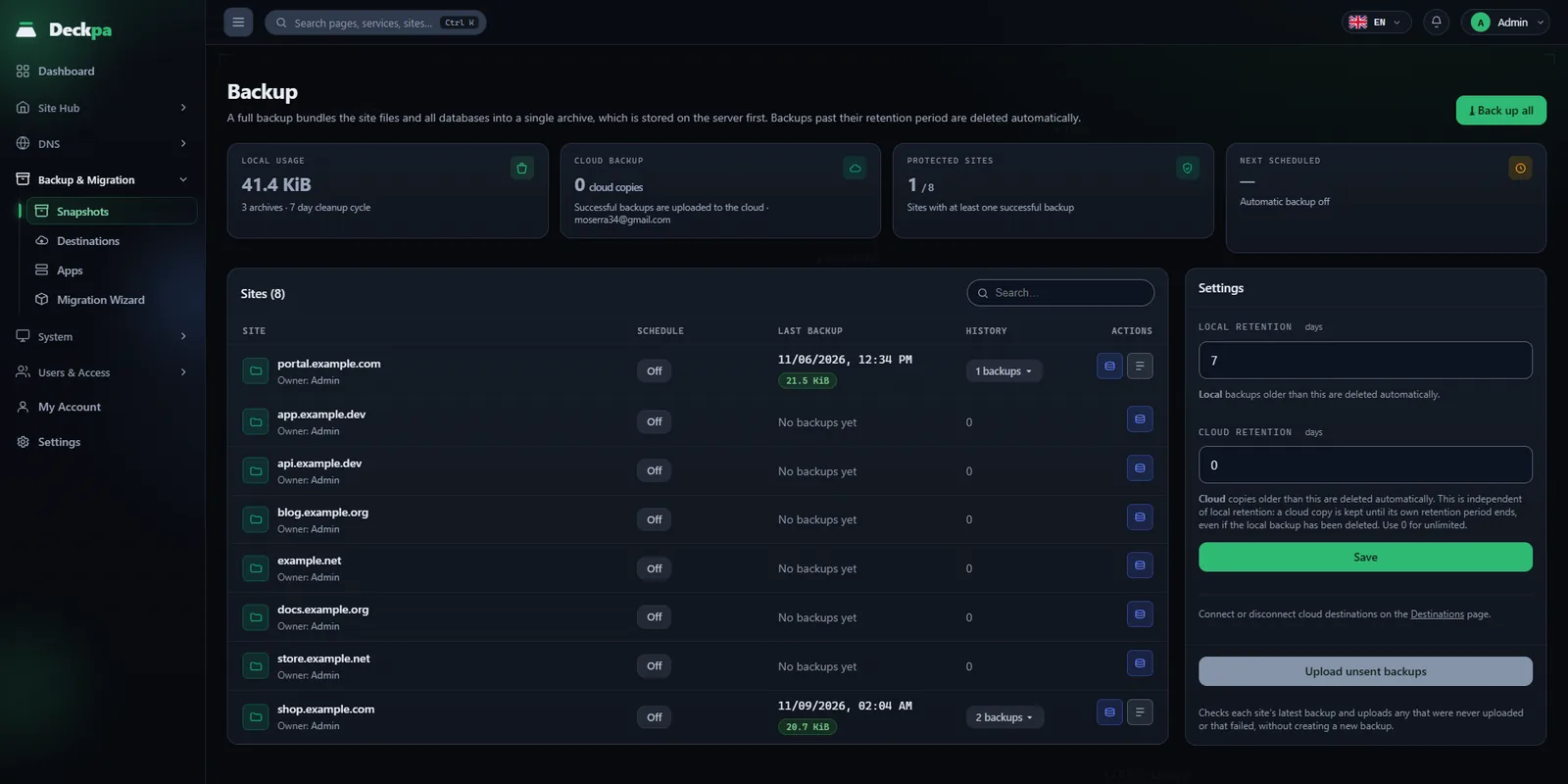
Backups are kept per domain
Each domain's database and files are backed up in a single archive. You restore from the panel.
- What the archive holdsA contents list, an SQL dump, and the site files.
- Two destinationsYour server or Google Drive.
- Alert on failureYou are notified if a backup fails.
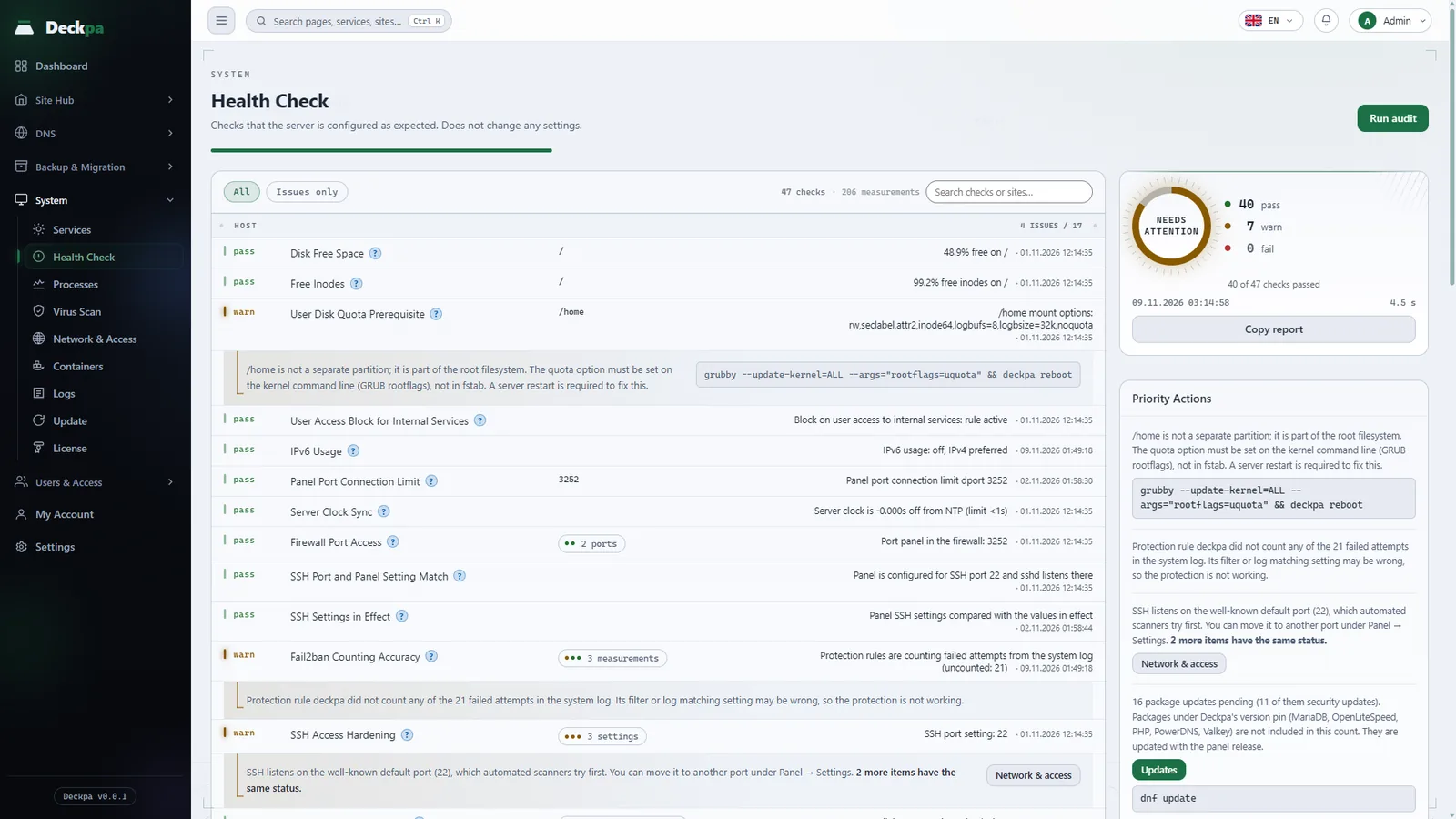
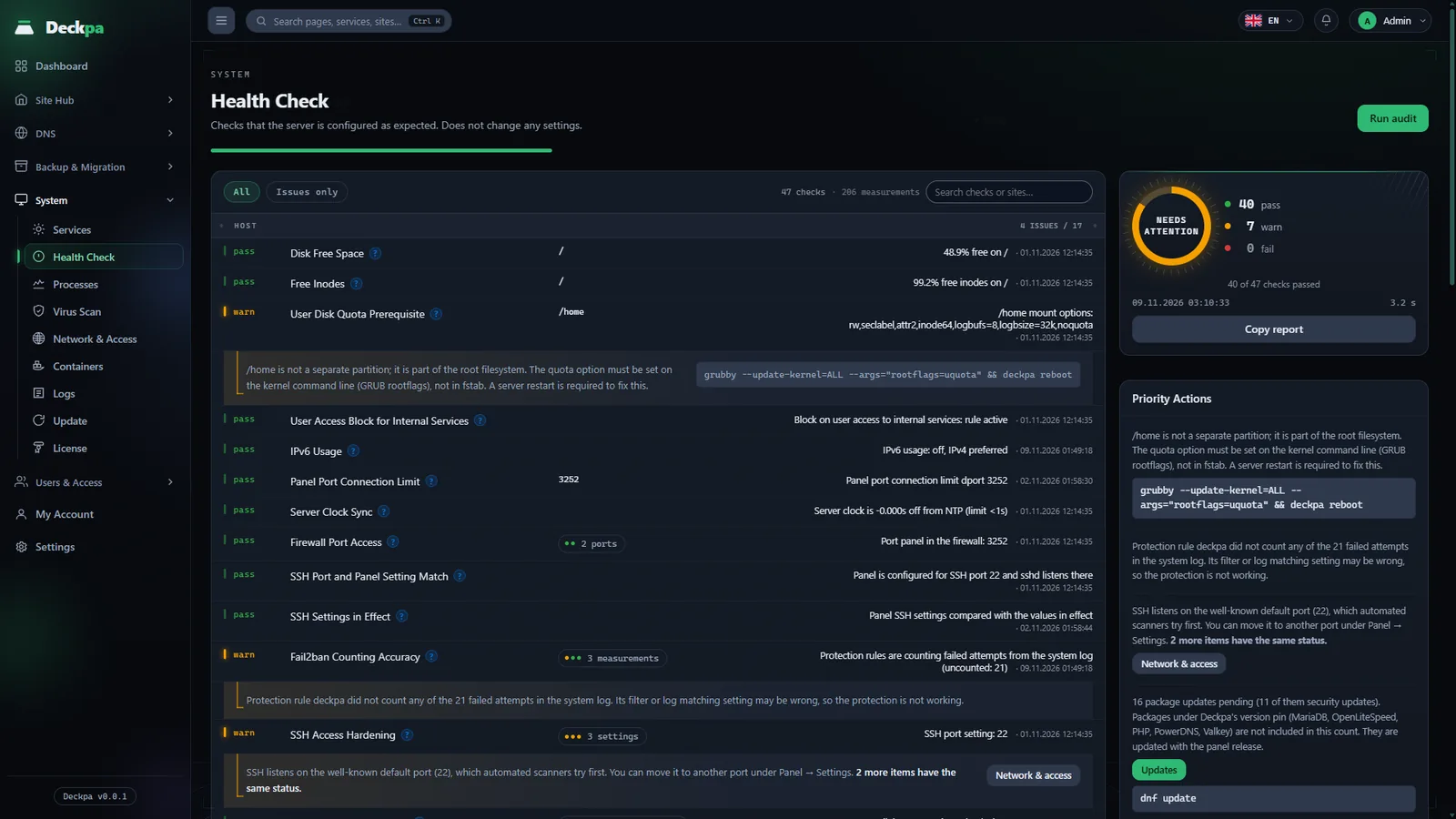
The server checks its own health
Health Check inspects the server at 48 points and ranks what it finds.
- On the command line tooThe same checks run with deckpa doctor.
- 17 alert rulesFor a full disk, a stopped service, an expiring SSL certificate, and more.
- Three alert channelsThe panel, a webhook, and Telegram.
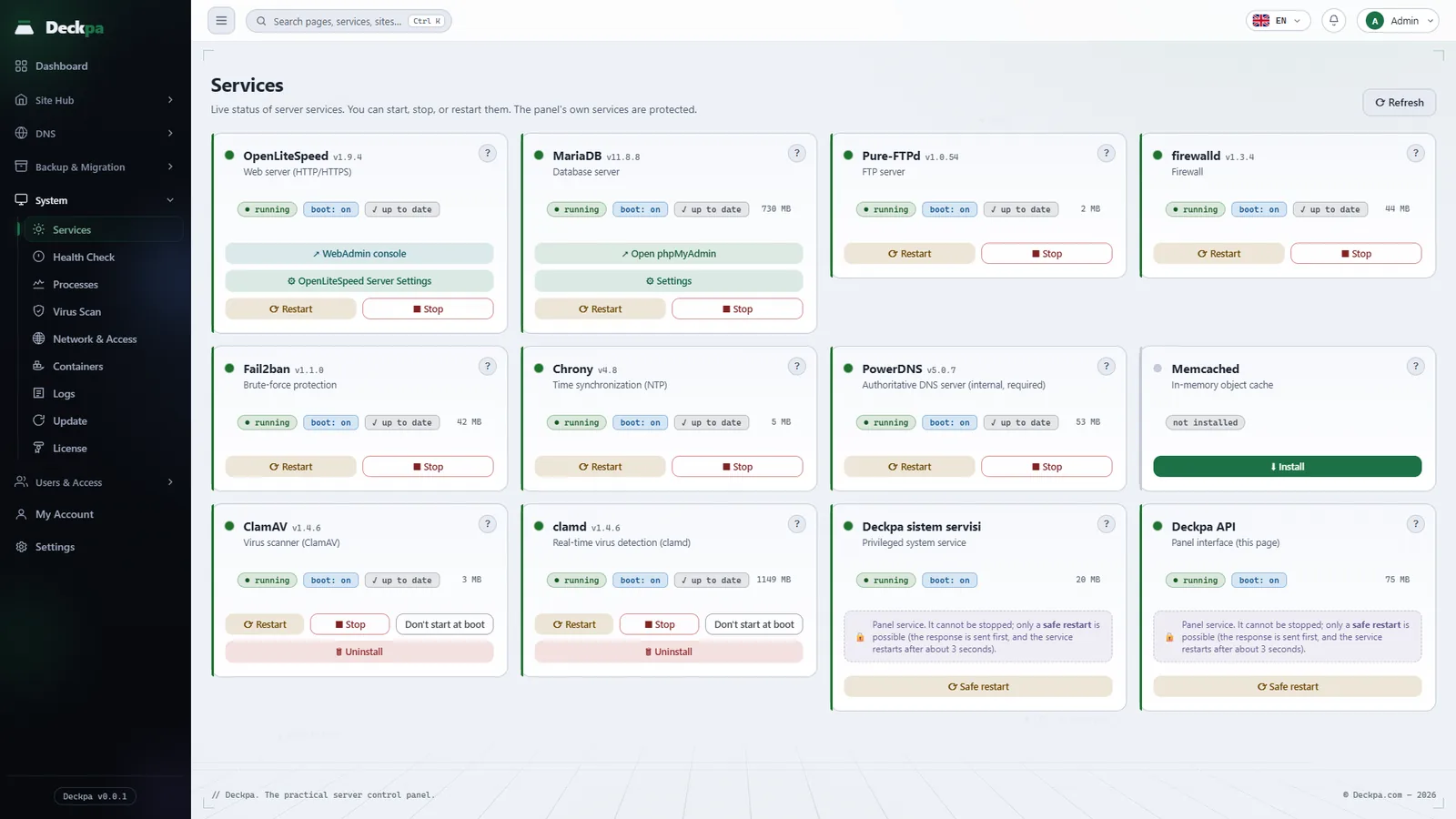
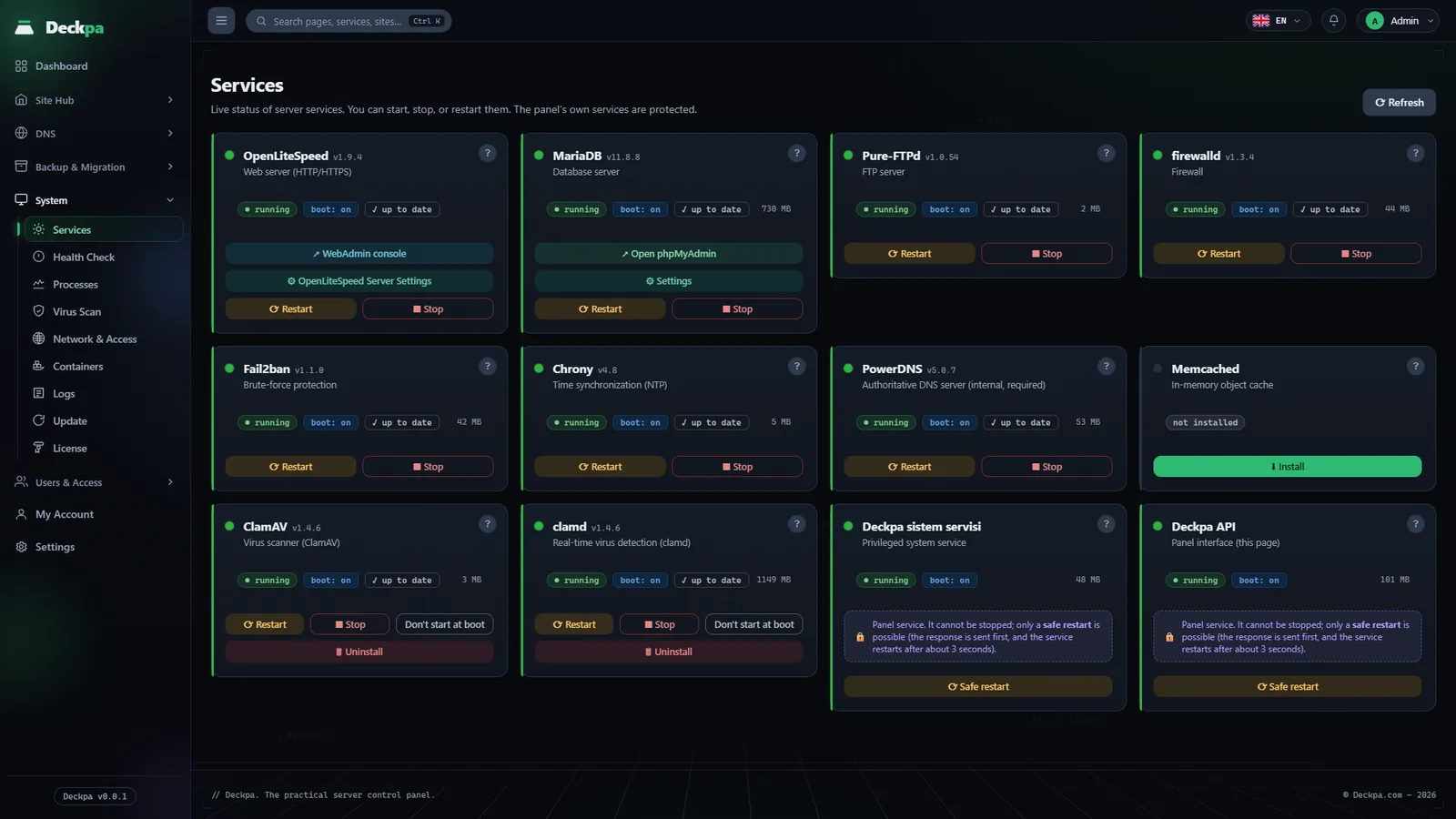
Services on one screen
The web server, the database, the firewall, and the other services each appear as a card. You manage them without opening a shell.
- Start, stop, restartThe buttons are on the card. The card also says what stops working if you stop the service.
- Update badgeA pending package update shows on the card.
- Optional servicesMemcached, ClamAV, and clamd install with the Install button on their cards.
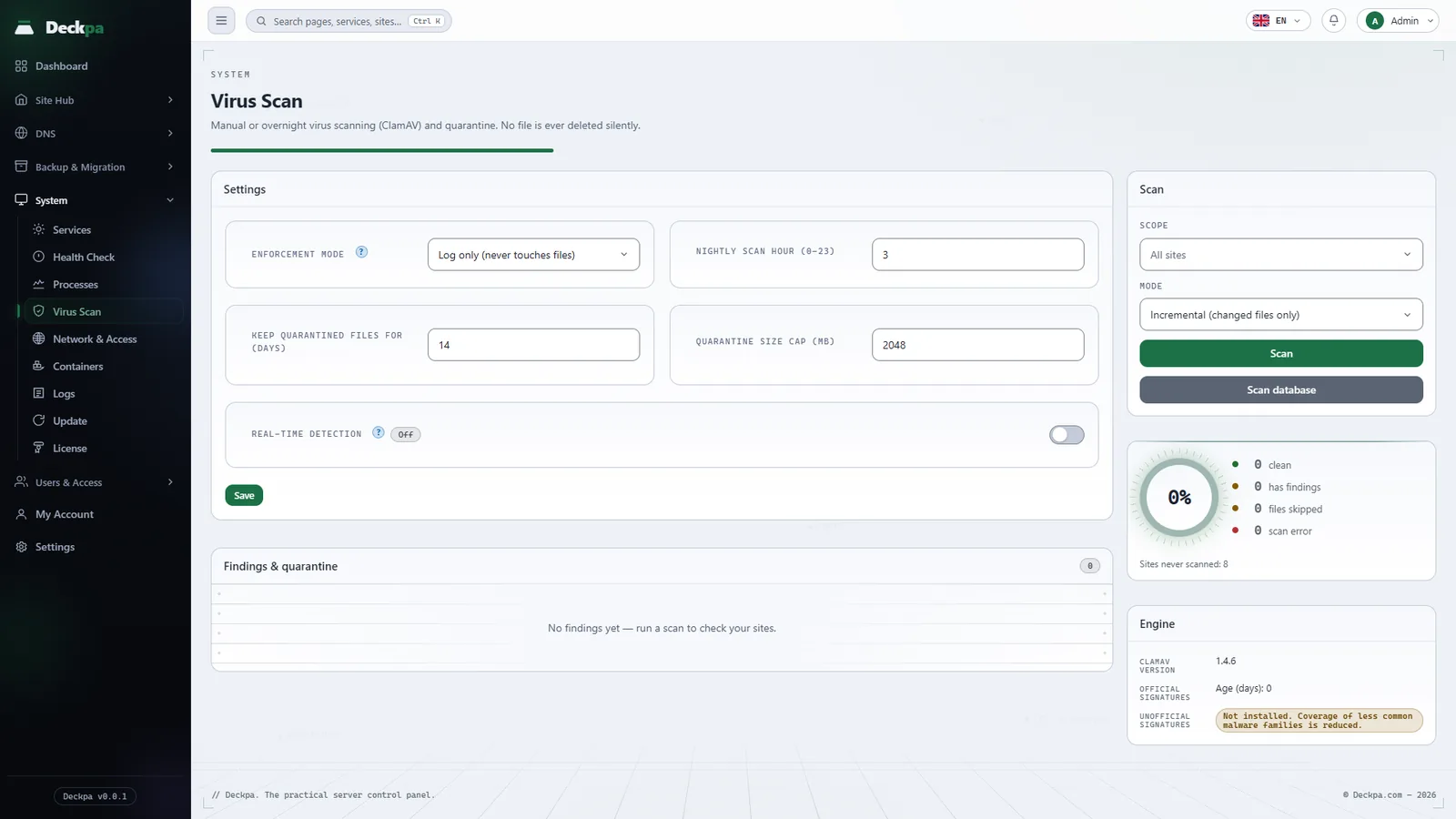
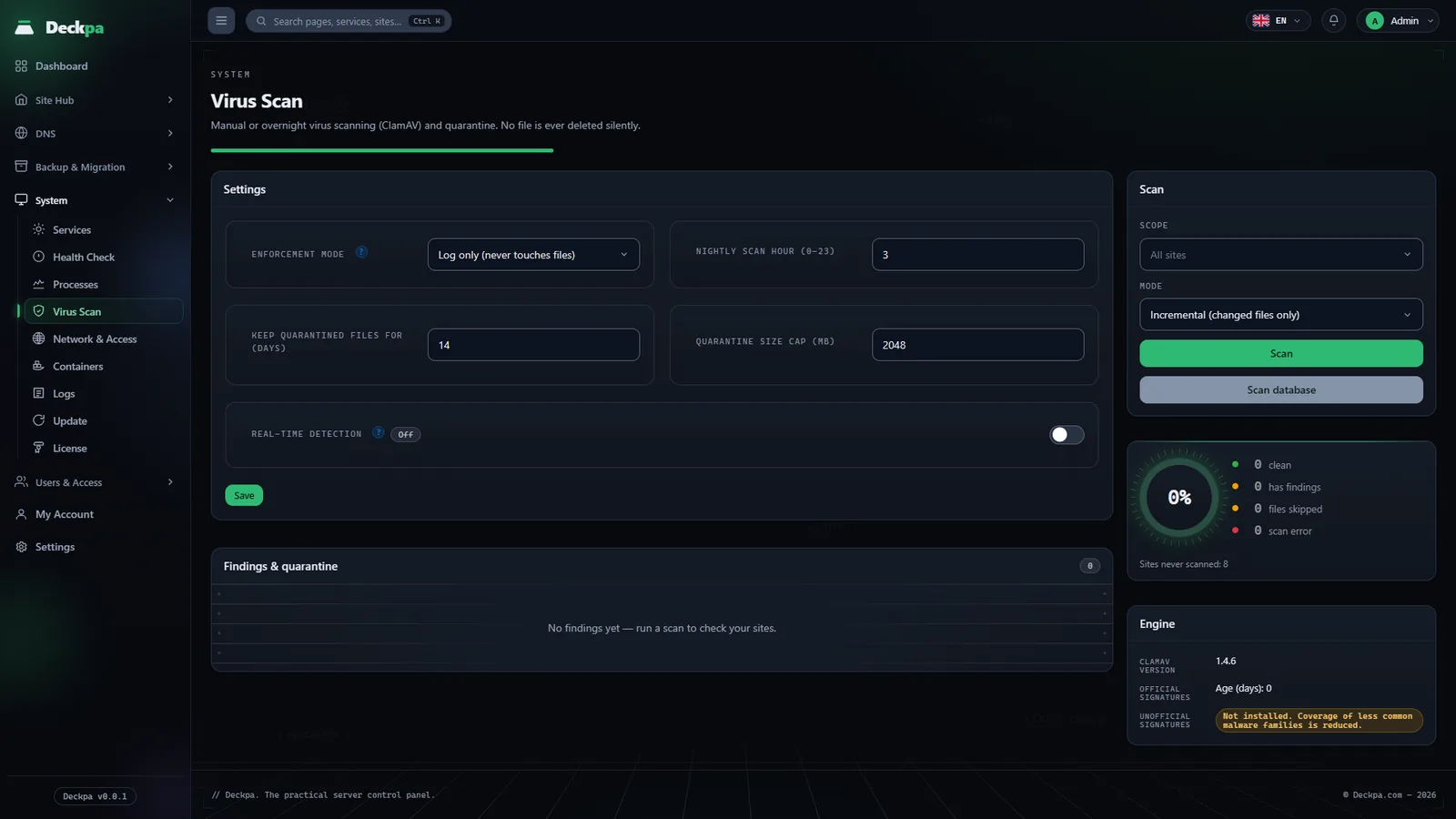
Scans site files
Runs a bulk scan with ClamAV and quarantines what it finds. You can ignore a false alarm.
- QuarantineA suspicious file is set aside, not deleted.
- Ignore listRemove false alarms from the list.
- Observe firstFor the first 30 days it only logs and never touches a file.
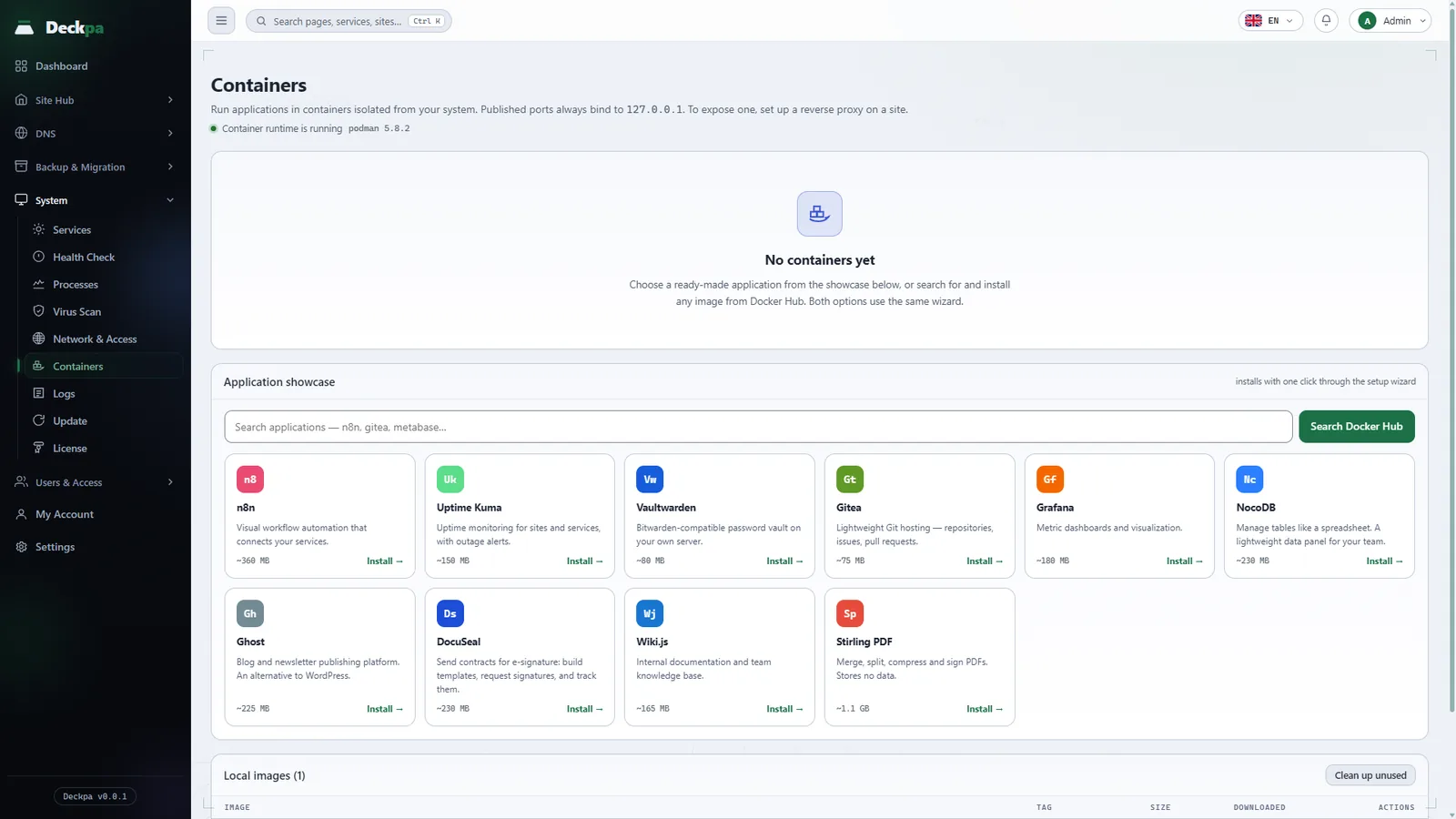
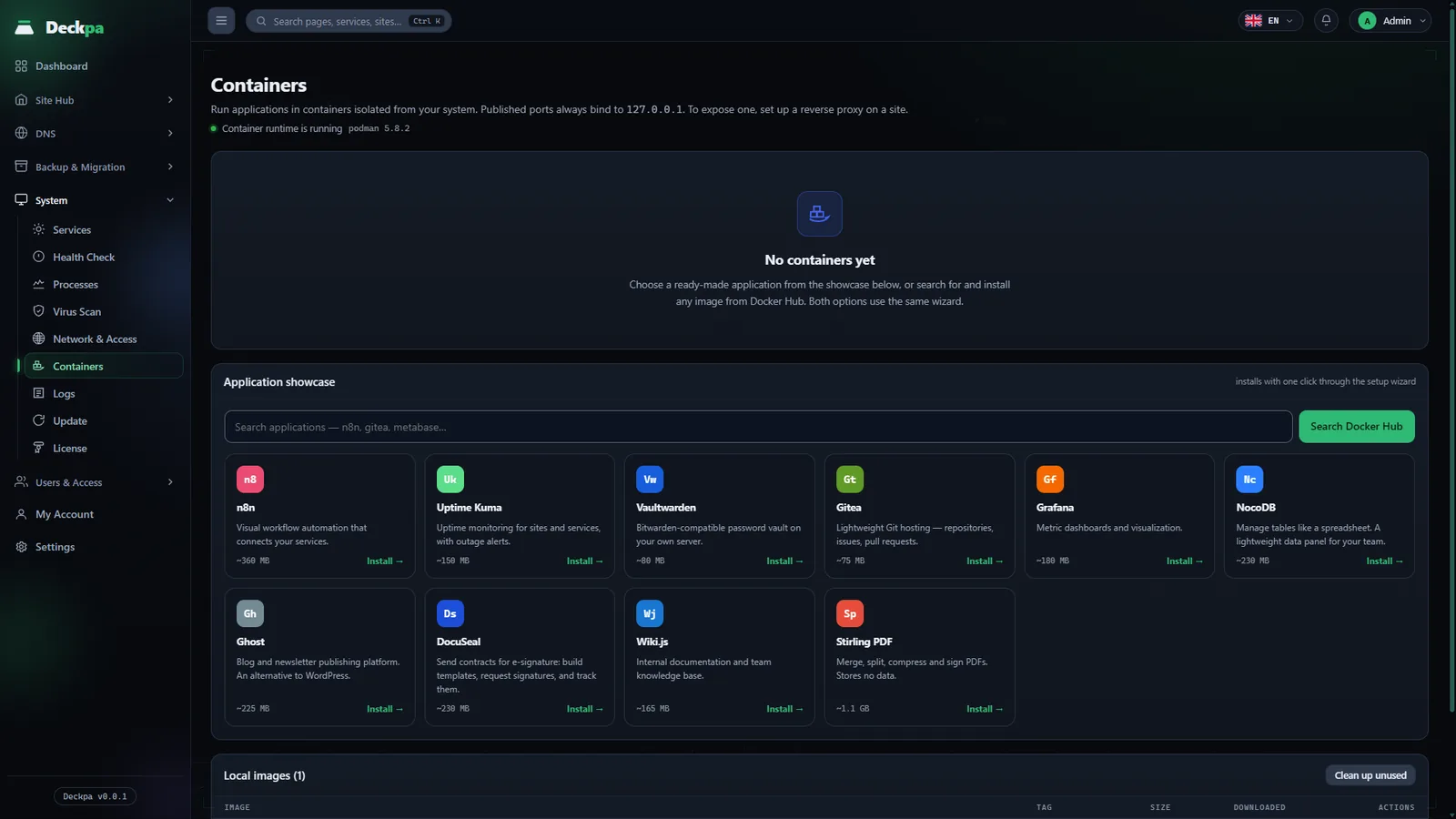
Run ready-made apps in containers
Pick an app from the catalog, run it as a Podman container, and connect it to your domain.
- Ready-made catalogn8n, Uptime Kuma, Vaultwarden, Gitea, Grafana, NocoDB, Ghost, and more.
- Connected to your domainOpenLiteSpeed sits in front as a reverse proxy.
- Admins onlyContainer management is open to the admin role.
For teams and for individual administrators
One panel covers both needs.
Teams and hosting companies
- Three roles: admin, reseller, customerEach user sees only the sites and screens they are allowed to.
- Audit logEvery change that goes through the system service is written to the audit log with who made it and the result.
- Reseller roleGive your customers separate accounts that see only their own sites.
Individual users
- One-command installOne command on a clean AlmaLinux server is enough.
- Unlimited sitesThe only limits are your server's memory, CPU, and disk.
- Private betaDuring the beta you can install it on your own server and try it.
Ready as soon as it is installed
Eight functions installed with the panel. No separate plugin or extra setup is needed.
One-click phpMyAdmin
Open phpMyAdmin from the panel in one click, with no password. The sign-in link is valid for 60 seconds, and customer and reseller accounts see only their own databases.
Two-factor authentication
Every user can turn it on from My Account with an authenticator app. If you lose access to your phone, you sign in with one of 10 single-use recovery codes.
Protection against failed sign-ins
Fail2ban blocks repeated failed attempts on SSH, FTP and the panel sign-in. You see blocked addresses on the Logs screen and can remove a block there.
Firewall
On Network & Access you open and close ports and limit the panel to IP addresses you allow. The SSH and panel ports cannot be closed from there.
File Manager
Edit files in the browser, upload files up to 512 MiB and extract zip and tar archives. Every action runs as the site's own user.
FTP accounts
Create separate FTP accounts for each site. An account sees only that site's directory, and connections can be encrypted with TLS.
Cron jobs
Add jobs for WordPress cron, the Laravel scheduler or your own PHP file. Each job runs as the site's own user with the site's PHP version.
App installer
Install Laravel or Joomla from the Apps screen. The database and its user are created during installation.
Coming soonWordPress installation and management
Three steps from installation to live
From a clean AlmaLinux server with root access to your first live site, these three steps are all you need to do.
Install with one command
Connect to the server over SSH and run the install script. OpenLiteSpeed, PHP, MariaDB, PowerDNS and the panel services are installed.
Add your first site
Enter the domain name and choose the PHP version. The panel sets up the DNS zone, the A record and the SSL certificate for you.
Connect backups and DNS
Turn on the backup schedule. If you like, send backups to Google Drive and connect your Cloudflare account.
Technical summary
The components that come with the installation, and their versions.
- Operating system
- AlmaLinux 9 and 10, Rocky 9, RHEL 9
- Web server
- OpenLiteSpeed 1.9
- PHP
- 8.3, 8.4, 8.5
- Database
- MariaDB 11.8 LTS
- DNS
- PowerDNS 5, Cloudflare optional
- SSL
- Let's Encrypt, wildcard included
- Cache
- Valkey 8, one process per site
- Backup destinations
- The server and Google Drive
- Interface languages
- Turkish, English
Frequently asked questions
The questions we hear most before installation. Pricing questions are on the pricing page.
Does it run on my server or on Deckpa's? +
It runs on your own server. Your sites' files and databases never leave it; we only receive what is needed for license verification and support (see the Privacy Policy).
What are the minimum server requirements? +
At least 1 GB of RAM and 10 GB of free disk space on the root (/) partition; 2 GB of RAM is recommended. With less than 2 GB of memory, the installer adds 2 GB of swap. The operating system must be AlmaLinux 9 or 10, Rocky 9 or RHEL 9 on x86-64. The installer stops if the server already has another panel or a MySQL or MariaDB server.
How do I move my existing sites? +
The Migration Wizard connects to a CyberPanel or Plesk server over SSH, runs quota and conflict checks and shows you a checklist. Nothing is installed until you approve it. Migration from cPanel is not supported yet.
Does it host email? +
Not yet; mailbox hosting is planned. If a site is connected to Cloudflare and uses Google Workspace, Microsoft 365, Yandex 360 or Zoho Mail, the panel writes the MX and SPF records and you choose the DMARC policy.
Am I giving the panel root access? +
No. The panel itself does not run as root. Actions that need elevated privileges go through a separate system service that can only run a fixed list of commands.
Does my panel stop if your license server is unreachable? +
No. The panel renews its license once a day. If it cannot reach our server, it retries every hour and keeps every function available. The grace period starts when your subscription ends, not when the connection drops.
Can I run Node.js or Python apps? +
There is no dedicated hosting screen for Node.js or Python apps yet; sites run on PHP. An admin account can run ready-made apps such as n8n, Gitea and Ghost with Podman from the Containers screen and connect them to a domain.
Can I manage the panel through an API? +
Not yet. There is no public API, and the panel is managed through its interface. For the same reason, automatic account creation from billing systems is not possible yet.
What happens to my sites if I remove the panel? +
By default, the removal script deletes only Deckpa. The web server, MariaDB, site files and databases stay in place, but because the panel database is deleted too, you can no longer manage the sites from the panel. The other scopes are described in Uninstalling.