The everyday work of running a server, in one interface.
Sites, databases, DNS, backups, security, and server health in one panel. Below is how each function looks in the panel.
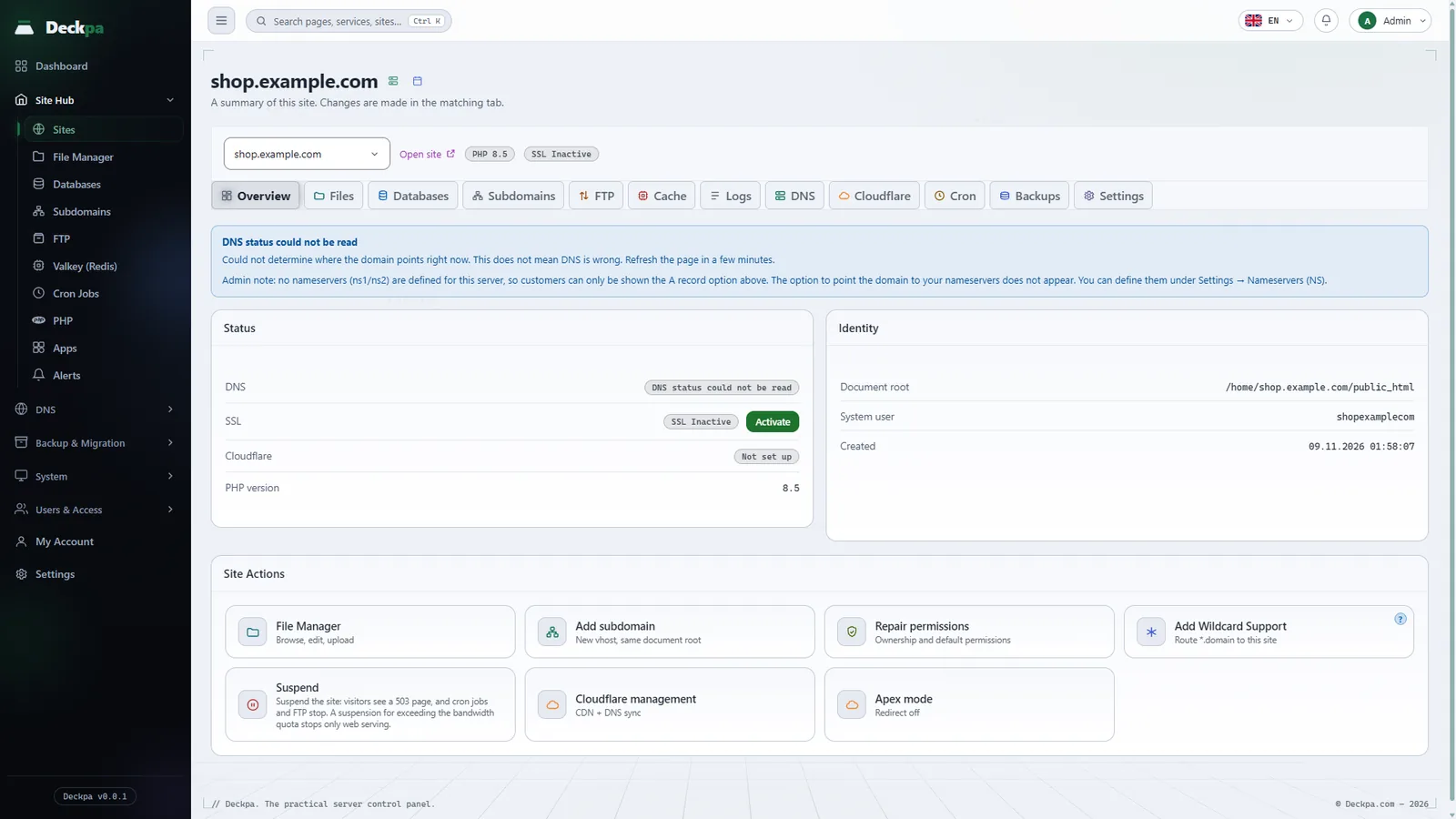
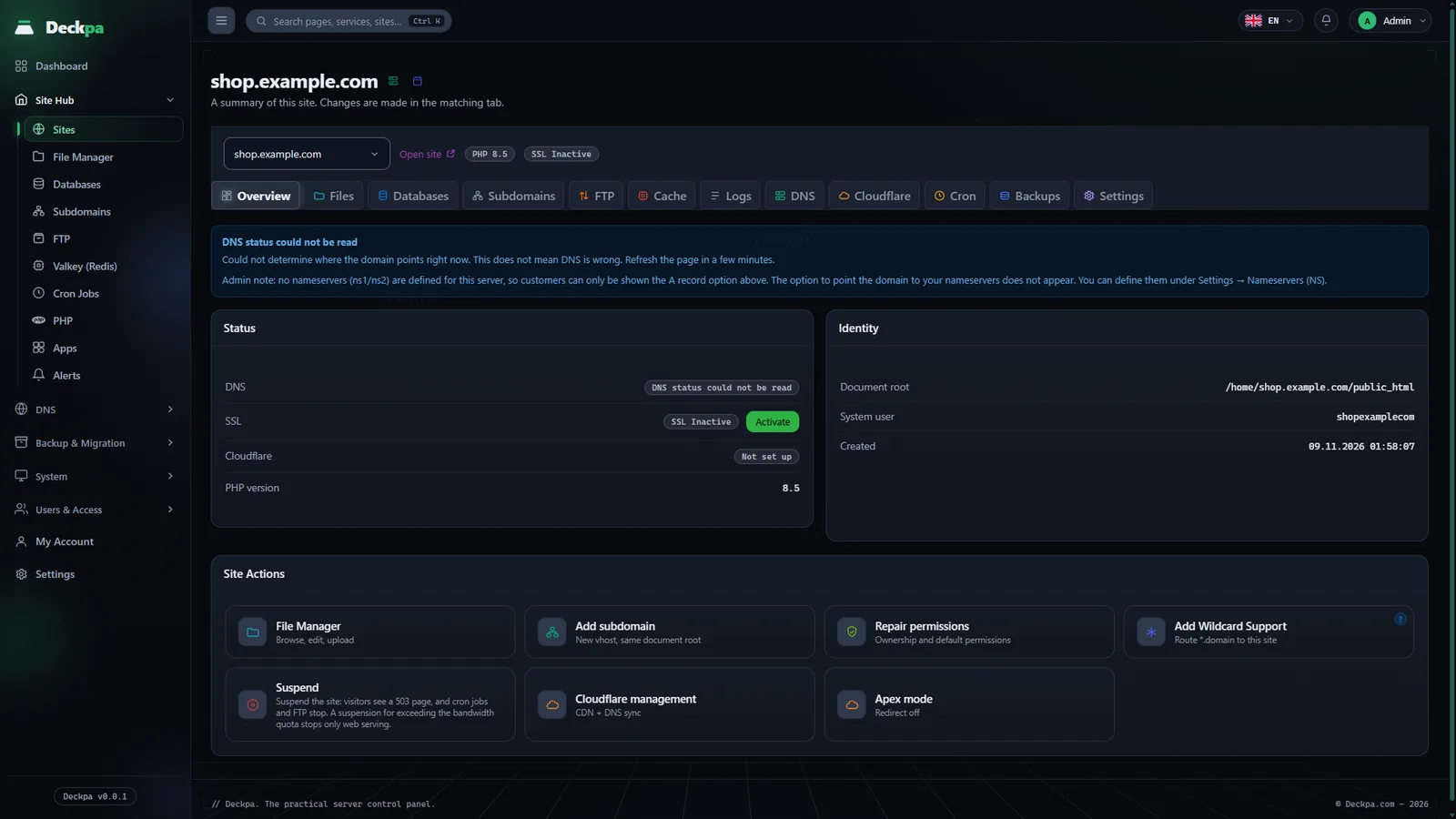
Every site runs as its own user
When you create a site, the panel prepares its own Linux user, its own home directory and the PHP version you choose. Sites are separated by Linux user permissions, and each site is set up so that it cannot read another site's files.
- PHP version per site8.3, 8.4 and 8.5 come installed. You can change a site's version at any time.
- Automatic SSLThe panel gets the certificate for you. Wildcard certificates are supported.
- SuspendStop a site without deleting it.
File Manager
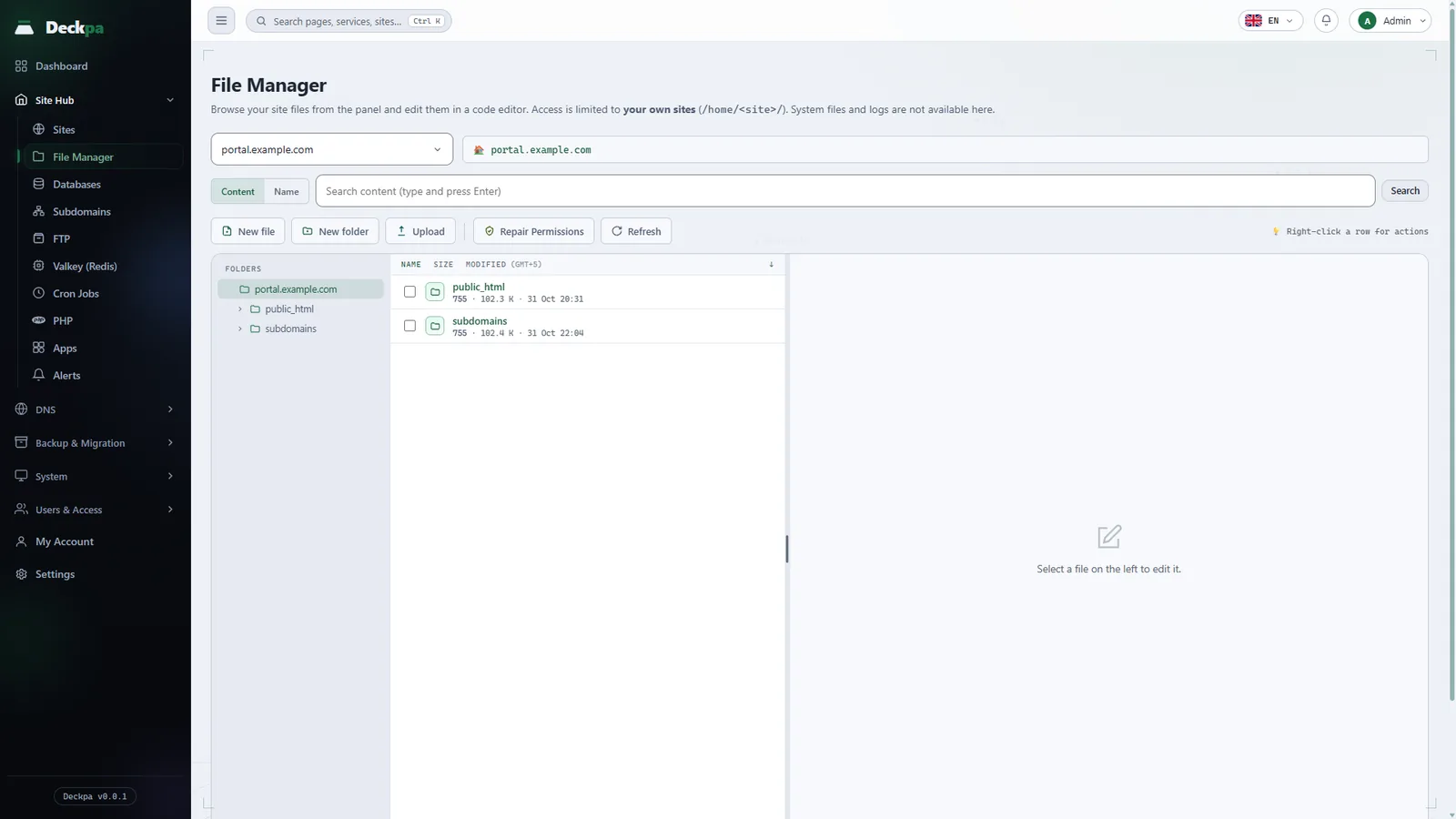
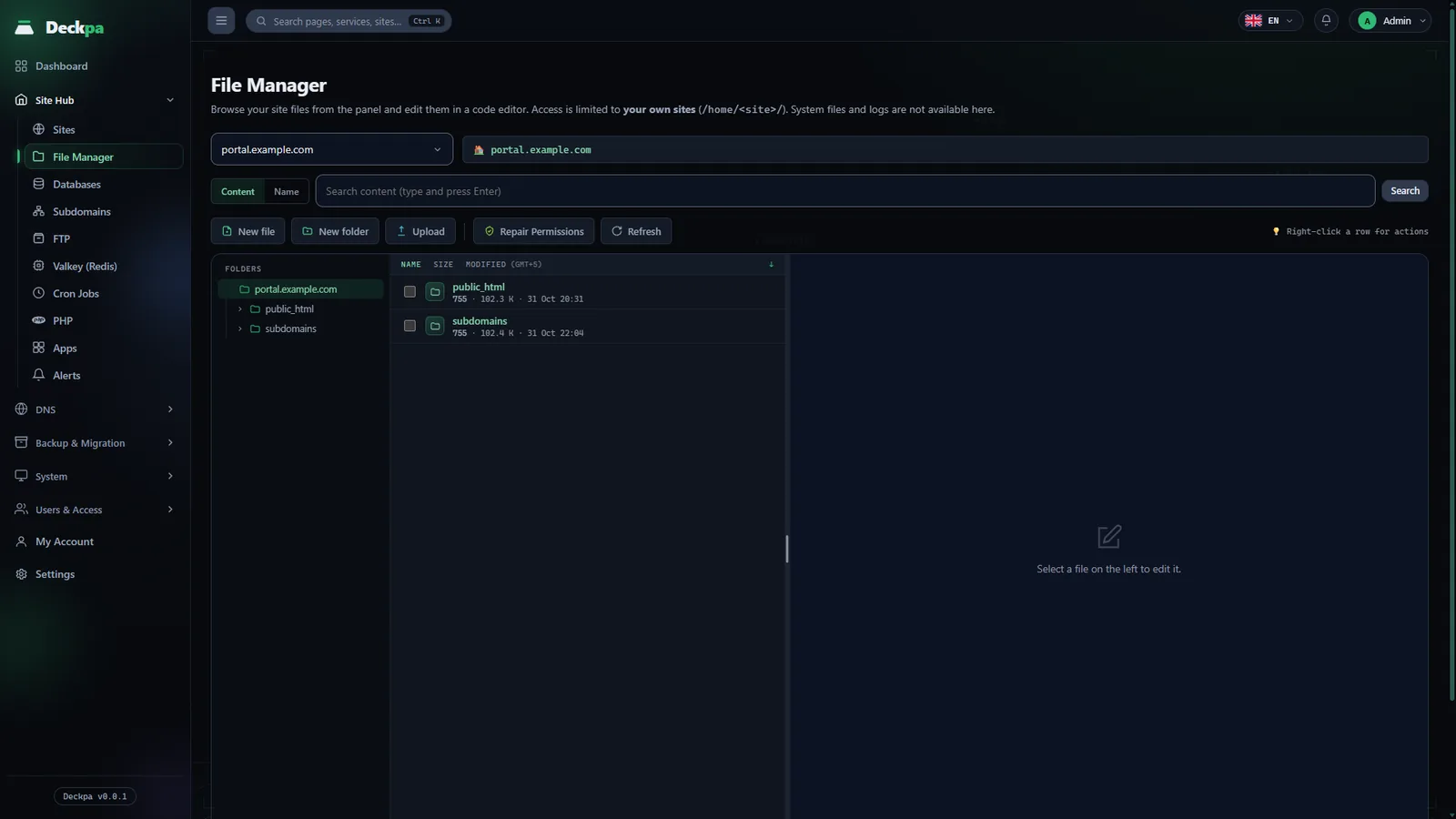
Browse, edit, and upload a site's files in the browser. You do not need a separate FTP program.
- Code editorSyntax is highlighted by file type (.php, .js, .css, .html, .yml, .sql, and others). In PHP, JavaScript, CSS, and .json files, the editor warns you before saving if a bracket is unclosed or unopened; you can still save.
- Search and file actionsSearch inside files or by name. Rename, copy, compress, extract, and repair permissions.
- Drag and drop uploadDrop files straight onto the list to upload them.
- With the site user's rightsActions run as the site's own Linux user, not as root. Paths are designed so that they cannot leave the site's directory.
Databases and phpMyAdmin
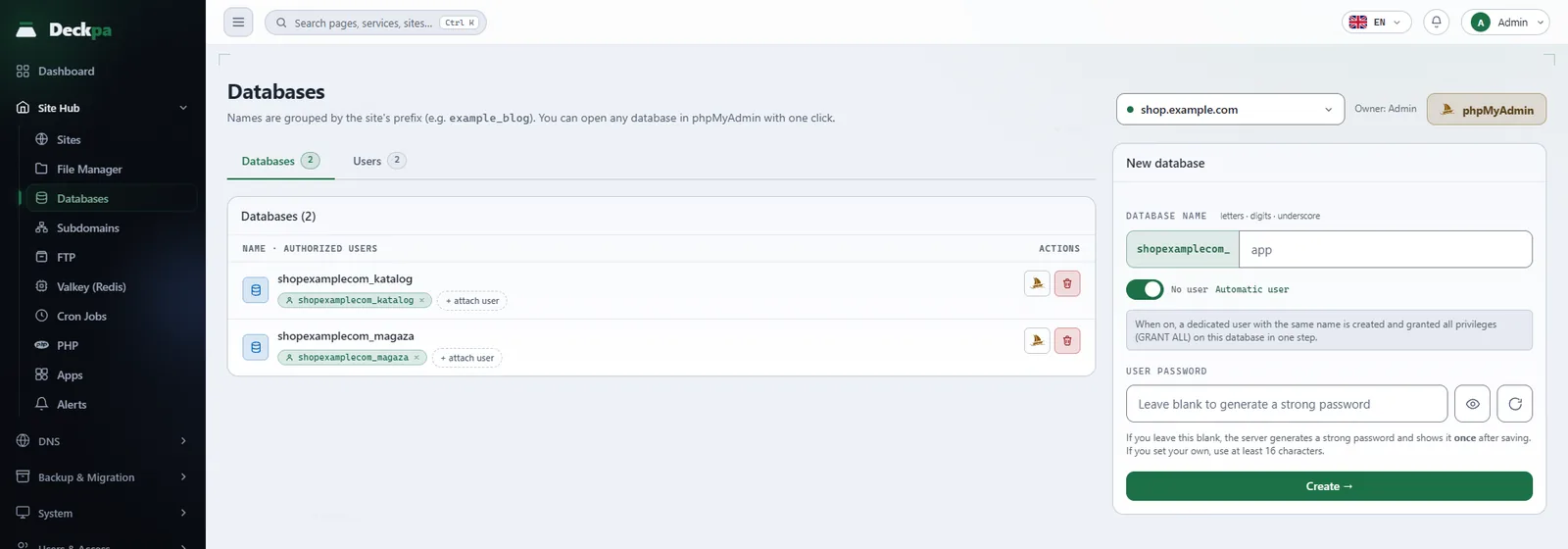
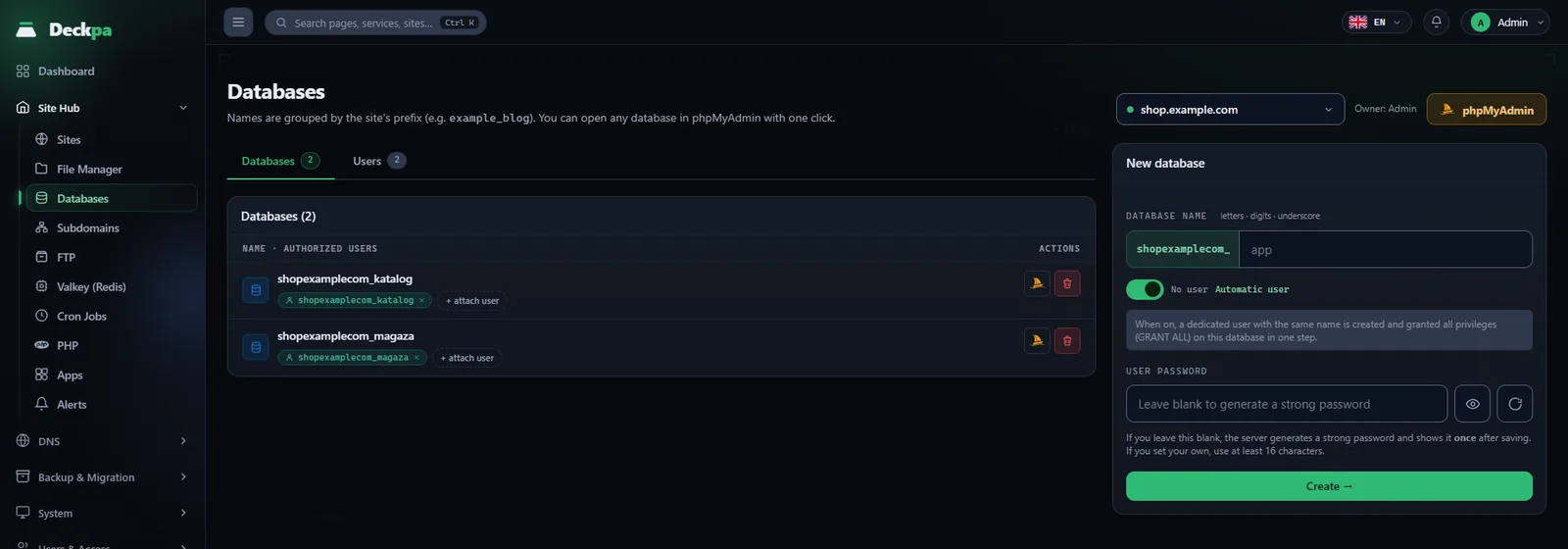
Create databases and database users, grant access and reset passwords. Open phpMyAdmin from the panel in one click, with no separate password.
- Only your own databasesA user sees only the databases that carry their own prefix.
- No outside accessMariaDB listens only on the server's own address.
Per-site Valkey cache (Redis-compatible)
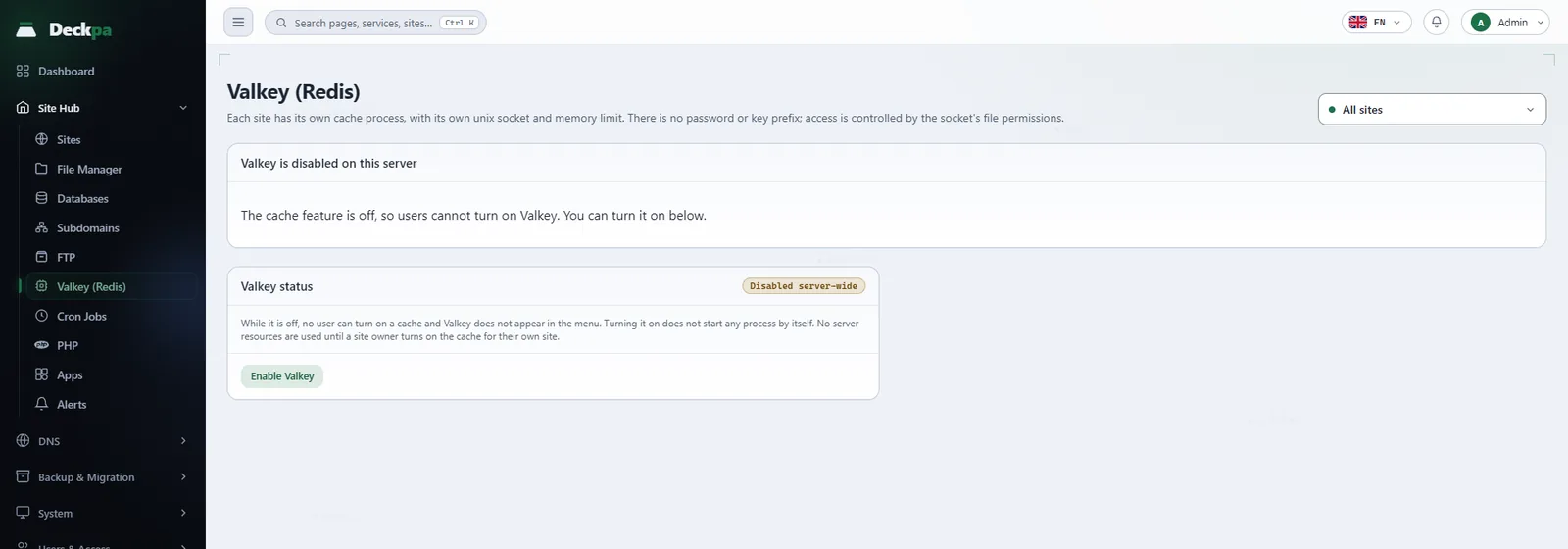
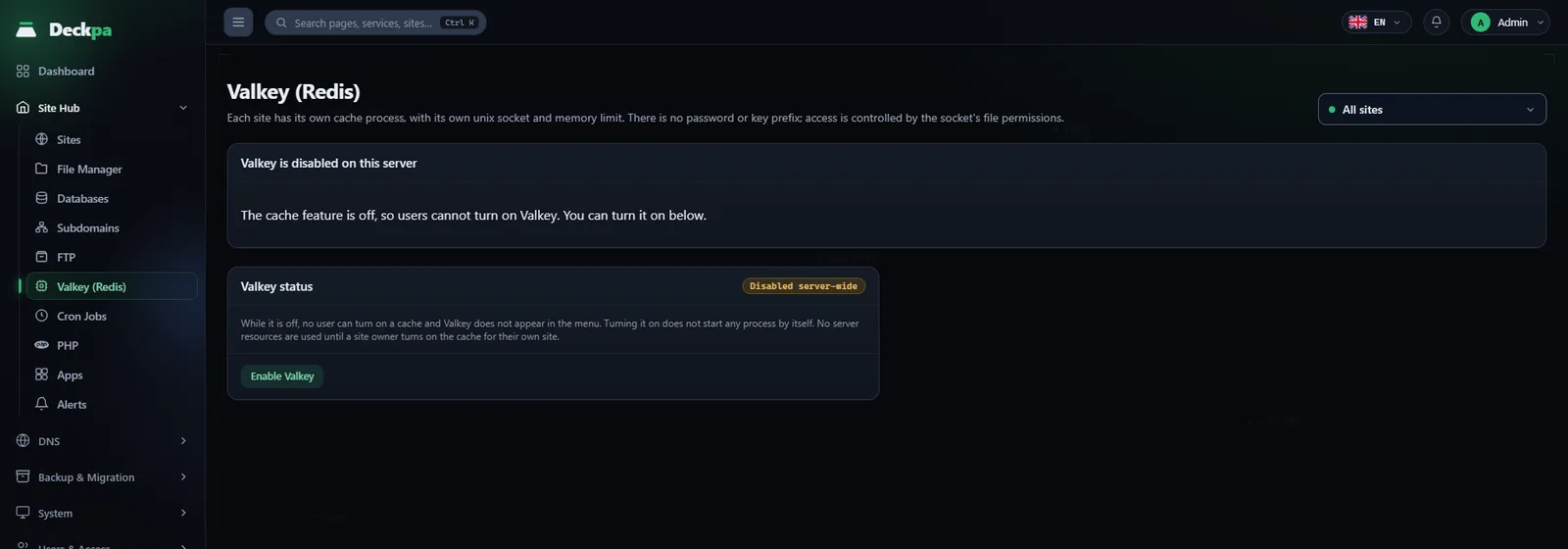
Valkey is compatible with Redis, so your app keeps the same client library. You only change the connection settings: the socket path as the host, and port 0. The cache is not persistent; it is emptied when the server restarts. Each site gets its own process, and its socket is open only to that site's user.
- Not reachable from the networkThe process opens no connection port. It talks only through a unix socket that is open to the site's own user.
- You set the memory limitAn administrator picks a 64, 128, or 256 MB slice. The slice is a ceiling, and the process uses only what it needs.
- No cost while offA site that has not turned the cache on has no process and no socket.
- Connecting your appThe socket path and the app settings lines are ready on the connection card.
Backup and restore
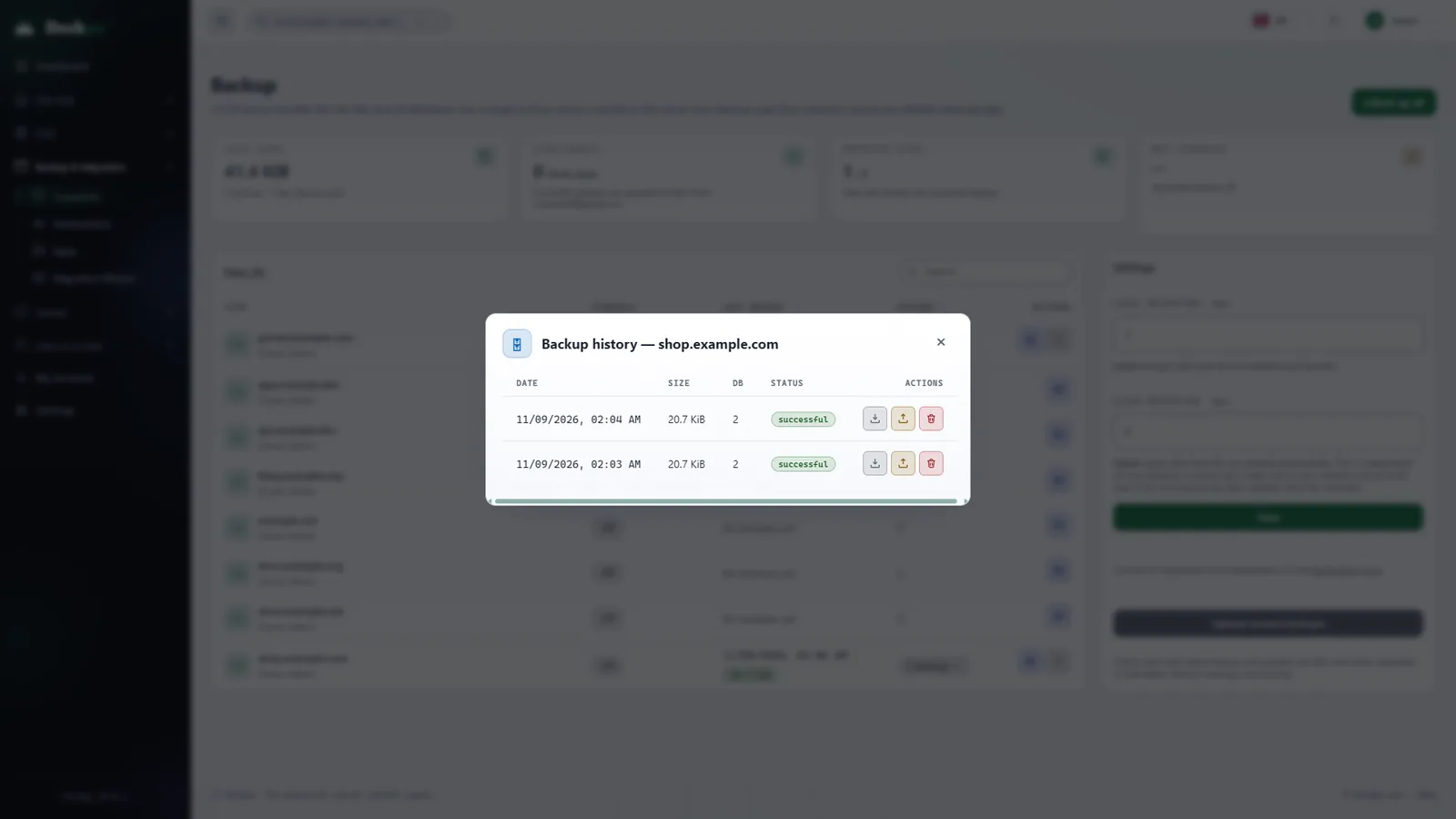
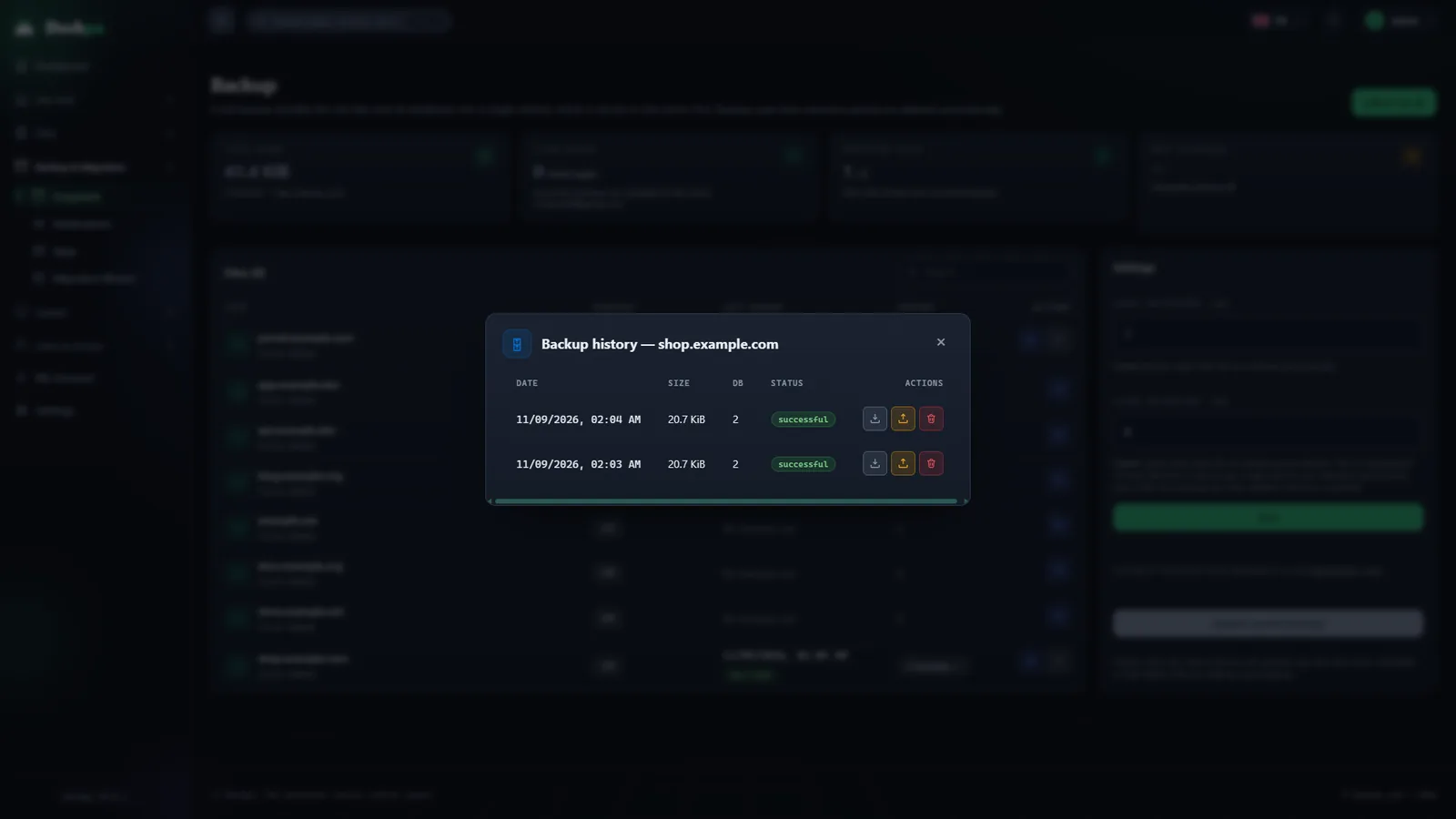
Schedule backups per site: off, daily or weekly. A backup takes the files and the databases together. You start a restore from the panel.
- You choose how long to keep themSet how many days of backups to keep; the panel removes older ones.
- Google DriveSend backups to your own Google Drive account. Yandex Disk, Amazon S3 and SFTP are planned.
Cloudflare management
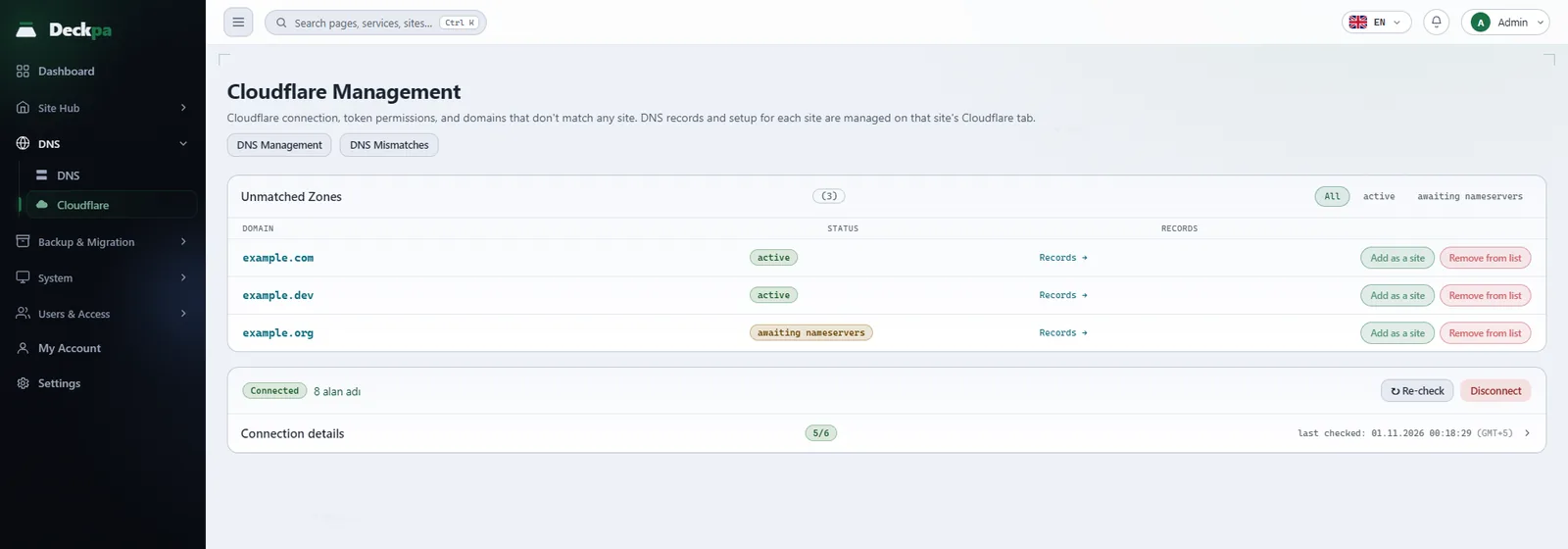
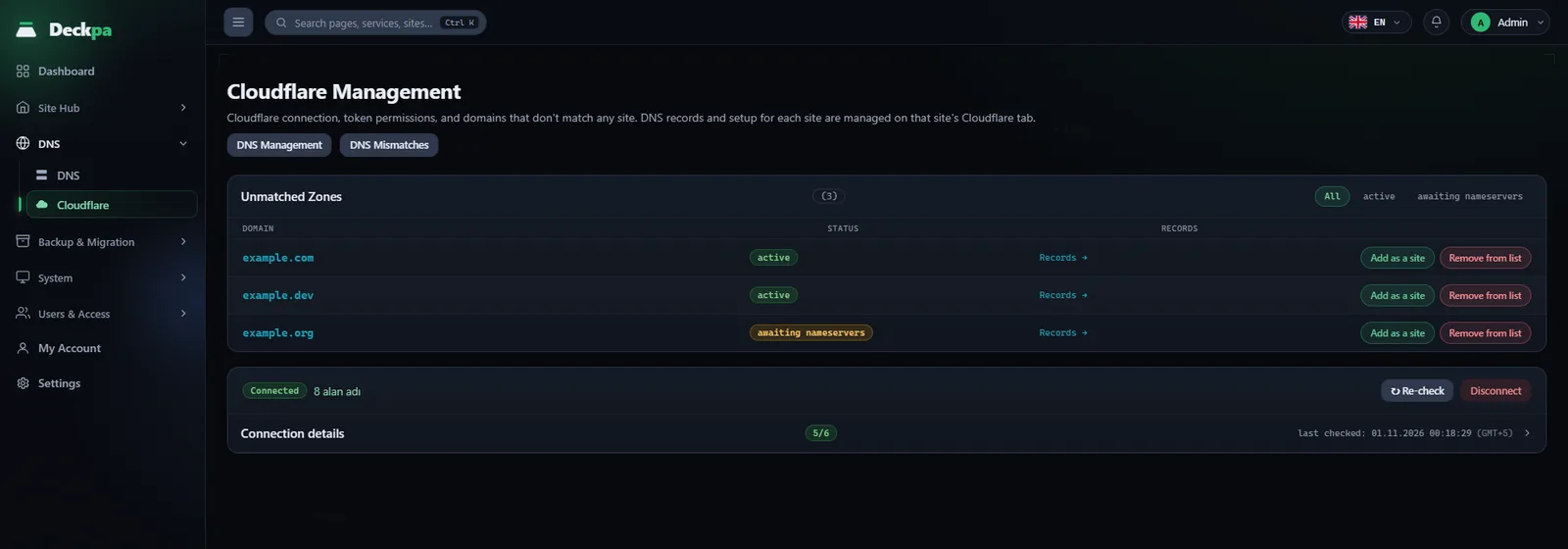
Connect a Cloudflare token. Publish, protect, and monitor your domains from the panel.
- Cache and access rulesPurge the cache and set access rules and country blocking from the panel.
- Four-step setupWhen you set a site up on Cloudflare, the panel opens the DNS zone, adds the records, and gets the certificate.
- Traffic analyticsYou see each site's Cloudflare traffic on its own tab.
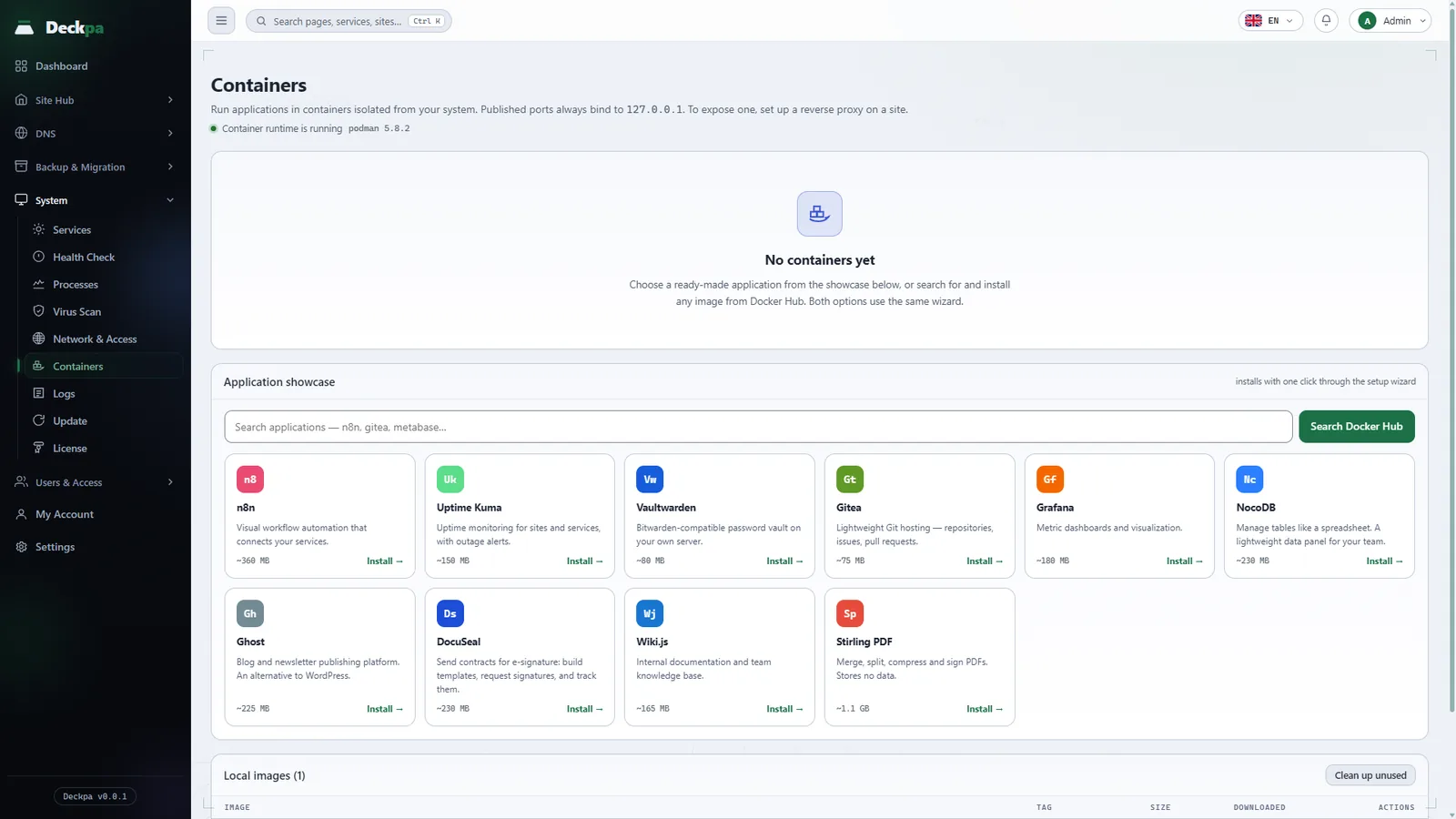
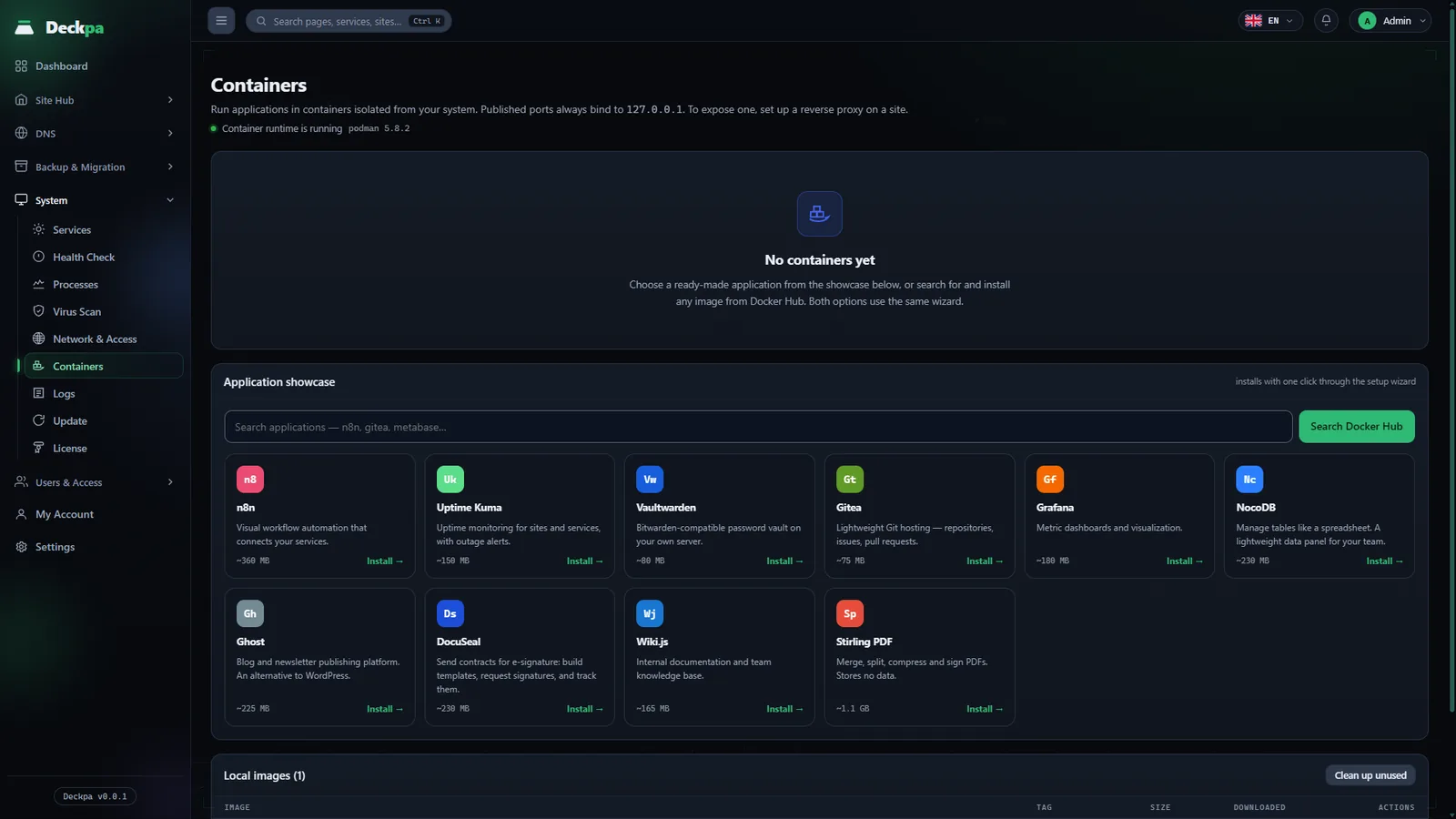
Container management
Run apps in isolated Podman containers. The page is open to administrators only. Podman does not come installed; you install it from the panel in one click. You then install and stop apps from the panel and connect them to a domain.
- Ten ready-made appsn8n, Gitea, Grafana, Uptime Kuma, Vaultwarden, and more. Each installs in one click.
- Docker Hub imagesSearch for an image that is not on the list and run it from the same wizard.
- Connect to a domainA container binds only to 127.0.0.1. To expose it, you add a reverse proxy to a site.
The server checks itself
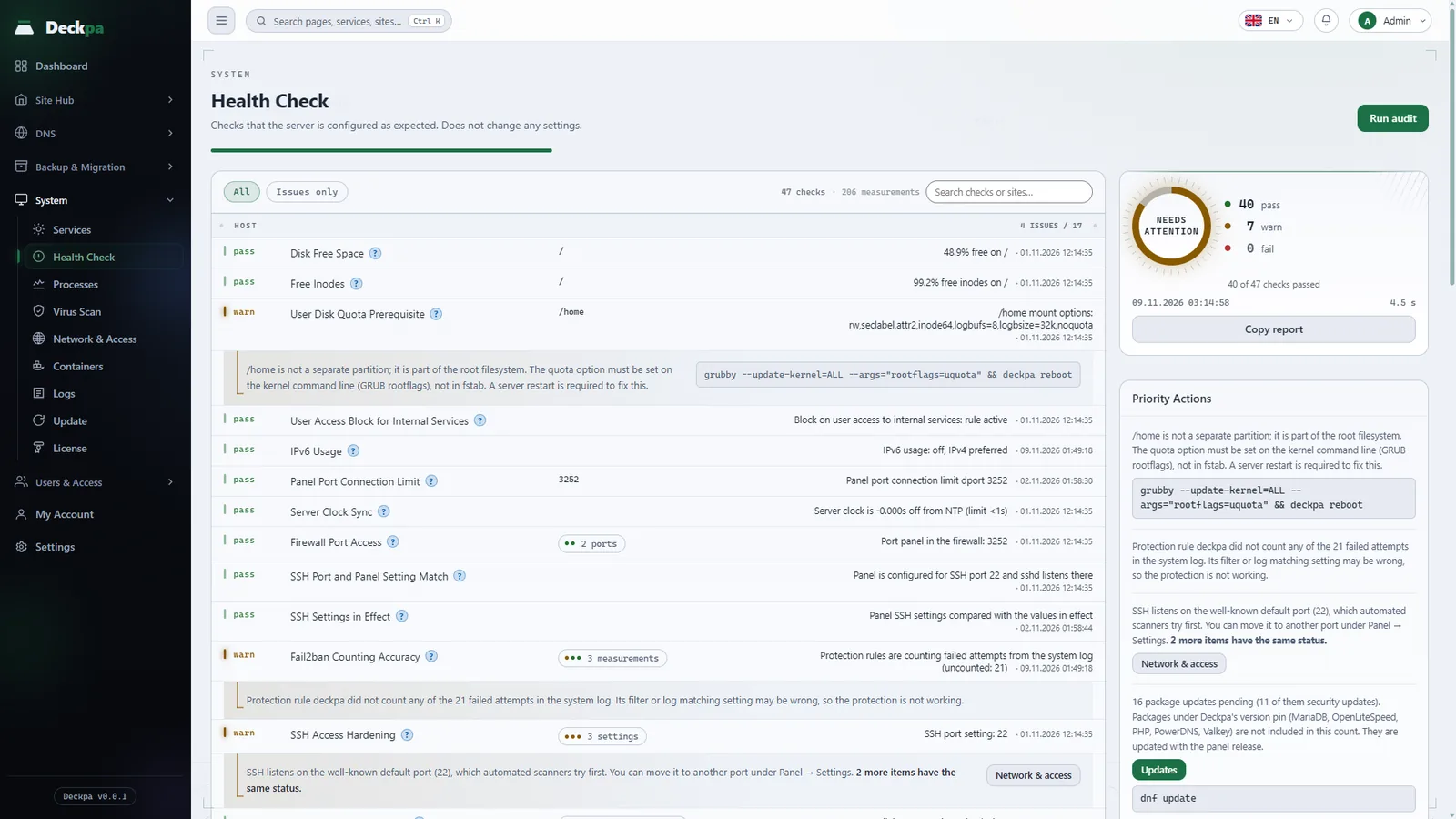
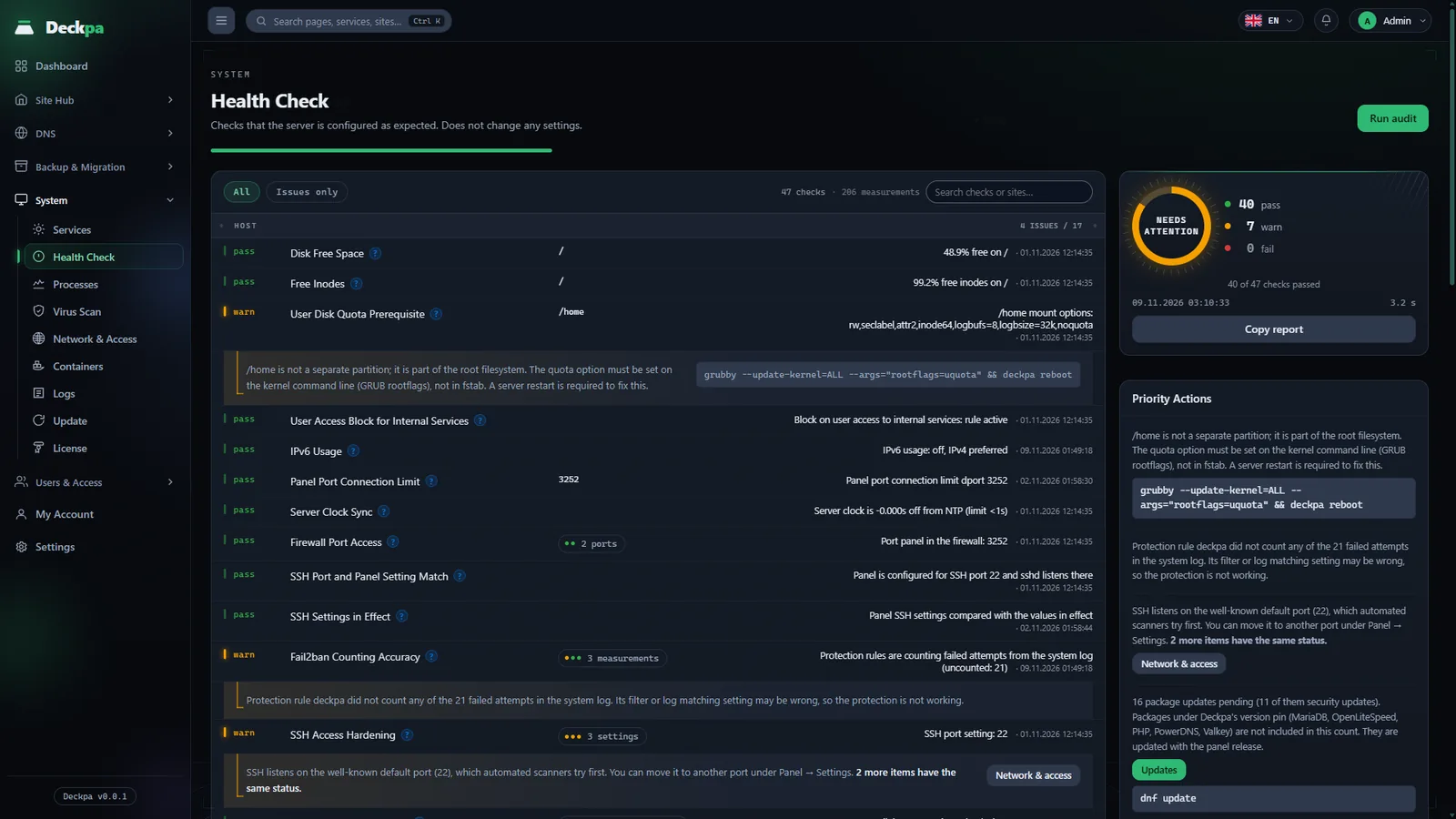
Health Check inspects the server at 48 points: disk, SSL expiry, firewall, backup freshness and more. It also runs from the command line as deckpa doctor.
- Priority itemsA result ring and a list of the most important items put the problems in order.
- It changes no settingHealth Check only measures. You make the fixes.
Alerts and notifications
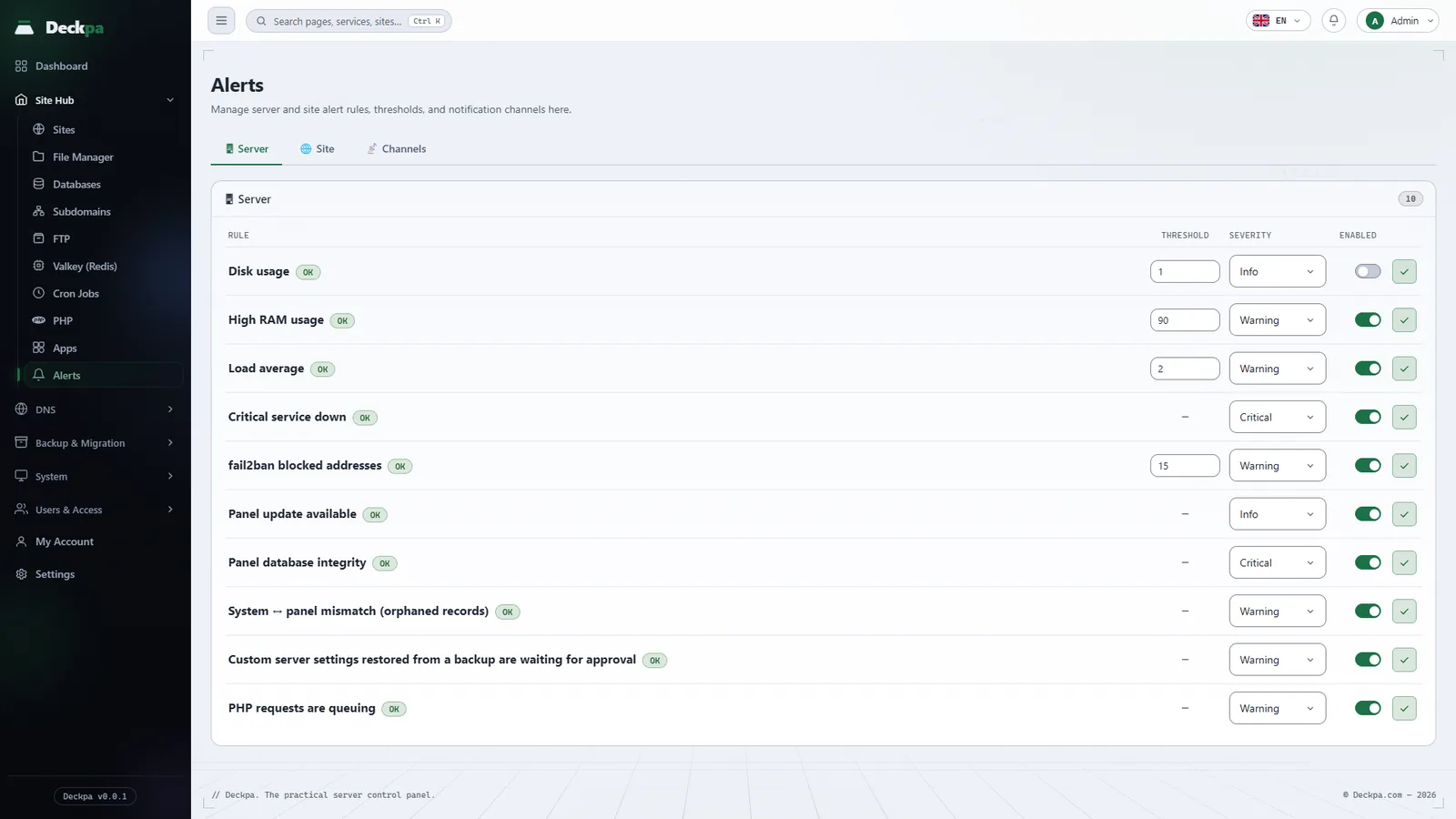
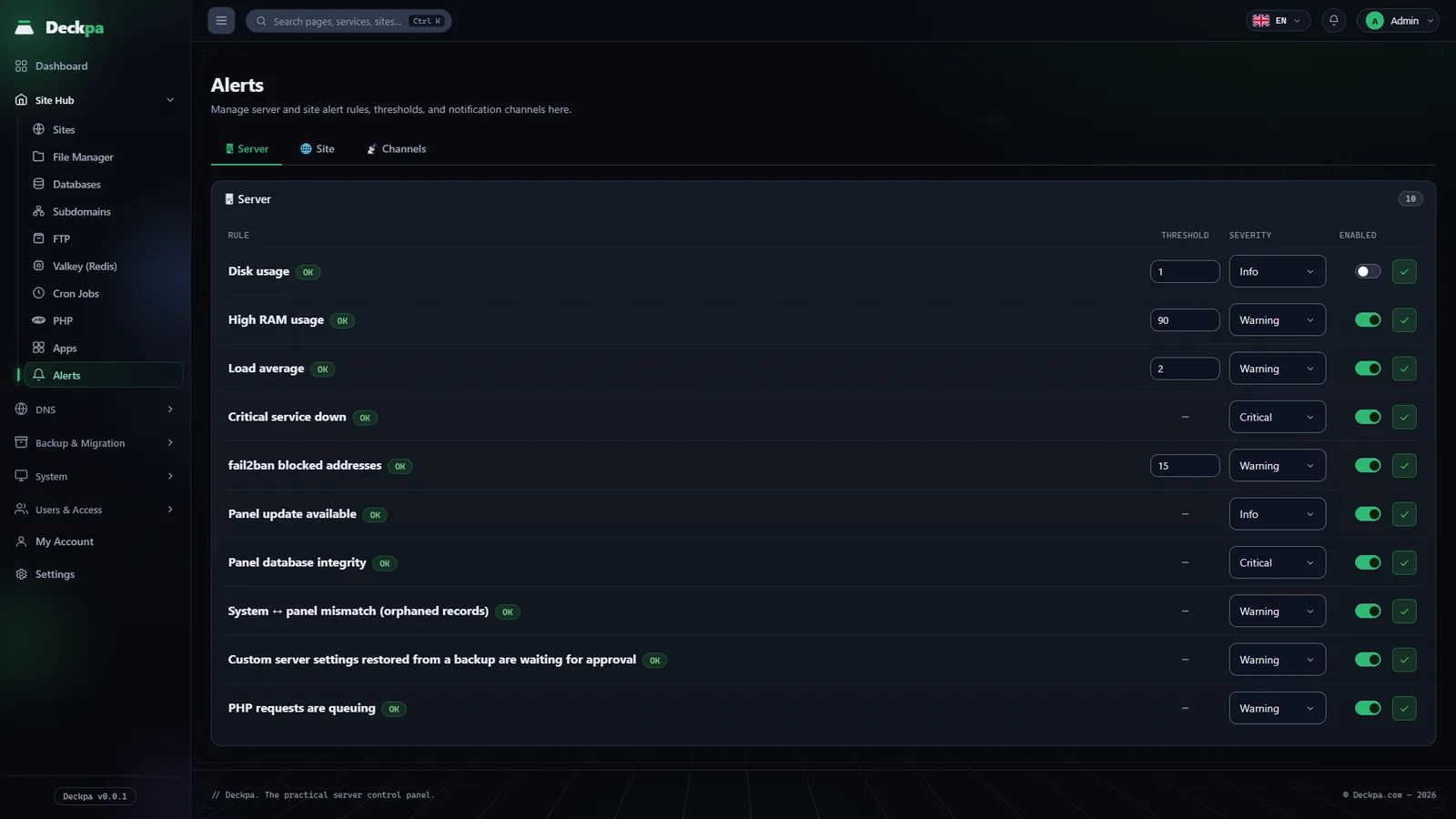
The panel evaluates the rules for the server and your sites every minute. Open alerts show in the top bar.
- 17 alert rulesDisk usage, memory, load, a critical service down, Fail2ban blocks, a panel update, and more. You choose the severity and, for rules that support it, the threshold.
- Three notification channelsIn the panel, a webhook, and Telegram.
All logs in one place
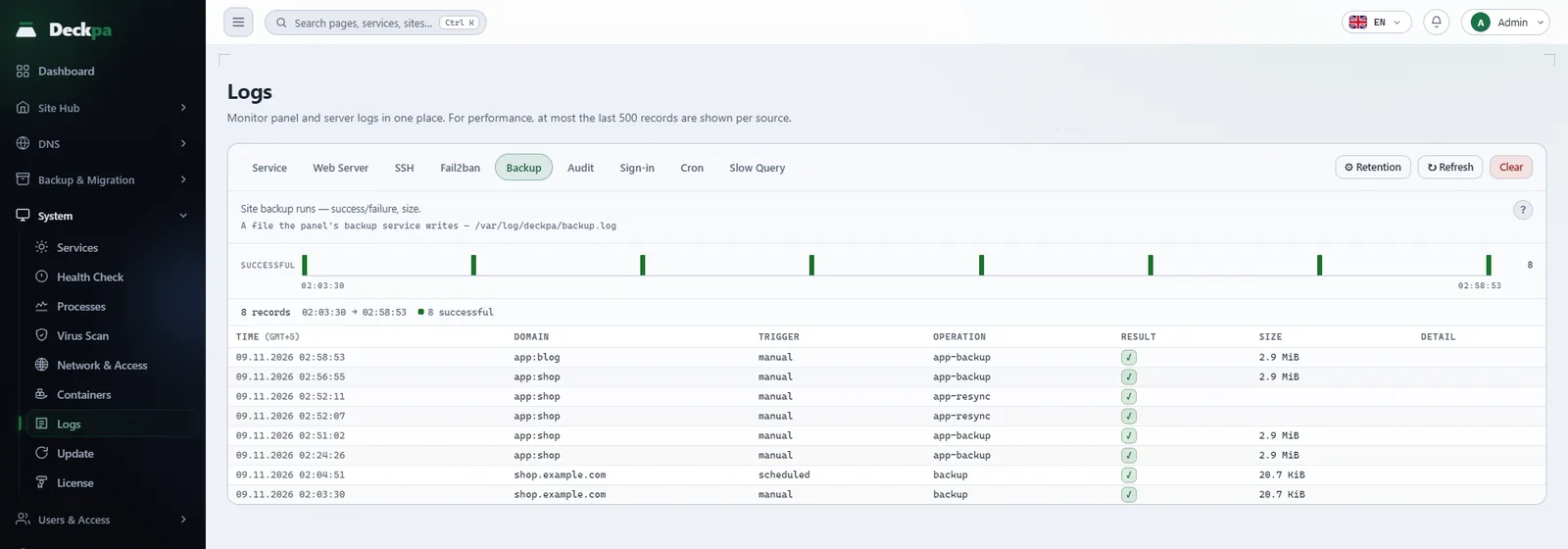
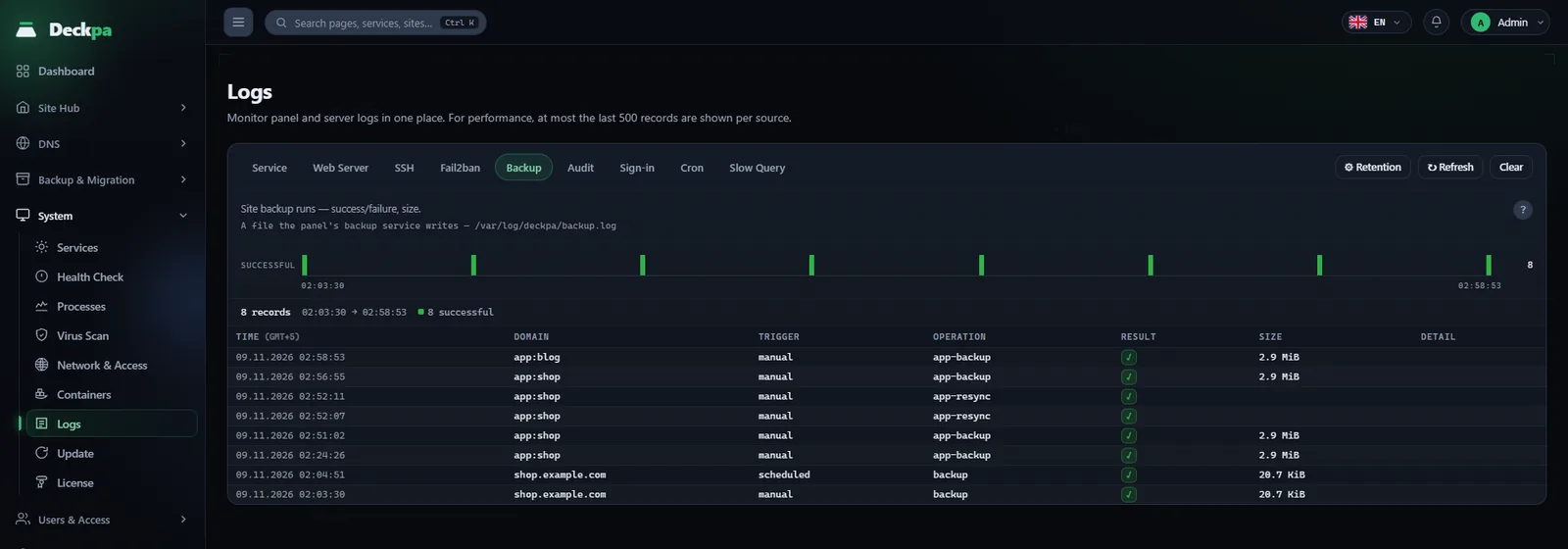
The records of the panel and the server are grouped in tabs. You see what each service wrote without searching for files.
- Nine sourcesService, web server, SSH, Fail2ban, backup, audit, sign-in, cron, and slow query.
- Changes are in the audit logFor every change made in the panel, the log records who did what and what the result was. The record cannot be deleted or edited from the panel interface.
- You set retentionStandard 30 days (audit 180 days), long 1 year, or custom.
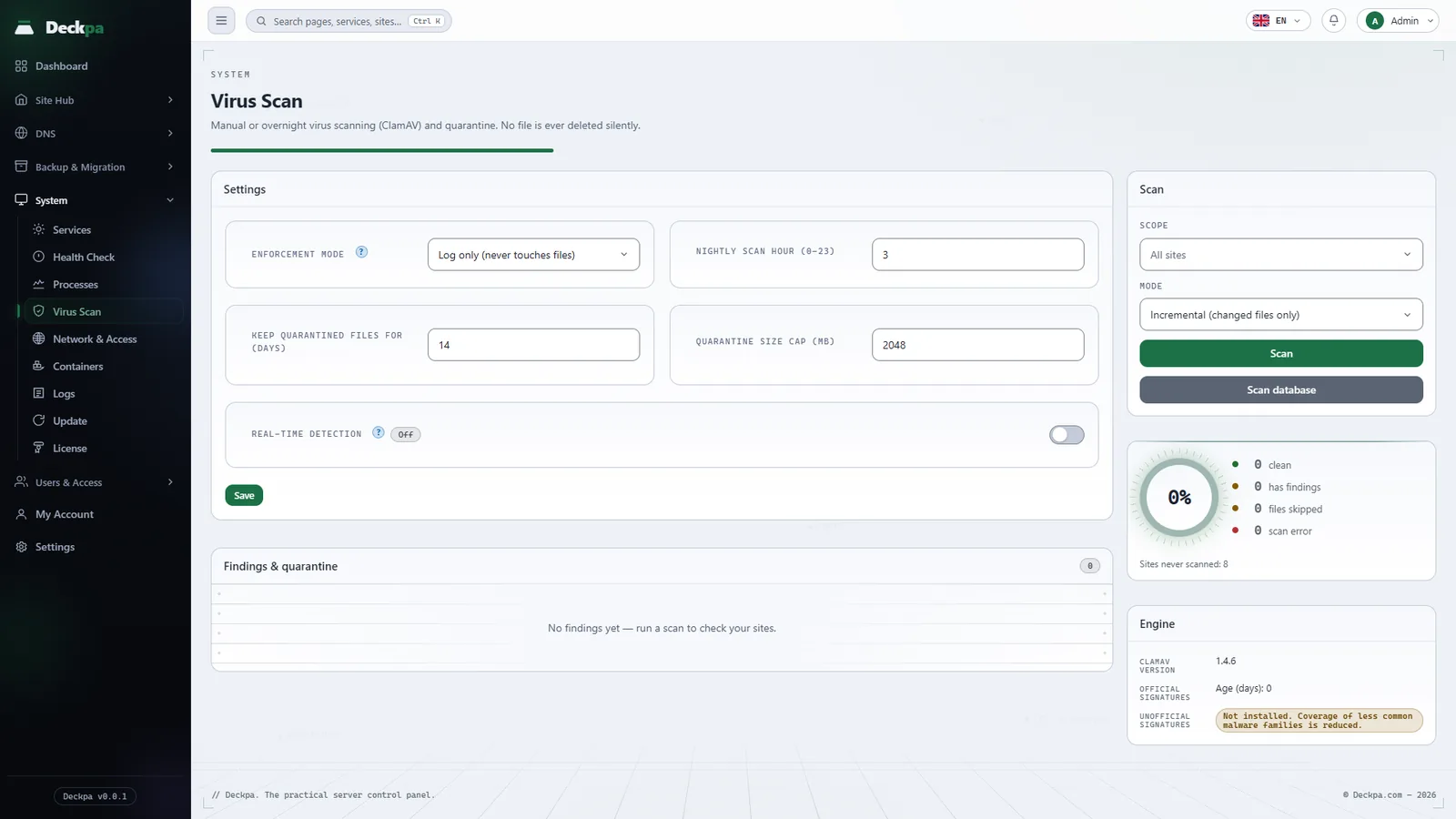
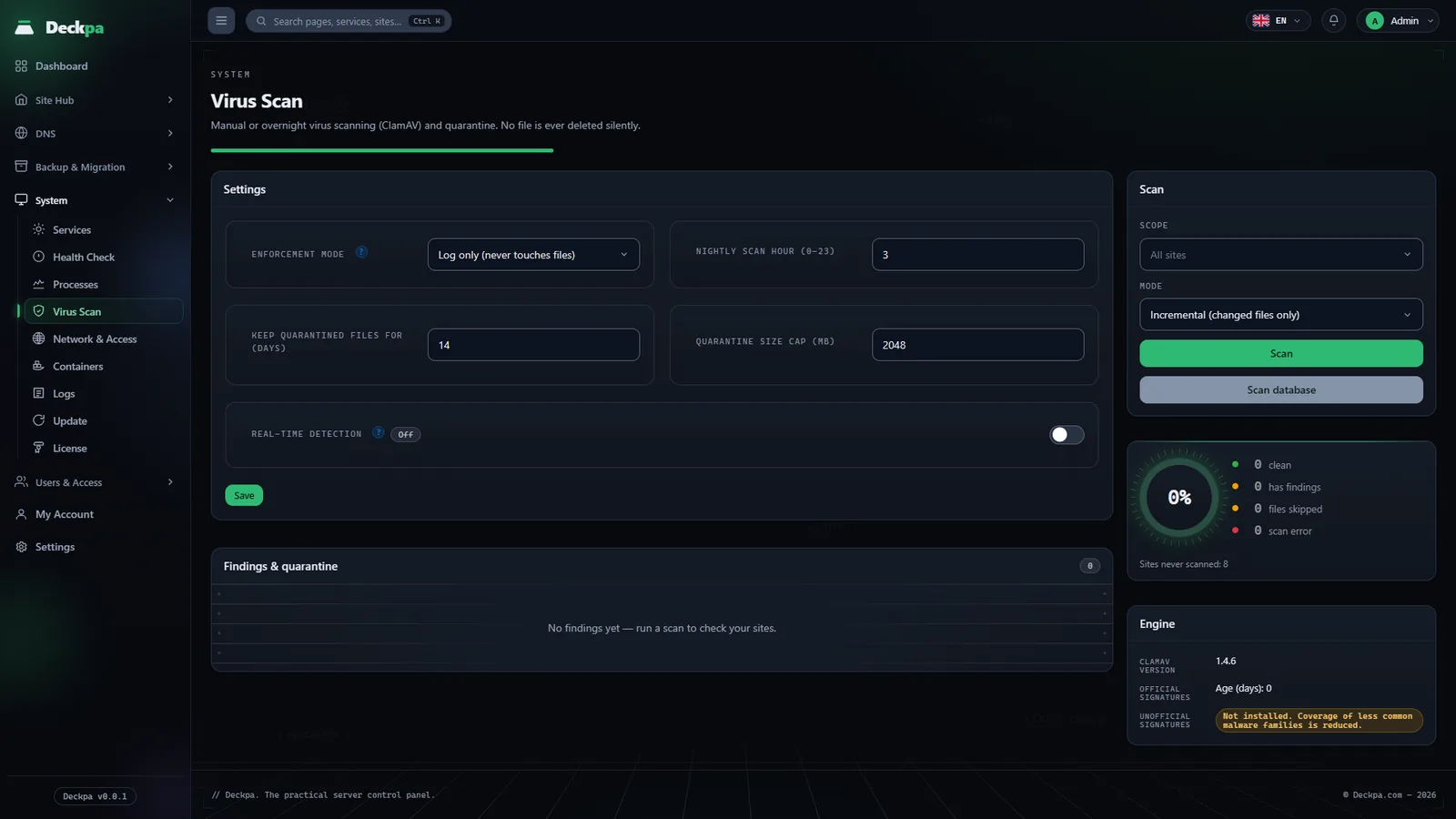
Virus scan
The files on your sites are scanned with ClamAV. In Enforce mode, malicious files are quarantined automatically. You can release a quarantined file or delete it permanently, ignore other findings, and clean injected code. An administrator installs ClamAV in one click from the Services page.
- No file is deleted silentlyThe panel lists what it found and what it did in Findings.
- You start scans by handYou pick one site or all sites.
Services and processes
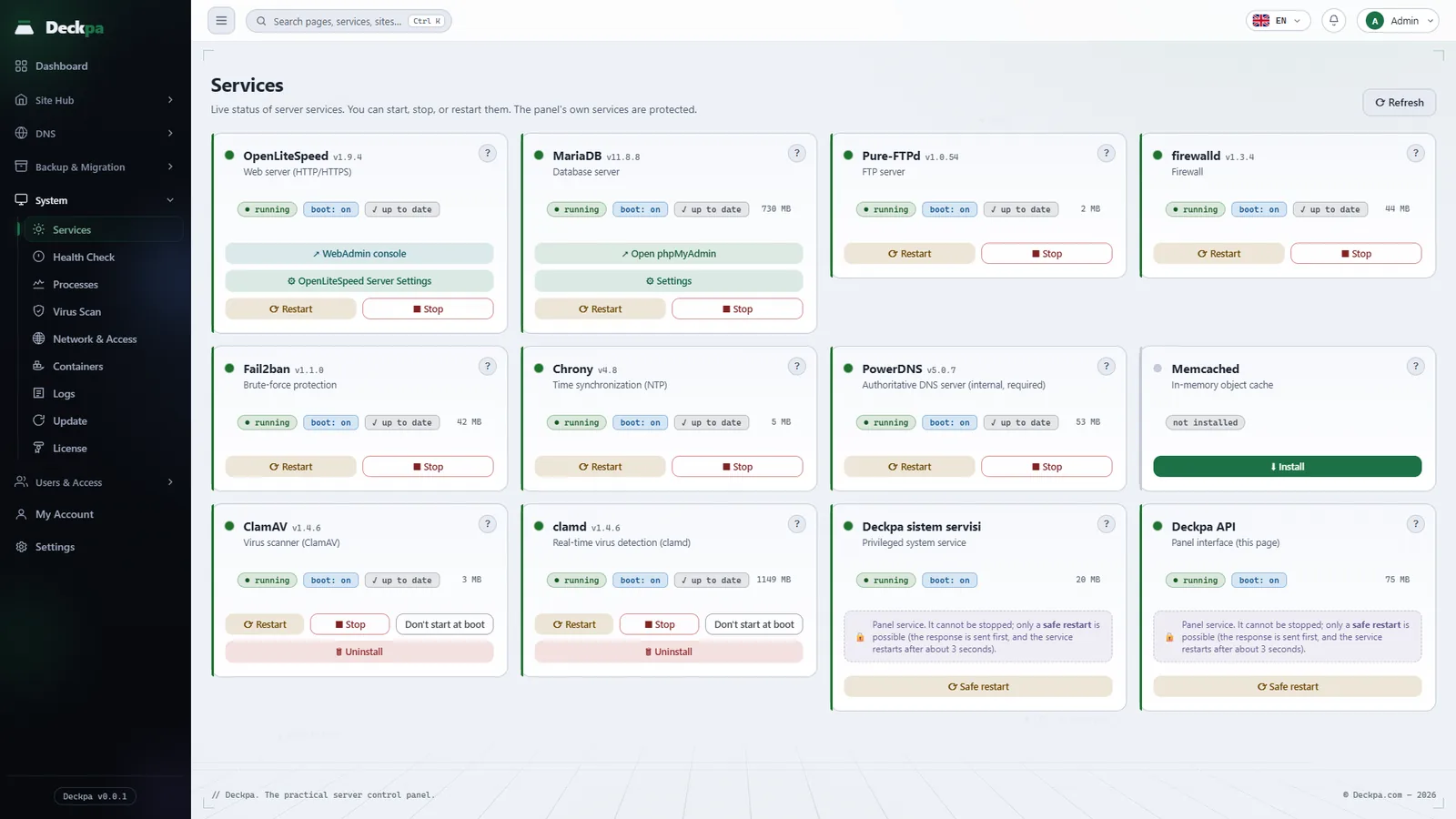
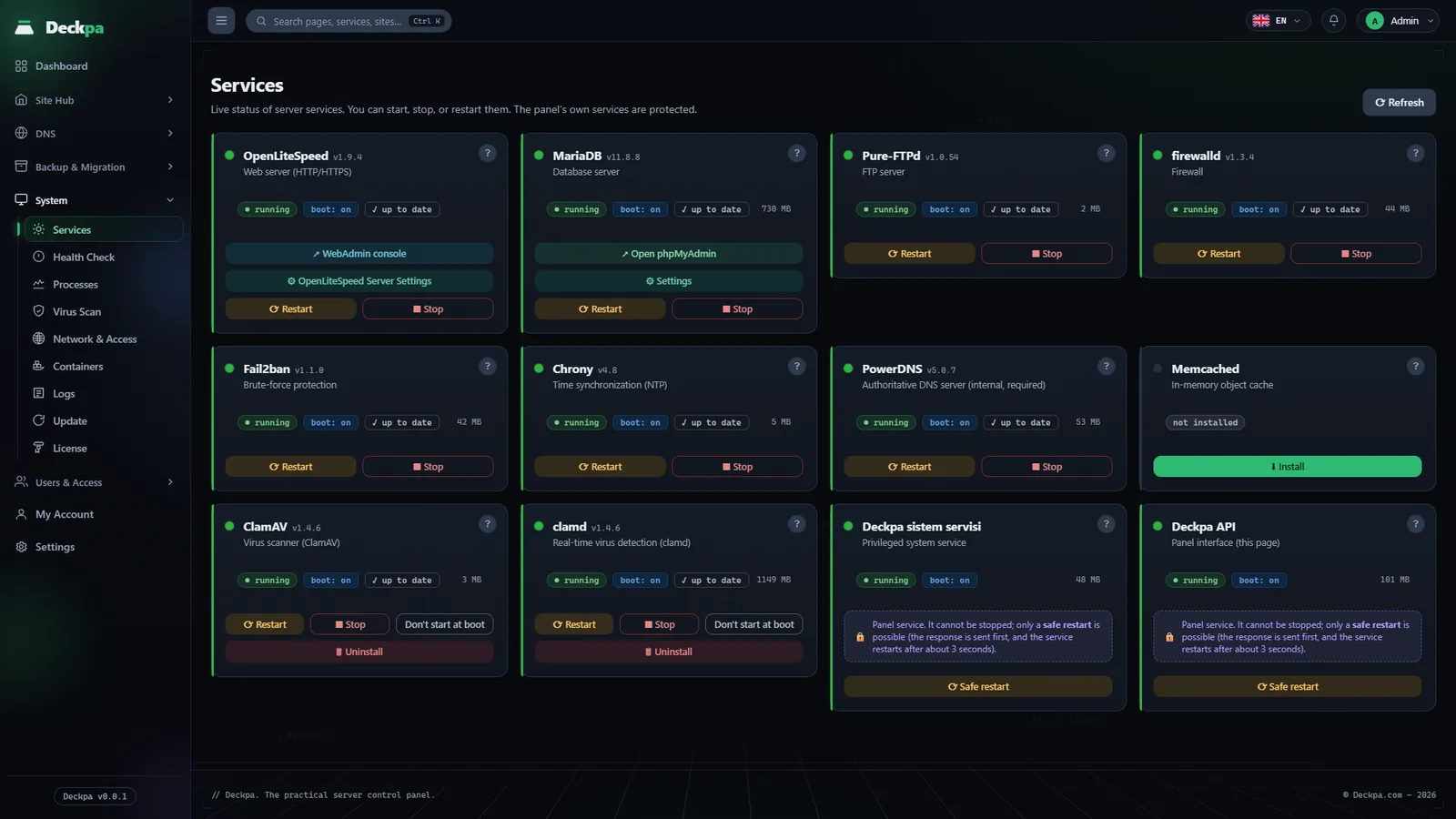
See the state of the server's services, and start, stop, and update them. Watch the running processes live.
- Service cardsThe web server, the database, FTP, the firewall, and more. The card says what stops working if you stop a service.
- ProcessesYou see how much CPU and memory each site uses. The list refreshes every 3 seconds.
- Protected processesThe panel itself and system processes cannot be stopped from the interface.
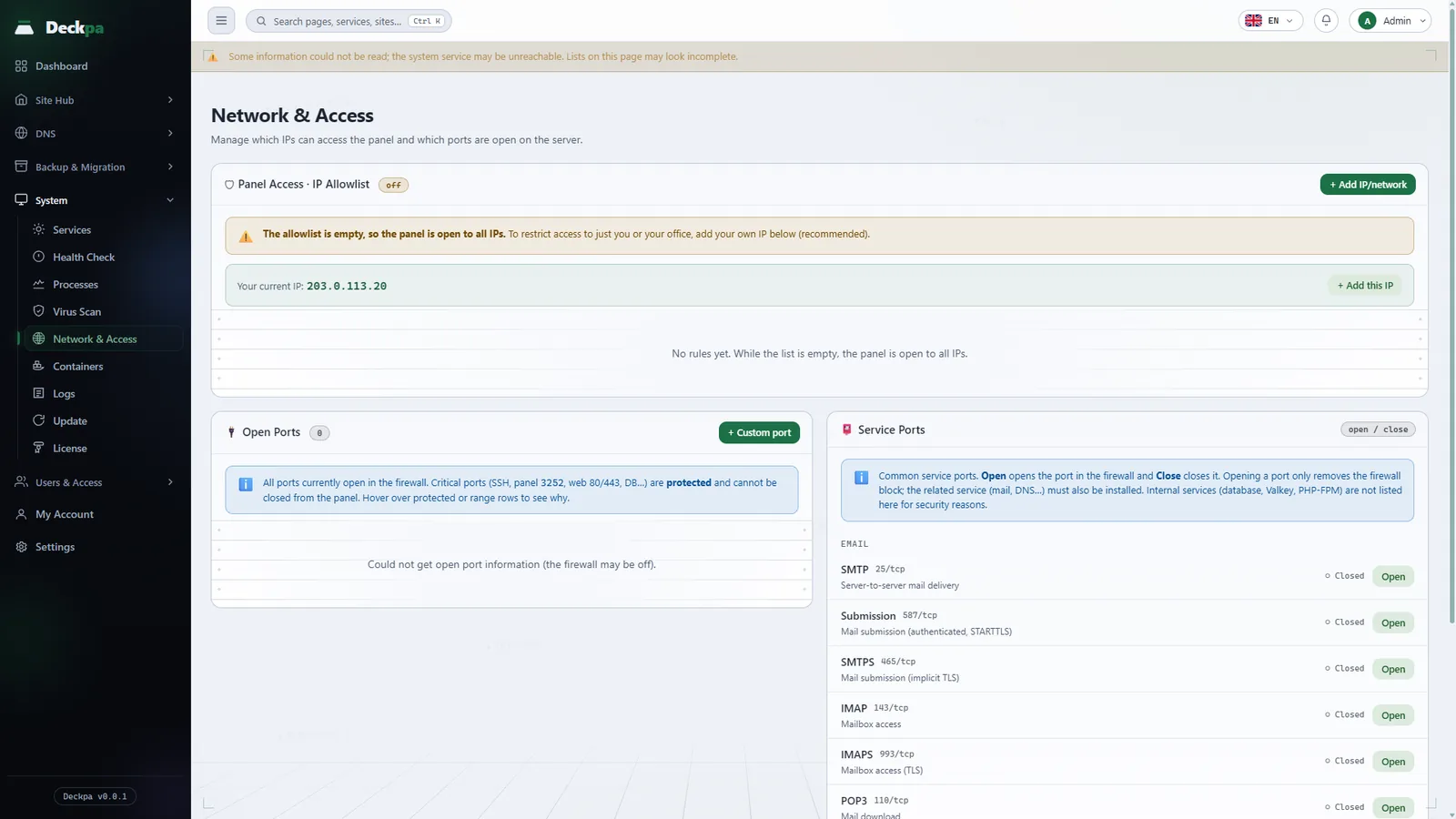
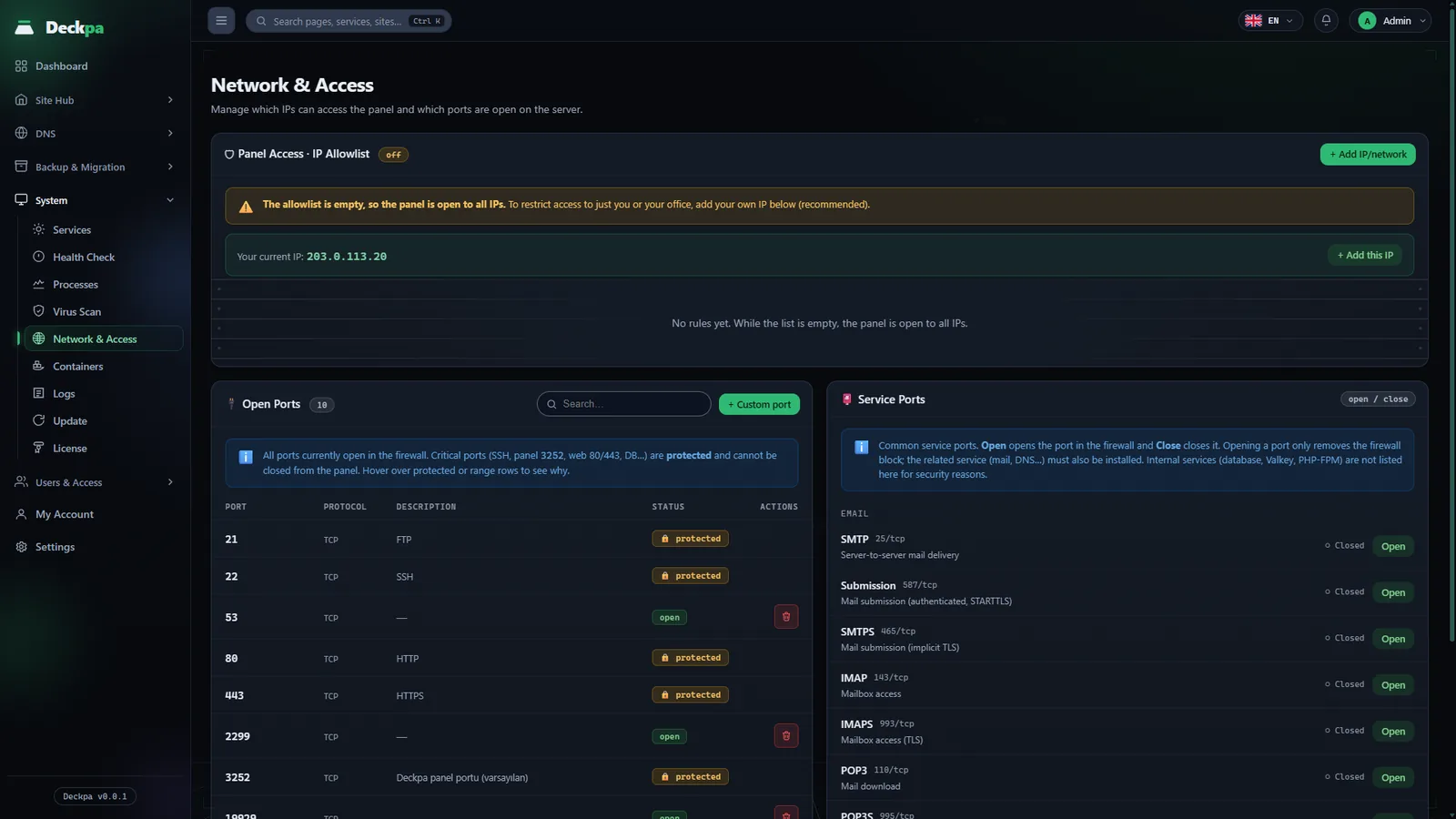
Network and access
Manage which IP addresses can reach the panel and which ports are open in the firewall.
- Panel access listThe panel opens only from the IP addresses you add to the list. While the list is empty, the panel is open to every address.
- Firewall portsSee the open ports. Critical ports such as SSH, the panel, and web are protected, and you open or close service ports with one button.
Users, permissions, and packages
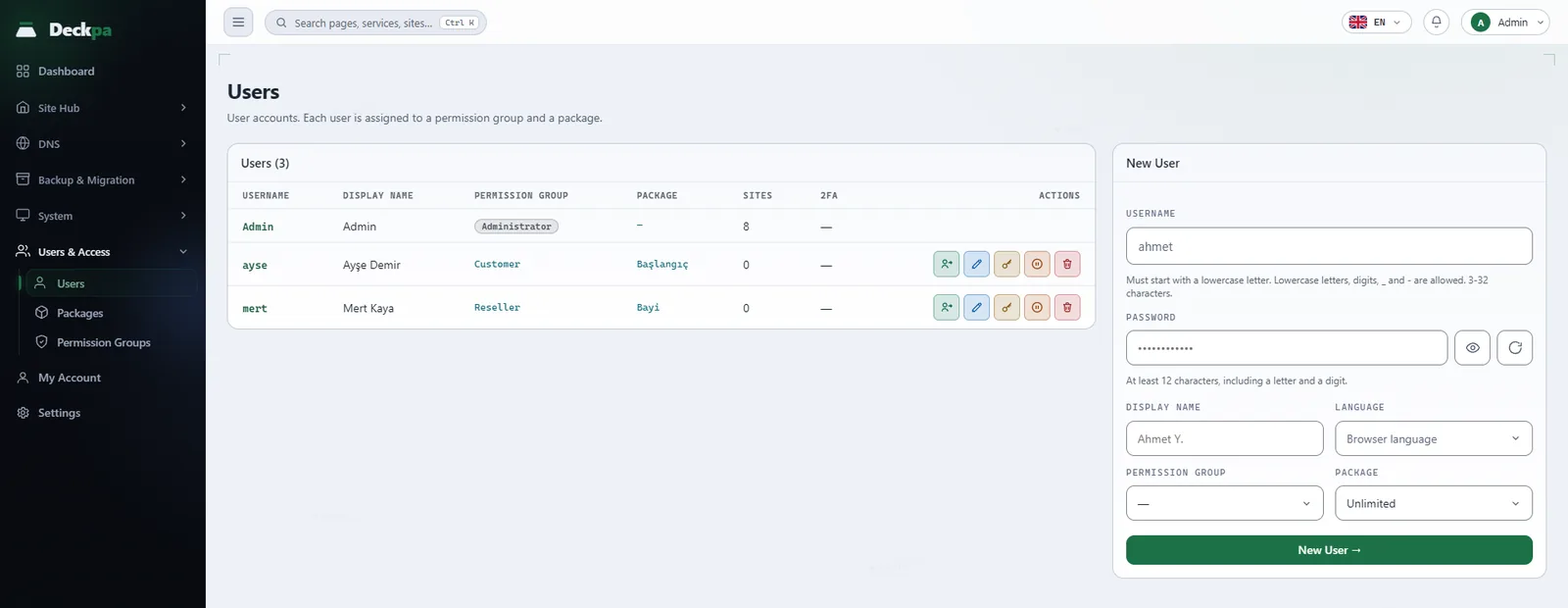
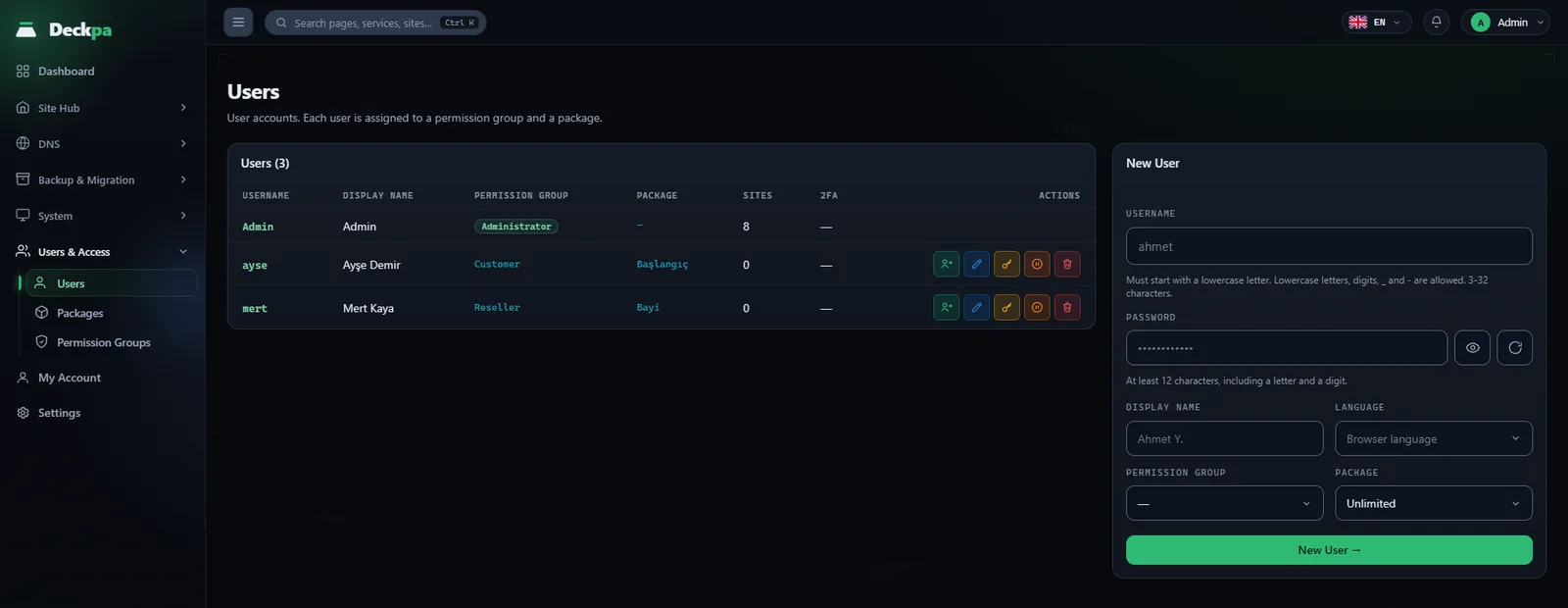
The administrator is created during setup. You create the reseller and customer accounts.
- Permission groupsA permission group sets what an account can do in each section.
- PackagesA package sets limits on the number of sites, databases, and FTP accounts, and the disk limit when disk quotas are enabled. It is separate from permissions.
- Two-factor authenticationAny account can turn it on, and it comes with 10 recovery codes.
- Sign in as a customerWhen someone signs in to a customer account for support, the customer's My Account page lists who and when.
Move sites from another panel
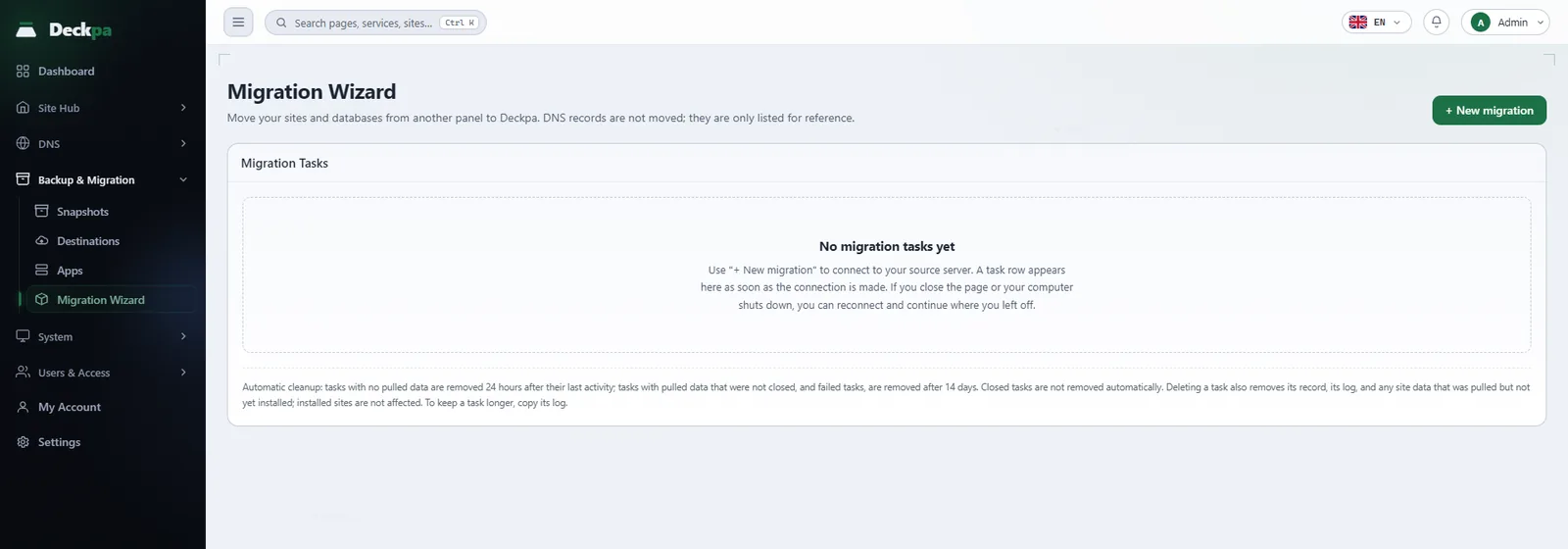
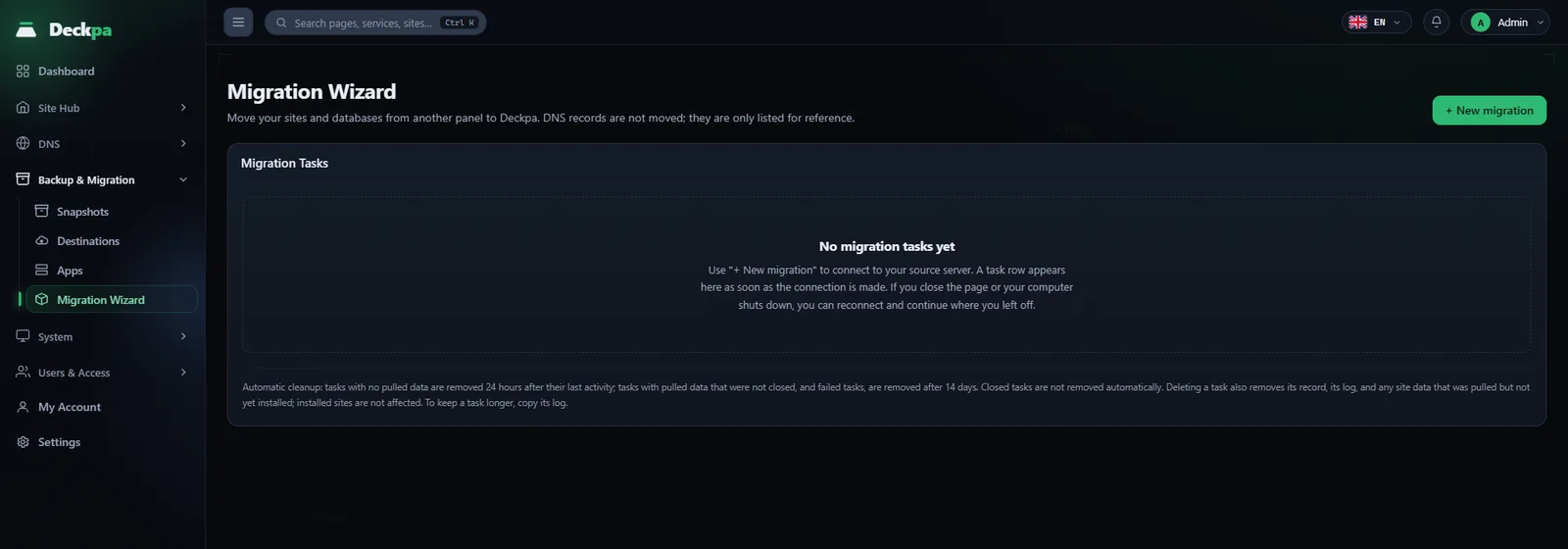
Bring sites from CyberPanel and Plesk into Deckpa with the Migration Wizard. The wizard connects to the source server over SSH and imports the files and databases.
- Checks firstQuota and conflict checks run before anything moves.
- Connection settingsDatabase settings in wp-config and .env files are rewritten with the new values.
- DNS cutoverIn the last step the domain's A record is switched to the new server.
Server settings, with recommended values
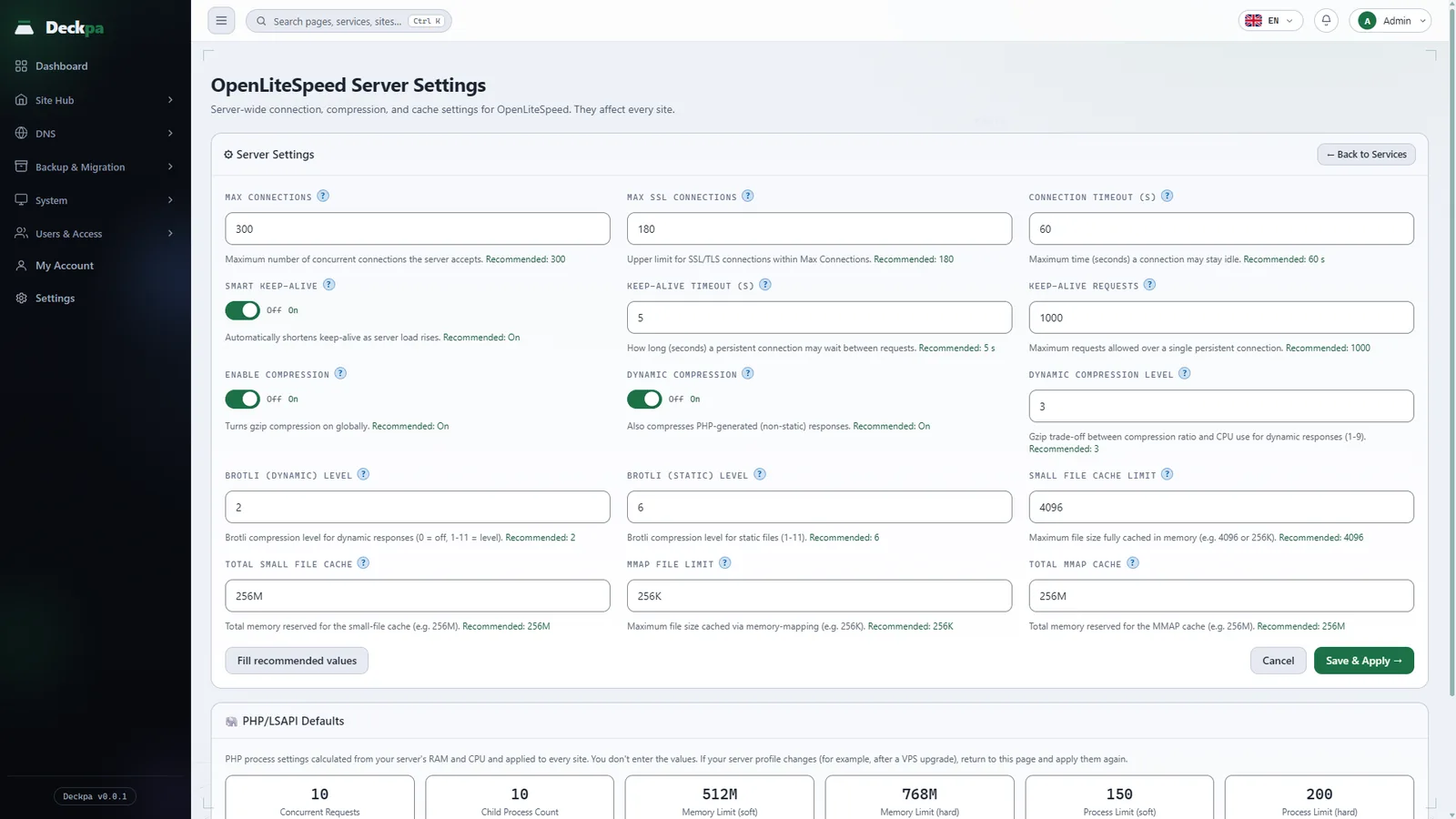
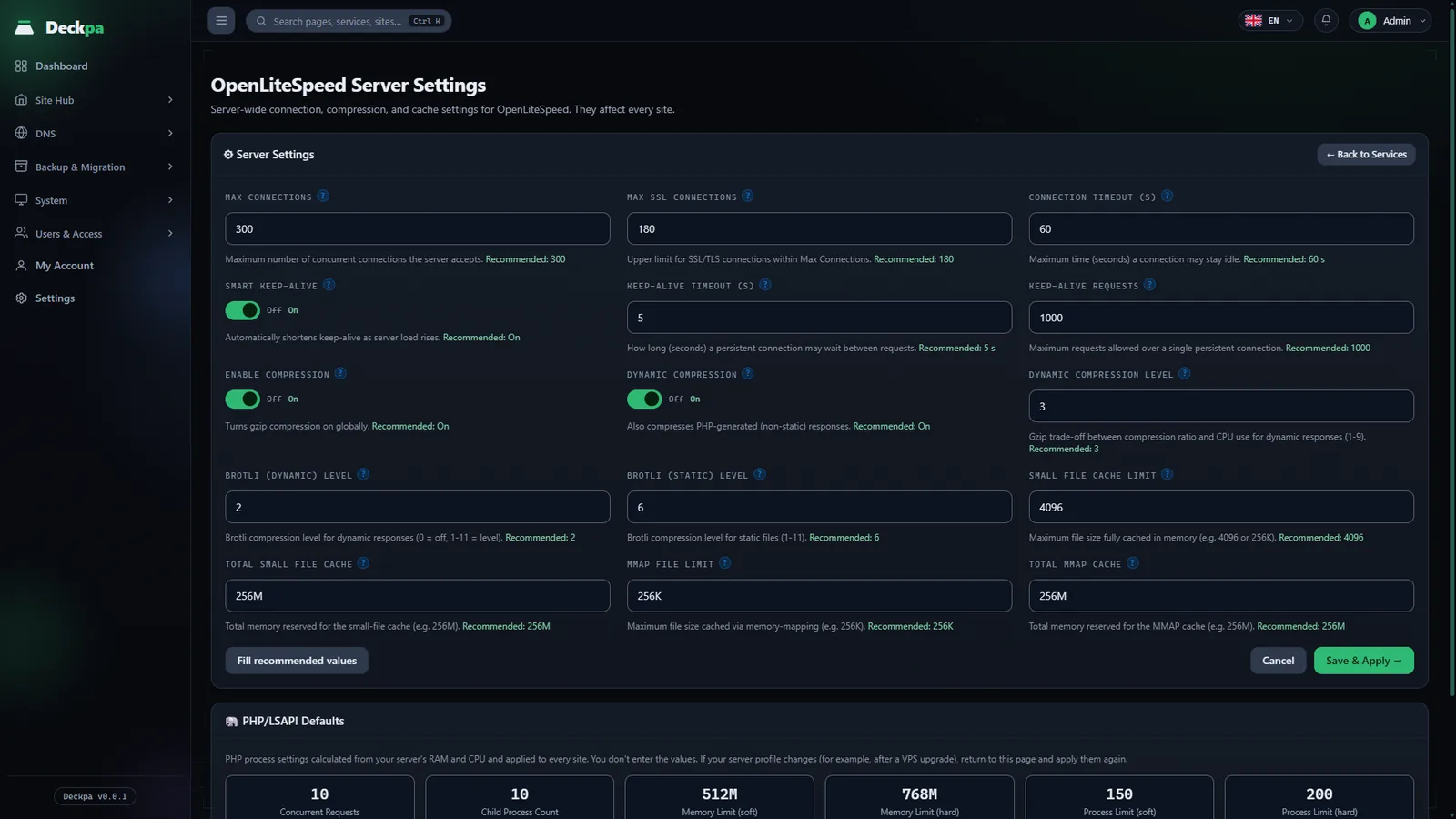
You change OpenLiteSpeed and MariaDB settings from the panel. Each setting shows its recommended value, and one button fills in the recommended ones.
- OpenLiteSpeed Server SettingsConnection, compression and cache values. PHP process settings are calculated from the server's RAM and CPU capacity.
- Database TuningRecommends MariaDB values based on the server's memory and CPU. You can turn the slow query log on and off.
Set the panel to look the way you like
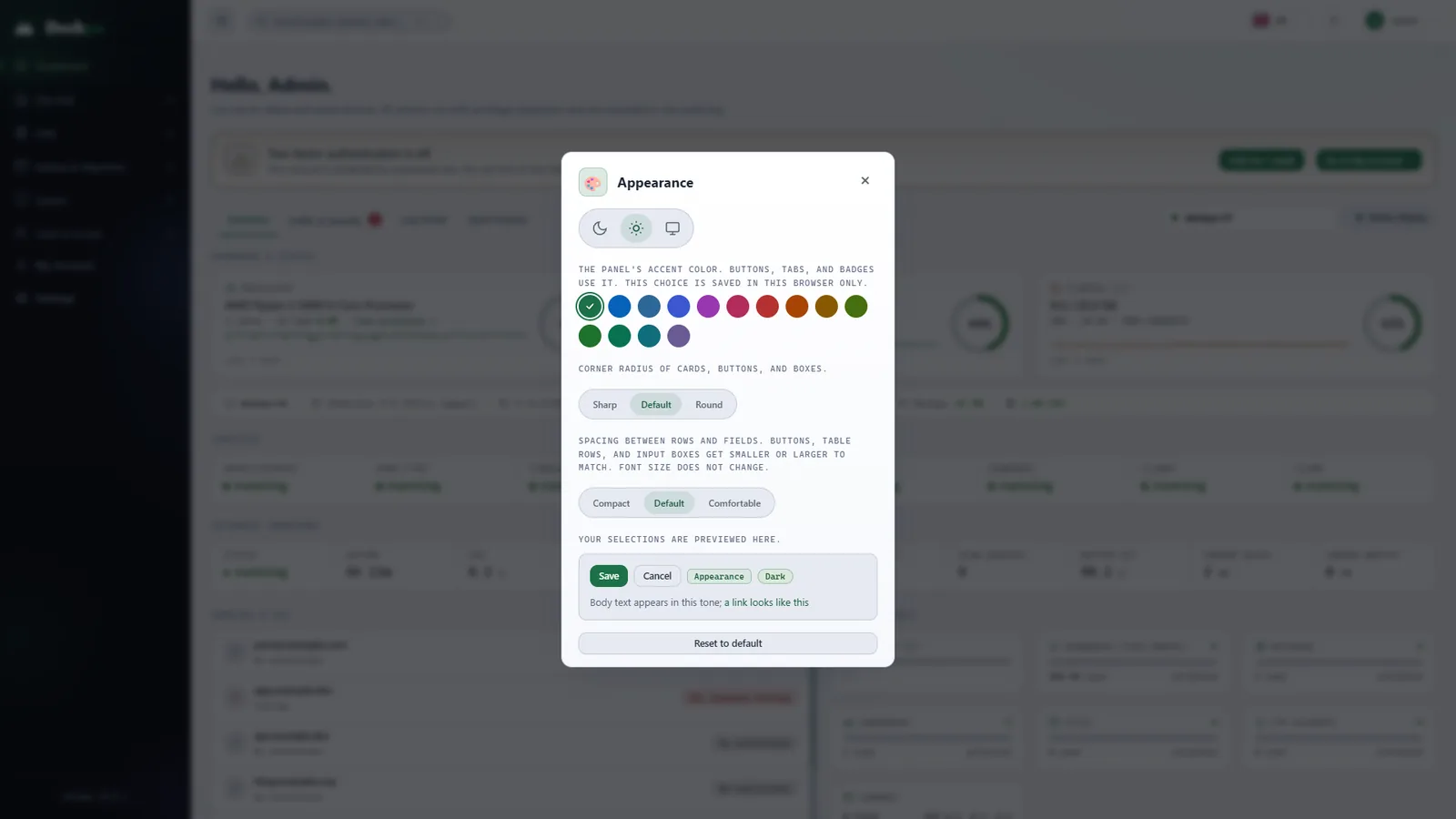
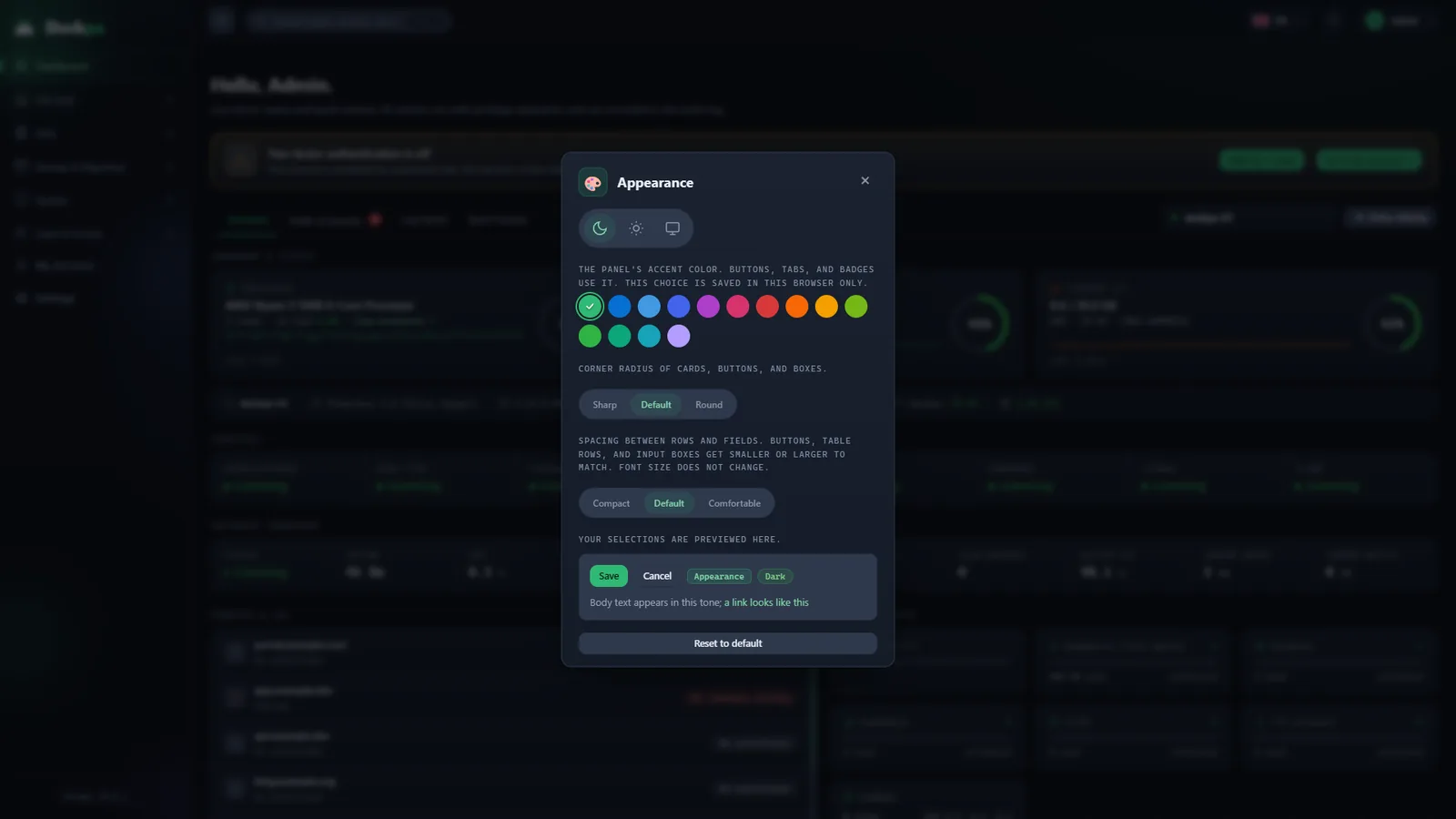
In the Appearance dialog you choose a light, dark or system theme and change the accent color, corner radius and row density. Your choice is stored only in this browser.
- 14 accent colorsButtons, tabs and badges take the color you choose.
- Corners and densitySharp, normal or round corners; compact, normal or roomy density. The preview updates instantly.
And more
The other features that speed up daily work.
FTP accounts
Create separate accounts for each site. An account reaches only that site's directory.
Cron jobs
Add them from ready-made templates. A job runs as the site user, and its output goes to a log file.
Subdomains
A subdomain shares the main site's user. You choose the document root.
SSL certificates
Certificates come from Let's Encrypt and renew automatically before they expire.
Command line
The deckpa command lets you regain access and check the server even when the panel is down.
Safe updates
The panel updates in one click with a signed package. If the new version does not start healthy, it rolls back.
Planned
Planned features. They appear in the panel when they are ready.
Backup destinations
Yandex Disk, Amazon S3, and SFTP.
Passkey sign-in
In addition to a password and two-factor authentication.
Remote database access
Only from the addresses you allow.
Email hosting
Mailboxes and domain email.
WordPress install and management
Install and manage WordPress from the panel.