Valkey cache
Each site gets its own Valkey cache process: unix socket, no password, memory limit. Turning it on, connecting, the key browser and optional Memcached.
A cache for each site
A cache keeps the data your site produces often (query results, compiled templates, page fragments) in memory. The application reads it from there instead of recalculating it from the database. Deckpa uses Valkey for this. The menu item is named Valkey (Redis) and opens from Site Hub → Valkey. On the page of a top-level site, the same screen is the Cache tab.
Every site gets its own Valkey process; there is no single shared cache. This design has three consequences:
- It cannot be reached over the network. The process opens no TCP port; connections are made only through a unix socket.
- There is no password. The socket's file permissions control access. The socket is open only to that site's system user, and no other site can read it.
- It uses nothing while off. A site whose cache is not turned on has no process and no socket.
Subdomains do not get a separate cache; cache settings are managed through the main site.
Turning it on and the memory tier
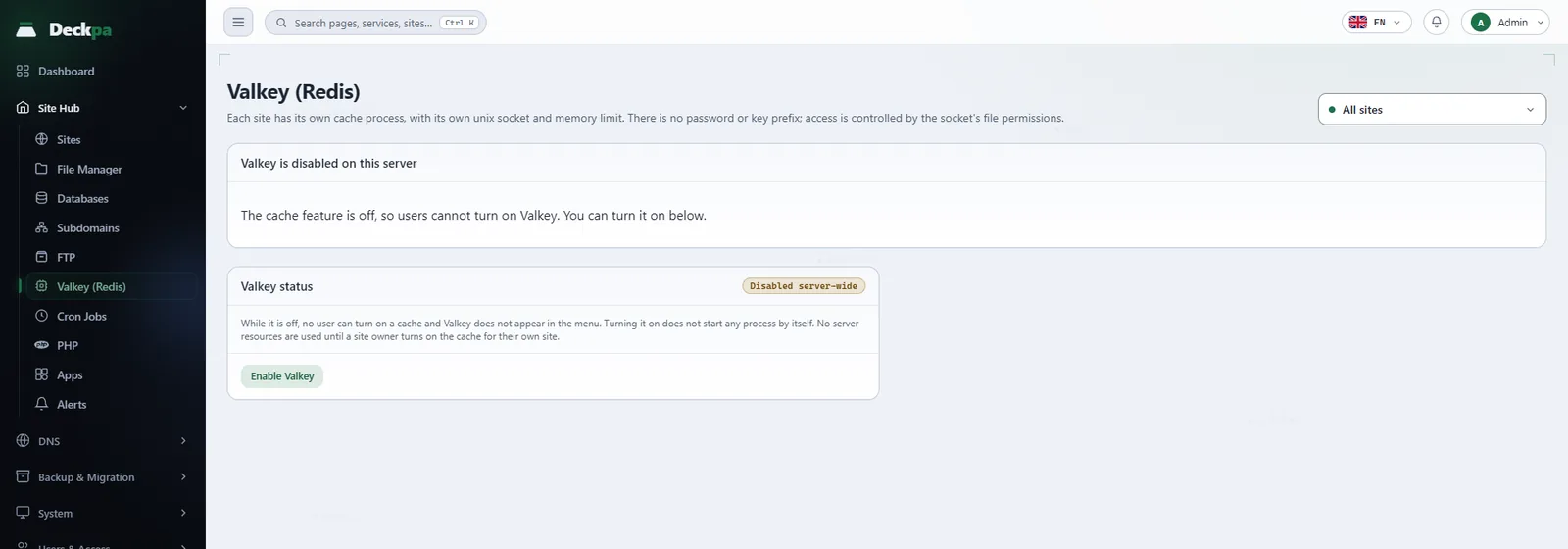
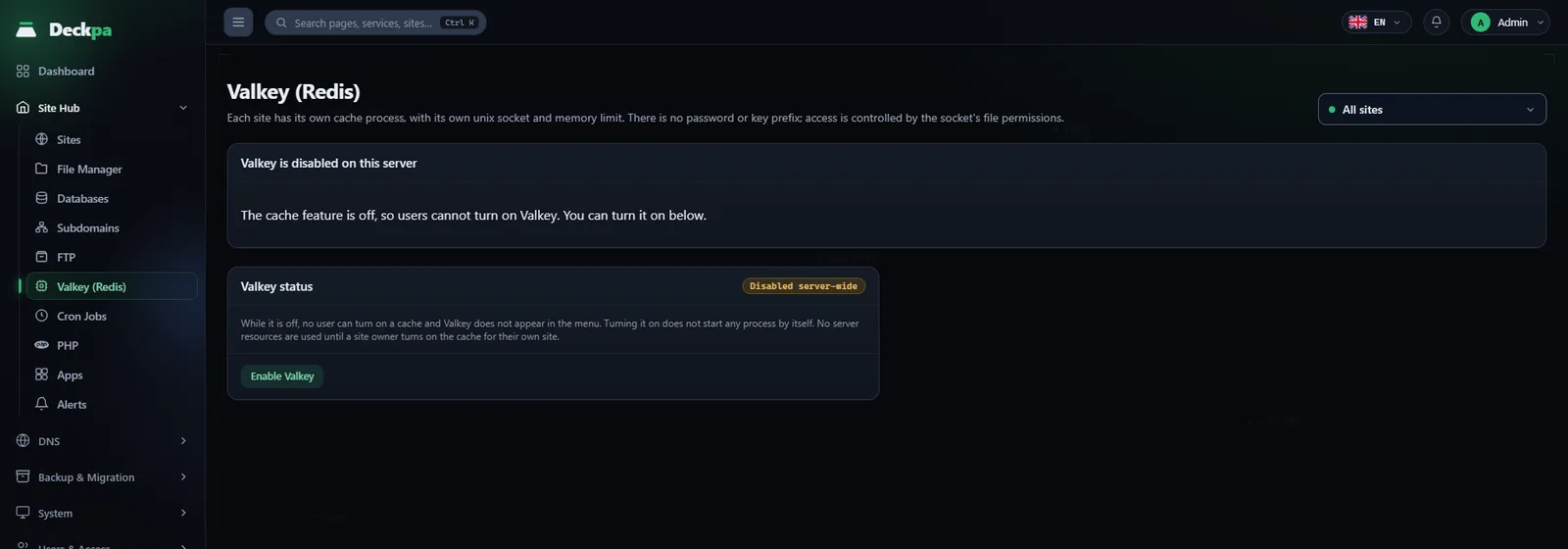
On a new installation Valkey is off server-wide, and while it is off it does not appear in the menu. An administrator opens the Valkey page, switches to the All sites view and presses Enable Valkey in the Valkey status panel. This button does not start any process by itself; no server resources are used until a site owner turns on the cache for their own site.
Once it is enabled server-wide, each site is set up in this order:
- Select the site and press Turn cache on. A Valkey process dedicated to the site starts.
- When turning it on in the single-site view, an administrator can pick a Memory tier: 64, 128 or 256 MB. If nothing is picked, 64 MB is applied. Other users cannot pick a tier; their requests use the default.
- An administrator can change the tier of a running cache later with Apply. The process restarts, so everything in it is deleted and the application's connection drops briefly.
The tier is a limit, not a reservation: the chosen memory is not set aside in advance, and the process uses only what it needs. When it reaches the limit it removes its oldest keys itself. systemd also enforces a memory limit: a process that reaches the tier plus 32 MB is terminated and starts again empty.
Two more checks apply when a cache is turned on. If the owner's package defines a Valkey memory limit, a tier above that limit is rejected. And if the combined limits of all running caches would exceed half of the server's memory, the new cache is not started; an administrator should review the situation first.
The built-in customer and reseller groups have the cache permission. An administrator can create a custom group on the Permission Groups page and leave this permission out.
Connecting your application
Once the cache is on, the Cache connection details card in the right column shows the Socket path, the Memory in use and the App configuration. The panel does not edit your application's configuration file; you paste the lines into your .env file yourself. For Laravel the card gives these lines:
REDIS_CLIENT=phpredis
REDIS_HOST=/run/valkey/example_com/valkey.sock
REDIS_PORT=0
REDIS_USERNAME=
REDIS_PASSWORD=
REDIS_PREFIX=
The socket path is different for every site; use the value shown on your card. Do not delete the username and password lines; leave them empty. If they are filled in, the client tries to send authentication, the server does not recognize it, and the connection fails. Writing the socket path in the host field is specific to the phpredis client; in applications other than Laravel, also put the socket path in the host field and 0 in the port field.
Turning the cache on does not speed up the site by itself; the application has to use this setting. The client extension must be installed for your PHP version. You can see extension status on the PHP page; if Valkey is off server-wide, a warning appears next to the related extension there.
Keys and clearing
While the cache is on, the left side of the page is the Cache keys browser. Applications can write cache and sessions to different databases, so the databases that contain data are chosen from the selector at the top, from db0 to db15; each option shows the number of keys in that database.
- Search keys: type a pattern (for example
*session*) and press Search. Results load page by page; use Load more to reach the rest. - Type filter: narrow the list to string, hash, list, set, zset or stream keys.
- Columns: Key, Type, TTL (no expiry or the time left) and Size. You can delete a key with the icon on its row.
The browser lists and deletes keys; it does not show their values. The Running or Stopped badge in the header shows the state of the process. If you see a restarts counter next to it, the process restarted on its own; it may be hitting its memory limit, so review the tier.
The lower part of the card has two actions, and both ask for confirmation:
- Clear my cache: deletes all keys of the site. The application rebuilds its cache, but session or queue data stored there may be lost.
- Turn cache off: stops the process and deletes everything in it. If your application still uses the cache, its connection drops immediately and the site may return 500 errors. Change the application's setting first, then turn the cache off.
Administrator: server-wide
The All sites view has a list showing the cache state of every site and two panels that only an administrator sees. The list shows each site's state (Running, Stopped or Off), the memory in use and the number of keys.
- Valkey status: Disable Valkey turns the feature off server-wide. If sites have running caches, the action asks you to tick a box confirming that all of their data will be deleted, and it cannot be undone.
- Server-wide: compares Allocated memory (total limit) with the server's memory. If the total exceeds memory, the warning Memory limits exceed physical memory appears. Usage data is collected every 15 minutes; a cache that was just turned on shows an Awaiting measurement badge until then, which does not mean it is not running.
- Engine version: the installed Valkey version is shown next to the version the panel has approved. If they differ, an Update engine button appears. During the update, the process of every site that has a cache restarts and is emptied.
- Orphaned cache processes: accounts whose site was deleted but whose process remains are listed. These are not just records; they are running processes that use memory. Remove them with Clean up.
To check the instances on the server, you can use these commands as root. Each instance is a separate system service named valkey@<user>.service:
systemctl list-units 'valkey@*'
ls -l /run/valkey
Memcached (optional)
If an application uses Memcached instead of or alongside Valkey, you can install it too. Unlike Valkey, it is a single shared service, and only an administrator installs it: on the System → Services page, press Install on the Memcached card. The installation opens no port to the outside; the service listens only on 127.0.0.1.
Memcached is installed with password protection. There is no installation path without a password. The connection details (Host, Port, User, Password) appear on the page opened by the Connection info button on the Memcached card, and they are shared by all sites on the server. Reset password on the same page generates a new password and restarts Memcached; applications that use the old password cannot connect until you enter the new one.
Installing the service does not install the PHP client extension. Install the extension separately on the Extensions tab of the PHP page. Remove the extension before you remove Memcached; otherwise sites that use the object cache may return errors.