Permission groups and packages
A permission group decides what a user can do in each section, and a package decides how many resources the user can use. They are managed from separate screens and are independent of each other.
Three separate checks
Before a user can do something, three separate checks apply. They are independent of one another and are managed from different screens:
- Permission group — says which section the user can see and which actions (View, Add, Edit, Delete) they can perform there.
- Ownership — even with permission, a user sees and manages only their own sites, databases and FTP accounts.
- Package — says how many resources the user can use, such as the number of sites, disk space and bandwidth.
The administrator does not belong to a group or a package, so group and package limits do not apply. A user with no package is also unlimited. This page covers the Permission Groups and Packages screens in the Users & Access menu. For the accounts themselves, see Users.
Permission groups: the resource and action matrix
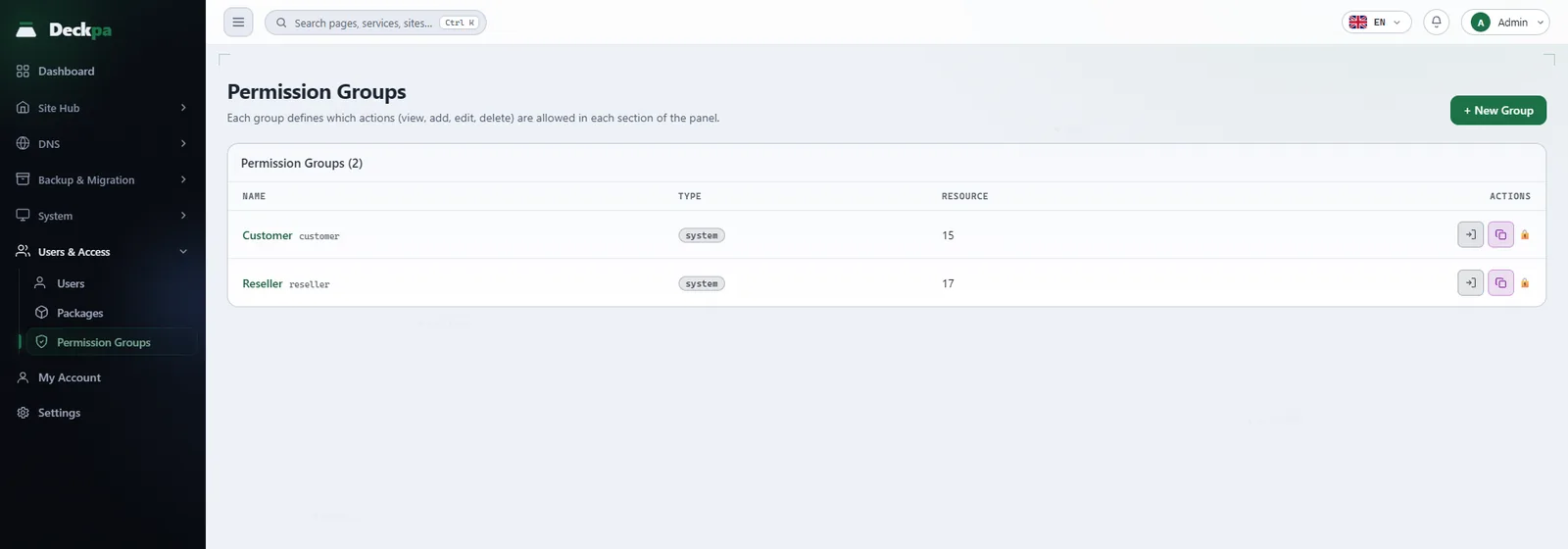
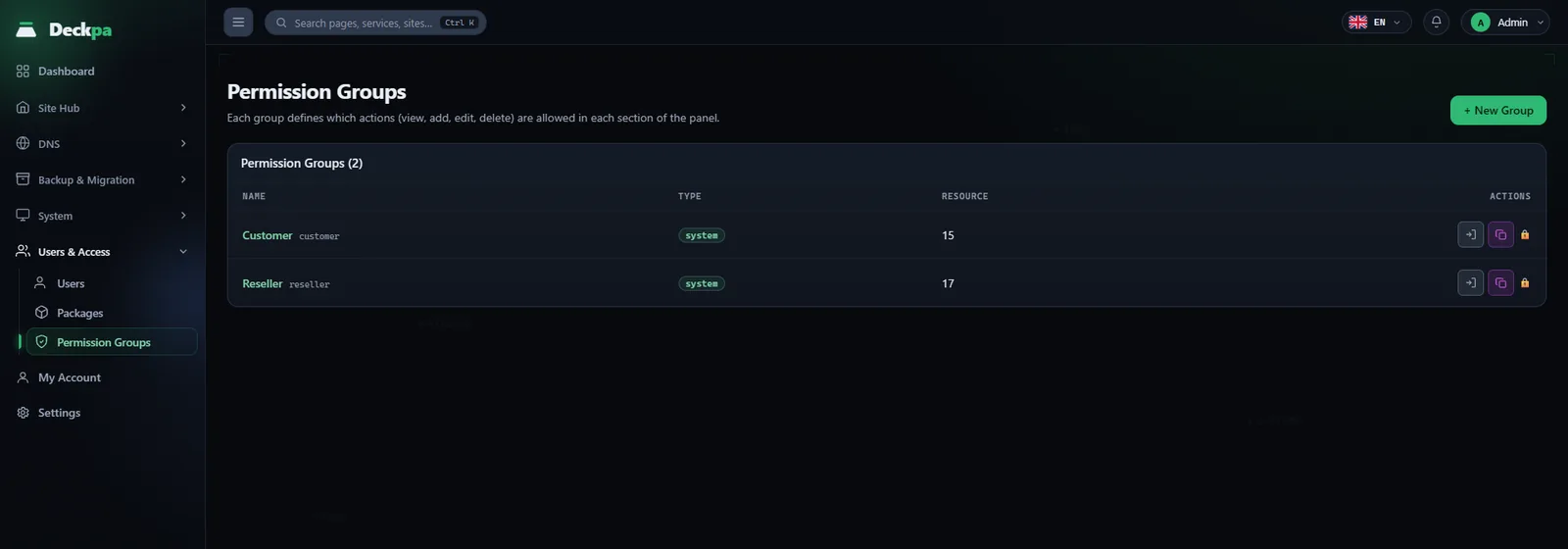
The Users & Access → Permission Groups page lists your groups with their Name, Type (system or custom) and the number of resources. The eye icon shows a group's permissions read-only. The New Group button asks for a name and a matrix:
- Rows are resources: a section of the panel, such as Sites or Databases. Each row also shows the resource's raw key under its name.
- Columns are actions: View, Add, Edit, Delete. If a resource has no such action, the cell shows a dash instead of a checkbox.
- If View is off, the section is hidden from the user completely and the other boxes in that row are disabled.
The matrix contains two kinds of resources. Site resources: Sites, Subdomains, Databases, FTP Accounts, Valkey, Cron Jobs, Backup, Alerts, PHP Settings, File Manager, Logs, Site DNS Records, Apps, Email and Site Security Findings. Management resources: PHP Versions, Users, Packages, Permission Groups and Migration Wizard. The Valkey row also depends on a server-wide switch: if the administrator turned the switch off, a user who has the permission still cannot use Valkey.
System screens (Services, Health Check, Processes, Virus Scan, Network & Access, Containers, Update, License, DNS & Cloudflare and similar) are not in the matrix. They belong to the administrator only; if someone tries to add them to a saved matrix, the panel rejects it.
Built-in groups: Customer and Reseller
Two groups come with the panel and are marked with the system badge. They have a lock icon next to them: they cannot be edited or deleted. To change one, use the Clone button; the copy opens as "Copy of …" and you edit its matrix.
- Customer — all site resources, except adding, deleting and suspending sites. Adding and deleting subdomains is included. None of the management resources are included.
- Reseller — everything in Customer, plus adding, deleting and suspending sites, all four actions for Users, and only View for Packages. Permission Groups, PHP Versions and Migration Wizard are not included.
For example, to open the Migration Wizard to your resellers, clone the Reseller group, tick the Migration Wizard row and move the resellers to the new group (see Site migration). In a cloned group, actions that have no column in the matrix, such as site suspension, are not carried over.
A group that still has users cannot be deleted; the panel says "This group still has users. Move them to another group first."
Which groups a reseller can assign
A reseller cannot give someone a permission it does not have. When creating or editing a user, only groups that meet both conditions appear in the list:
- All of the group's permissions must be within the reseller's own permissions.
- The group must not grant anything for Users or Permission Groups. This way a reseller cannot create another reseller at its own level.
A reseller that was given the Edit permission for Permission Groups (through a custom group) cannot change the group it belongs to, and cannot save a matrix that goes beyond its own permissions. Resellers are also limited for packages: they only view packages, and they can assign a Restricted package only if their username is on its access list.
Packages and quotas
On Users & Access → Packages, the New Package form defines a quota plan. For every limit, 0 means unlimited. The fields and what they do:
- Sites, Databases, FTP, Subdomains — the resources a user owns are counted. When the limit is reached, adding more is refused with a message such as "You have reached your plan's site limit." When a reseller creates a site for a customer, the limit is checked against the customer's package.
- Email — the field is in the panel but does not limit anything today.
- Disk (MB) — applied separately to the Linux user of each of the user's sites. It works only when the
/homefile system is mounted with the user quota option; without it, no quota is applied, but nothing fails either. The "User Disk Quota Prerequisite" check in Health Check shows this state. While quotas are active, each site user also gets a file-count limit that does not come from the package: a soft limit of 450,000 and a hard limit of 500,000. - Bandwidth (MB) — the traffic of the site and its subdomains in the calendar month (UTC) is measured from the access logs once an hour. When the limit is exceeded, a 24-hour period starts; when it ends, if usage is still above the limit, the site and its subdomains are suspended. When usage falls below the limit, the suspension is lifted automatically.
- Backup count and Backup storage (MB) — a cap on the number and total size of each site's backups, counted separately from the disk quota (see Backup and restore).
- Valkey memory (MB) — the cap on the memory the user can set aside for the cache. Only the administrator sets the memory share. A total share above half of the server's memory is also refused.
- Default Group — users created without choosing a group are placed in this group.
- Restricted (selected resellers only) and Resellers with access (usernames) — when off, any reseller can assign the package; when on, only the listed resellers can. Only the administrator changes these two fields.
A package that still has users cannot be deleted; the panel says "This plan still has users. Move them to another plan first." When a user's package is changed, the new disk quota is applied to the user's sites.
Common situations
- A user does not see a screen — View is off for that resource. Add, Edit and Delete have no effect without it.
- I cannot change a built-in group — system groups are locked. Clone the group, edit the copy and move the users to the copy.
- Disk quota is not applied —
/homeis not mounted with the user quota option. The default file system on AlmaLinux 9 is XFS, and on XFS this option takes effect only at mount time, so the server must be restarted after the change. - A site was suspended because of bandwidth — the hourly check lifts the suspension when usage resets at the start of the calendar month or when the package is enlarged.
- A "limit reached" error when creating a site for a customer — the message names the user, the package and the site limit that is full. Enlarge the user's package or create the site under another user's account.