DNS management
You can manage the domain from the panel, or leave it with your current DNS provider and only add records.
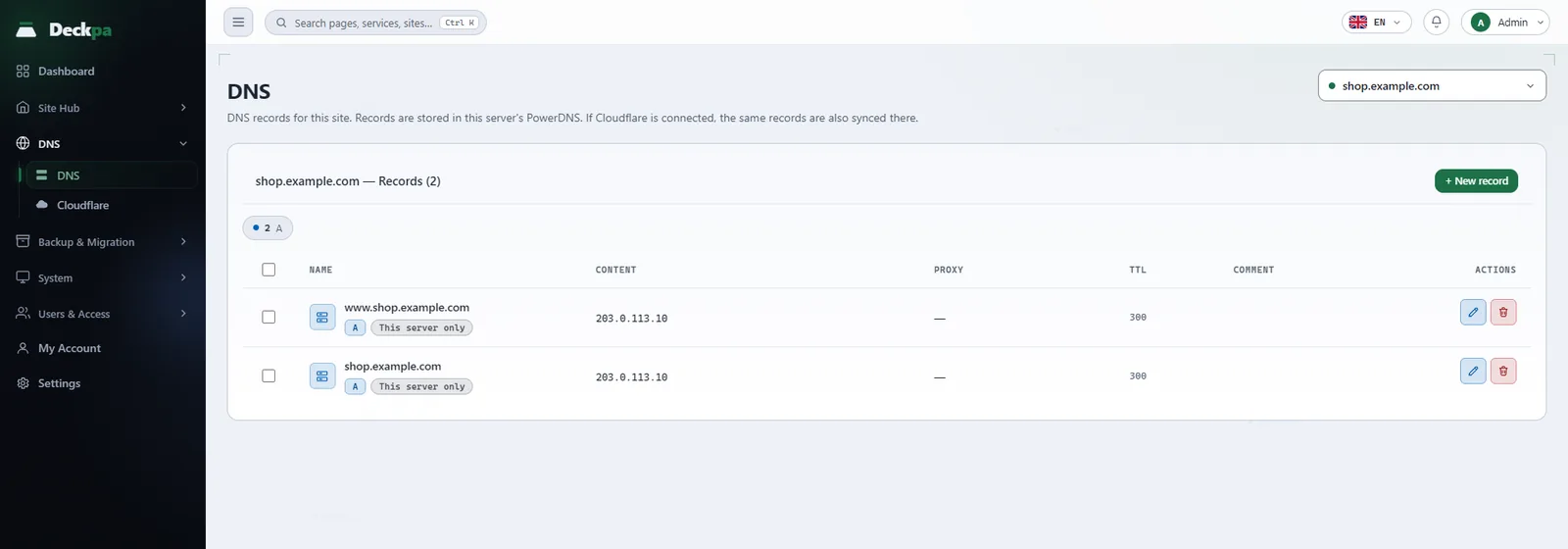
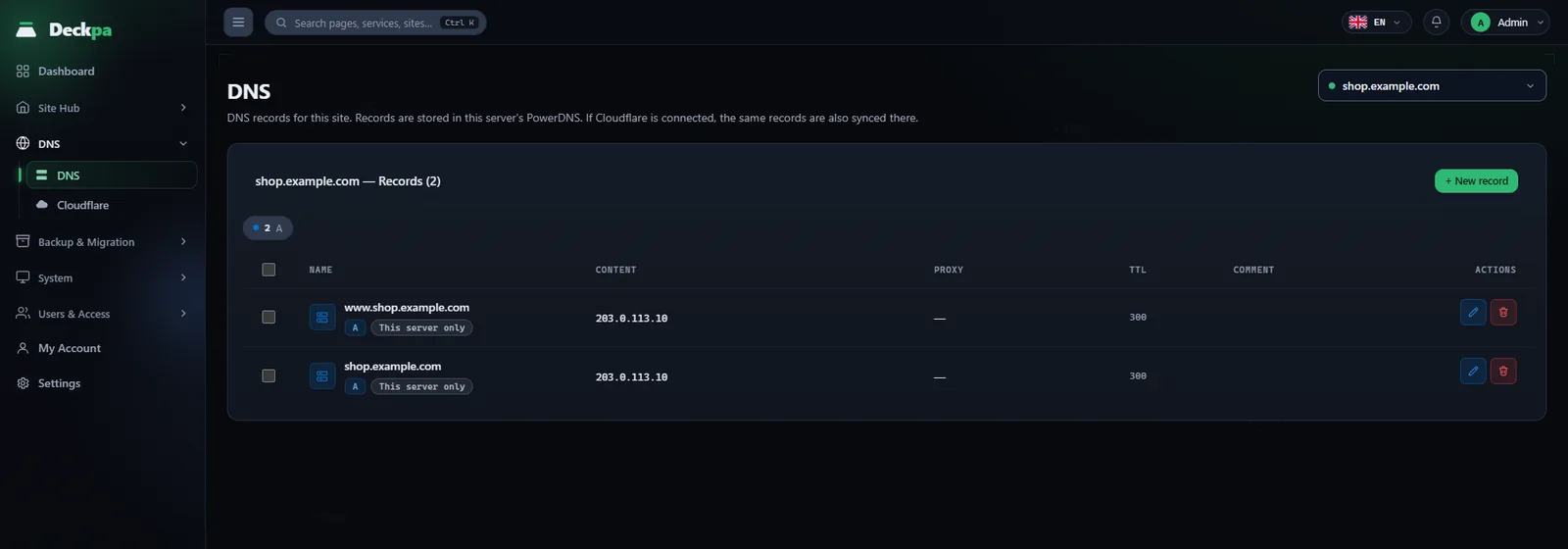
Ways to run DNS
- The panel's own DNS server (PowerDNS) — it comes with the installation and is used for every site. When a site is created, the
@andwwwA records are written to the panel's DNS zone. If you point the domain's name servers to this server, the panel answers for the records; until you do, the zone is not active. - Cloudflare connected — if the domain is already active in Cloudflare, the records are written there too, and the proxy stays off until a certificate is issued. To connect a zone to Cloudflare, use the site's Cloudflare tab.
- External DNS — you leave the records with your current provider. The panel does not touch the records at your provider; the only thing it expects is that the A record points to this server.
The panel shows on the site card whether a domain is in Cloudflare.
Connecting Cloudflare
As an administrator, you enter a Cloudflare API token on the DNS → Cloudflare page. A site owner connects their own token from the site's Cloudflare tab. The panel offers a button that opens Cloudflare's token form with all the required permissions already selected; you only need to create the token with those permissions. You do not need a token with broader access.
If the token can see more than one Cloudflare account, you choose which accounts appear in the panel; domains in accounts you do not select are not listed.
For a newly connected domain, Cloudflare waits for the name servers to change; during that time awaiting nameservers is shown next to the domain. After the name servers change, a waiting SSL step is retried every hour.
Adding records
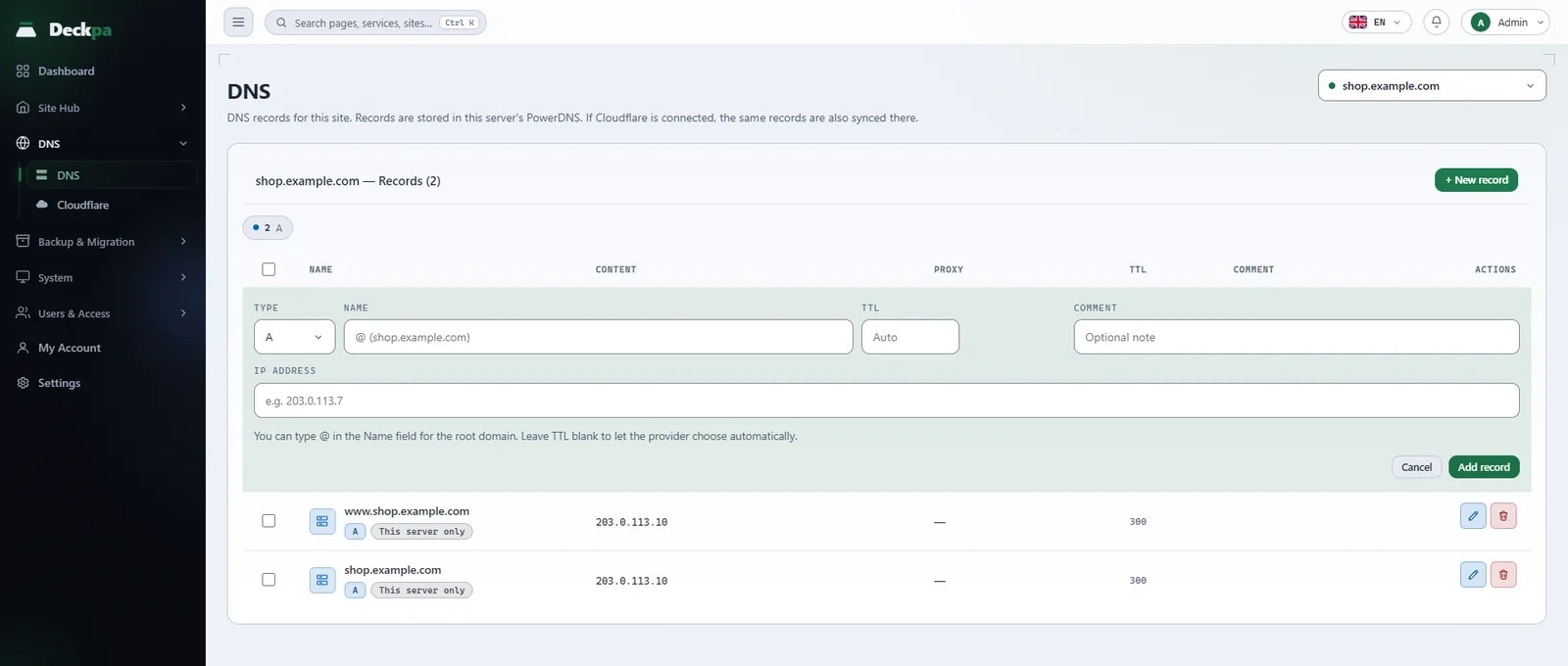
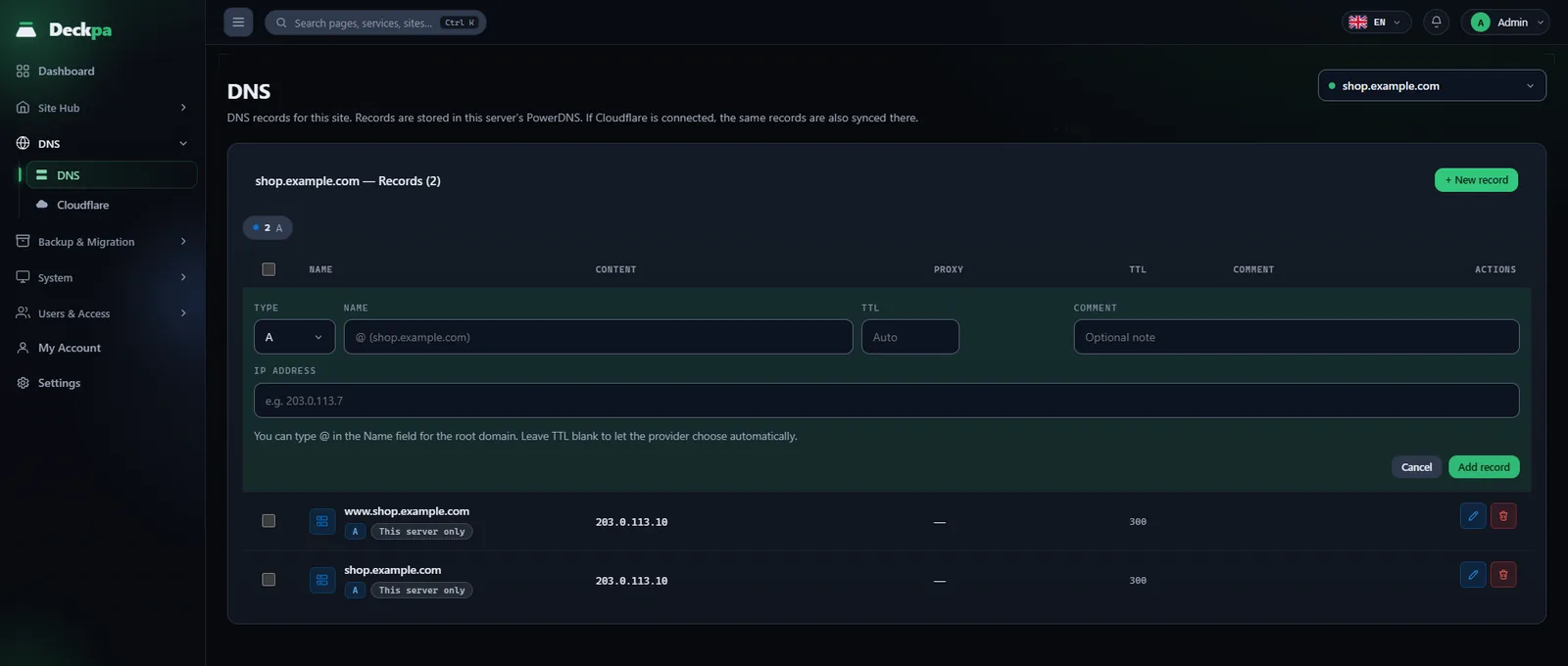
You add records in the DNS records window under the site. Examples of common records:
A      @      203.0.113.10        proxy: on
A      www    203.0.113.10        proxy: on
CNAME  mail   mail.example.net    proxy: off
TXT    @      "v=spf1 include:example.net -all"
The proxy must be off for mail and verification records: Cloudflare proxies only web (HTTP/HTTPS) traffic, not mail traffic.
Propagation and checks
It can take a while for record changes to be visible everywhere, depending on the record's DNS cache time (TTL). You can check where the domain points from the server:
dig +short example.com A
dig +short example.com NS
If the A record shows your server's IP address, the site opens and a waiting SSL step completes on the next attempt.