PHP version and settings
Several PHP versions are installed side by side on the server; each site chooses which one to use.
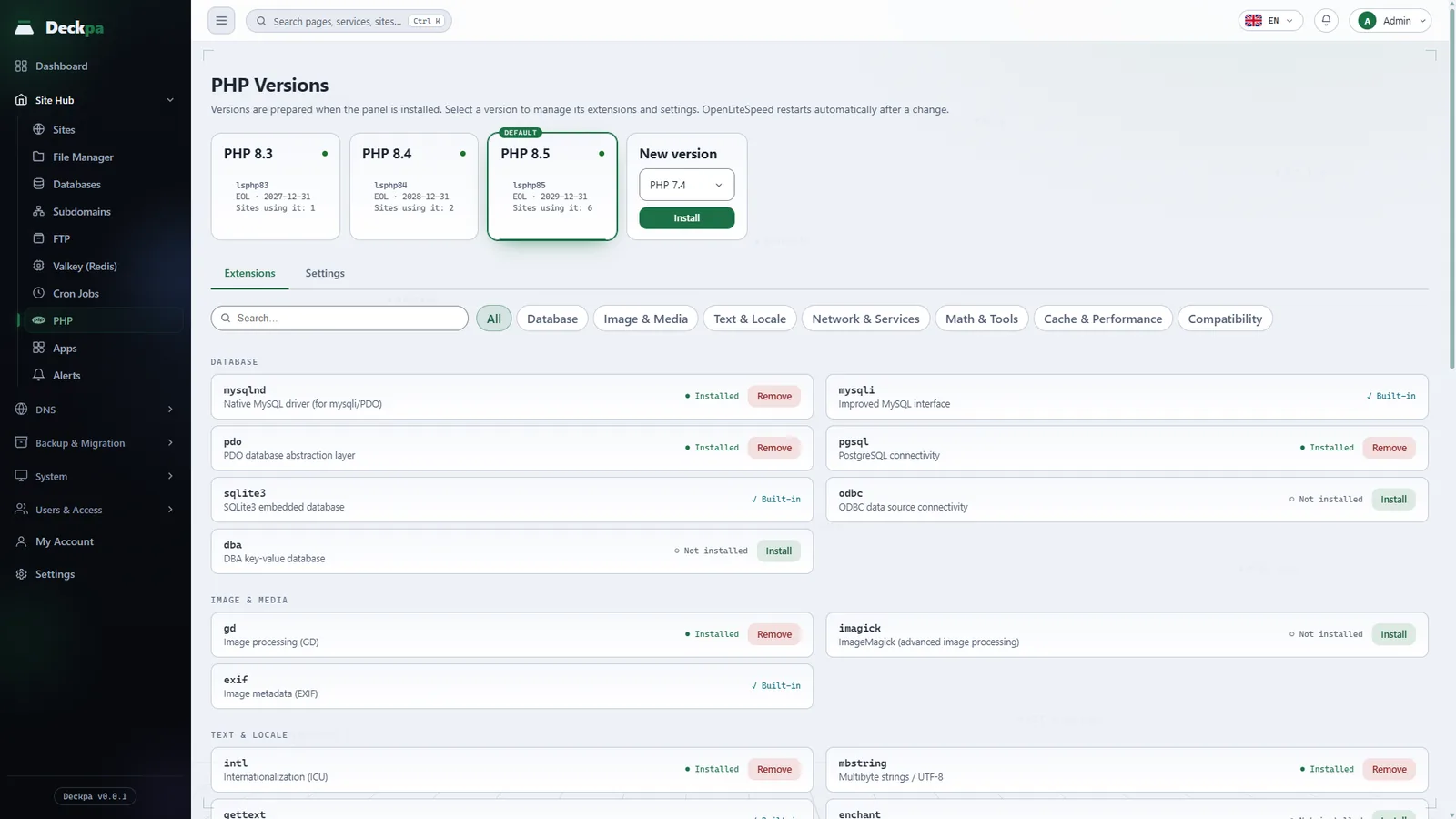
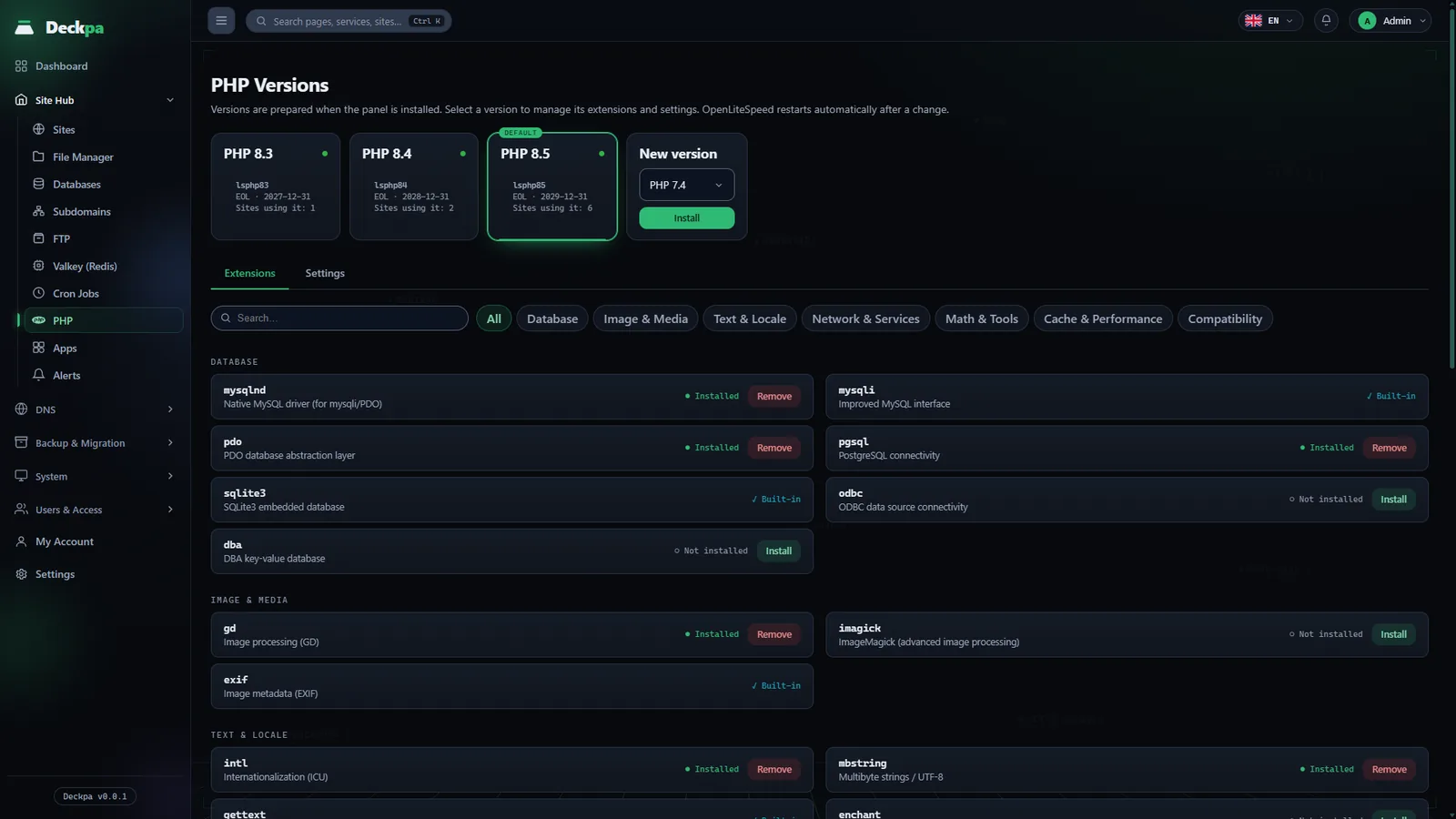
Installed versions
PHP versions are prepared when the panel is installed and are listed on the PHP page. Versions are installed side by side and do not affect each other. The page marks versions nearing the end of support with End of support approaching, and versions past it with Support has ended. Not leaving an unsupported version on live sites is one of the easiest security measures.
Installing a new version or removing an unused one is also done from the same page. When you remove a version, the panel warns you that sites using it will stop working.
Changing a site's version
The version is set per site; you choose it in the site's settings. When you save the change, the site configuration is updated and PHP restarts automatically. Other sites' versions are not affected.
Subdomains use the main site's version by default; if you like, you can give a subdomain its own version.
Extensions
Each version has its own list of extensions. On the PHP page, select the version, then install or remove the extension; OpenLiteSpeed restarts when the action finishes. For an extension that connects to a service such as Valkey or Memcached to work, that service must also be installed on the server (see the Services page).
You can also check the installed extensions on the server (the example uses PHP 8.3):
/usr/local/lsws/lsphp83/bin/php -m
Limits and behavior
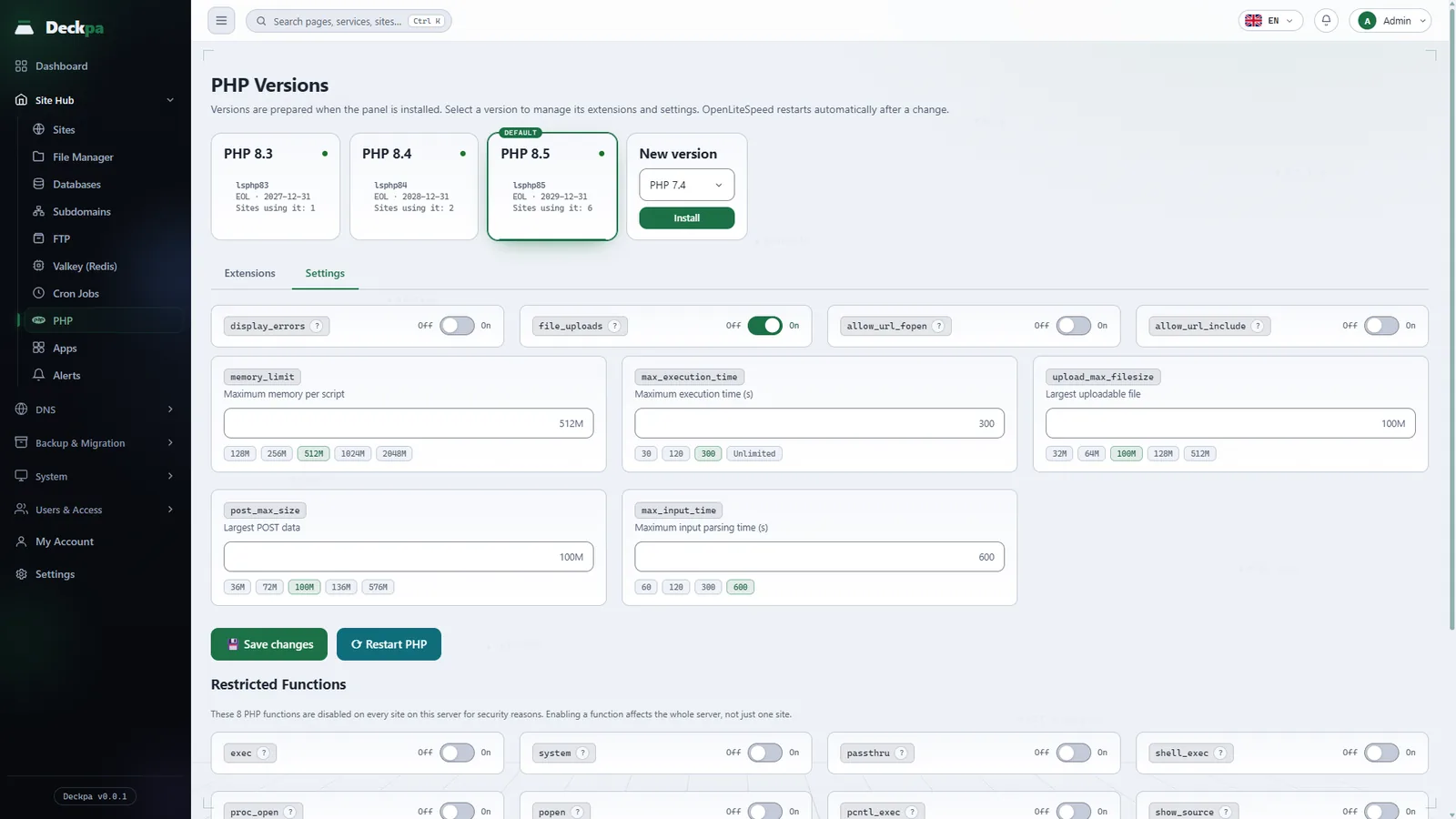
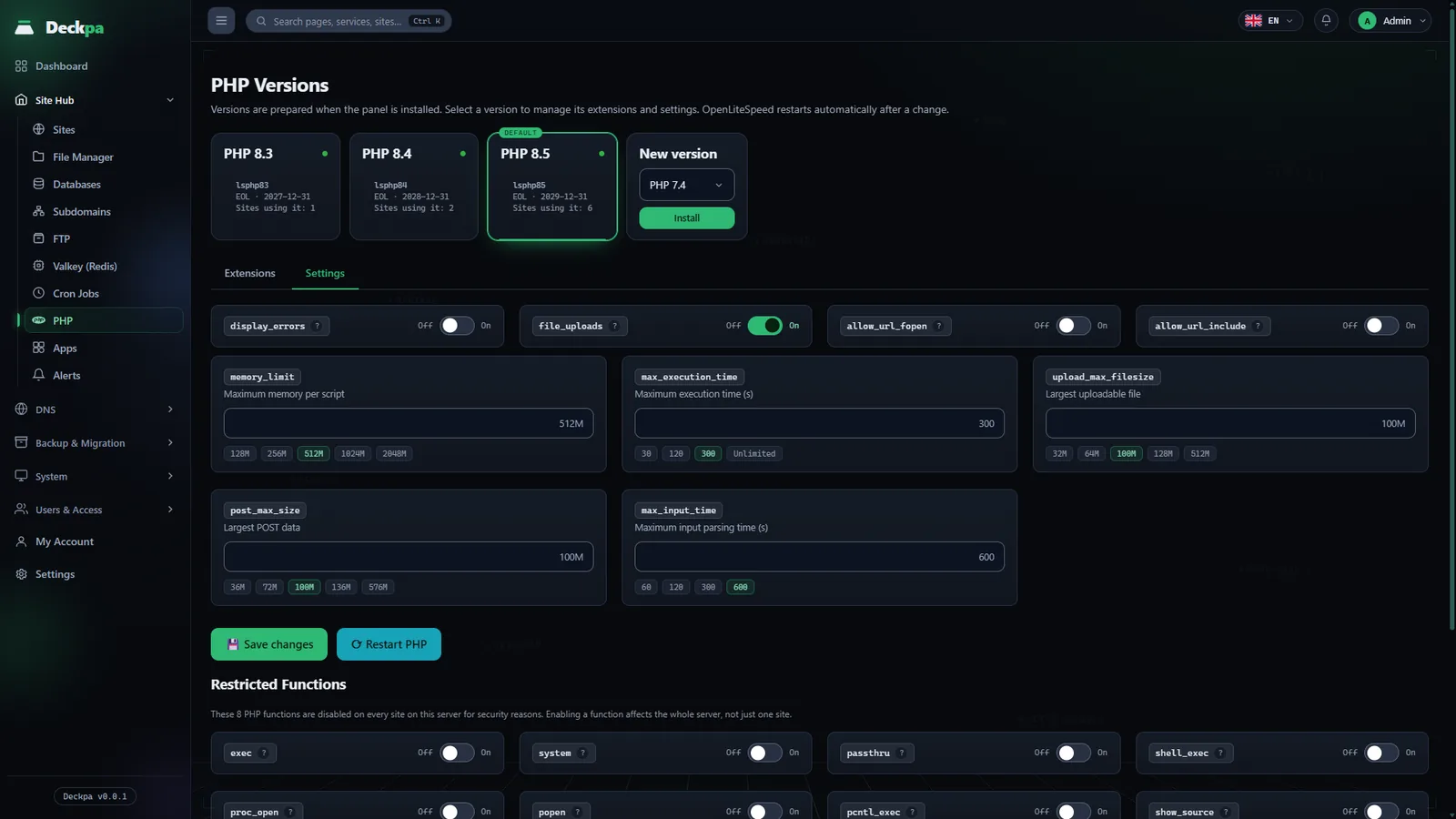
An administrator uses the Settings tab on the PHP page to edit the values that apply to every site using the selected version. To give one site its own value, use the PHP section in that site's settings. The values you can change fall into two groups:
- Limits:
memory_limit,max_execution_time,max_input_time,post_max_size,upload_max_filesize. - Behavior:
display_errors,file_uploads,allow_url_fopen,allow_url_include.
Values you do not change keep the version's default. On live sites, display_errors and allow_url_include should be off: the first shows error messages to visitors, and the second allows code from a remote address to be run.
Isolation and restarts
Because each site runs under its own Linux user, its PHP processes run with that user's permissions too: a vulnerability in one site cannot access the files of other sites.
After a settings change, the panel restarts PHP by itself. If an administrator needs to restart it manually, the Restart button on the PHP page does it.